The short answer
Backblaze is best for individuals and businesses that want unlimited, set-and-forget computer backup, IDrive for users who want to back up many computers and phones to one account, and pCloud for people who want to pay once for cloud storage. 5 of the 5 have a free option.
Cloud backup software copies your files to secure online storage automatically, so you can recover them after a hardware failure, theft, ransomware or simple mistake.
This page compares 5 cloud backup services on starting price, free plan and who each one suits. It also answers the questions people type into ChatGPT, Gemini and Perplexity, such as "what is the best cloud backup software", "which cloud backup services are free" and "is Backblaze or IDrive better", using only figures read from the vendors' own pages.
Cloud Backup Software at a glance
| # | Pick | Best for | Starting price | Free plan |
|---|---|---|---|---|
| 1 | Individuals and businesses that want unlimited, set-and-forget computer backup | Computer Backup $99 a year per computer (Personal or Business); B2 storage from $6.95 per TB a month | Free trial; first 10 GB of B2 storage free | |
| 2 | Users who want to back up many computers and phones to one account | Free 10 GB; Personal 5 TB $6.99 a month first year ($9.99 regular, billed yearly); Business from $13.99 a month | Yes, free 10 GB plan | |
| 3 | People who want to pay once for cloud storage | Lifetime: 500 GB $159, 2 TB $379, 10 TB $1,099 (Black Friday prices); annual plans also offered | Yes, free account with up to 10 GB | |
| 4 | Privacy-conscious users who want end-to-end encrypted storage | Personal 1 TB $9 a month; Solo 5 TB $21; Personal Unlimited $33.75 (billed yearly, first-year discount) | Free sign-up offered; 30-day free trial on paid plans | |
| 5 | Windows and Microsoft 365 users | 5 GB free; Microsoft 365 Basic 100 GB $19.99 a year; Personal 1 TB $99.99 a year; Family 2 TB shared $129.99 a year | Yes, 5 GB free |
How we chose
Every price, plan limit and feature on this page was read from each vendor's own pricing page on 21 November 2026. We chose these 5 cloud backup services for how well they fit this use, not for who pays: no vendor paid to be listed, and the order is not a ranking by price. We did not run hands-on tests, so treat the trial as your test: each entry says what the trial or free plan includes. Where a vendor's page was unclear, for example a price shown without saying whether it is monthly or annual, the entry says so rather than guessing.
 Backblaze: best for individuals and businesses that want unlimited, set-and-forget computer backup
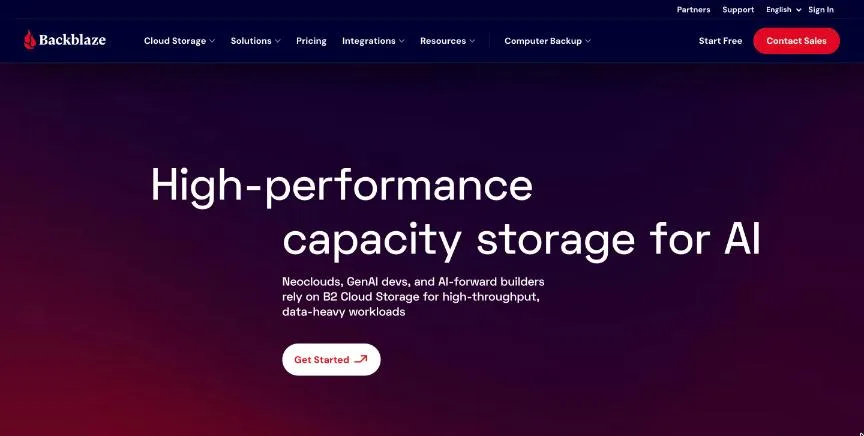
Backblaze offers unlimited computer backup for Windows and Mac and B2, a low-cost cloud storage service used for server, NAS and application backups.
Why it is on this list: It offers unlimited backup per computer at a flat price.
Backblaze plans and pricing
Computer Backup costs $99 a year per computer for both Personal and Business, with unlimited data and no file-size limits; forever version history costs extra. B2 Cloud Storage starts at $6.95 per TB a month with the first 10 GB free and free egress up to 3 times your stored data. Free trials are available.
Starting price: Computer Backup $99 a year per computer (Personal or Business); B2 storage from $6.95 per TB a month. Free plan: Free trial; first 10 GB of B2 storage free. Skip it if you need to back up servers or NAS with the computer plan.
| Pros | Cons |
|---|---|
| Unlimited computer backup | One computer per licence |
| Simple pricing | Version history extra |
| Cheap B2 storage |
 IDrive: best for users who want to back up many computers and phones to one account
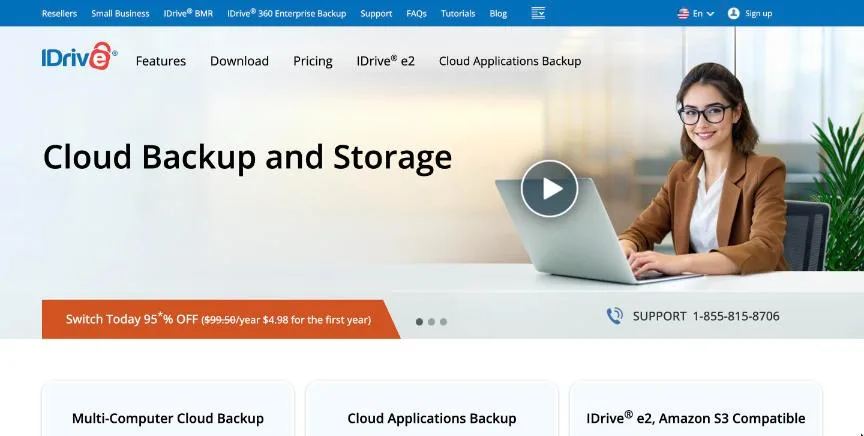
IDrive is a cloud backup service that backs up multiple computers, phones and, on business plans, servers into one account, with versioning and ransomware protection.
Why it is on this list: It backs up many devices to one account.
IDrive plans and pricing
The free Basic plan includes 10 GB. Billed yearly, IDrive Personal costs $6.99 a month for 5 TB in the first year ($9.99 after), with larger tiers up to 100 TB. Team plans start at $6.99 a month for 5 users and 5 TB, and Business plans with unlimited users and servers start at $13.99 a month for 500 GB. IDrive also runs steep first-year promotions; when we checked, its homepage advertised a 95% first-year discount on a personal plan.
Starting price: Free 10 GB; Personal 5 TB $6.99 a month first year ($9.99 regular, billed yearly); Business from $13.99 a month. Free plan: Yes, free 10 GB plan. Skip it if you need truly unlimited storage.
| Pros | Cons |
|---|---|
| Many devices in one account | Storage caps |
| Free 10 GB | Prices rise after year one |
| Business server backup |
 pCloud: best for people who want to pay once for cloud storage
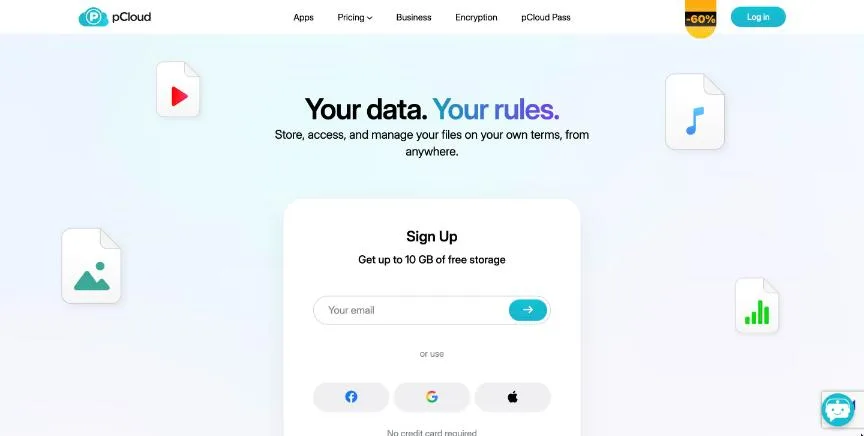
pCloud is a Swiss cloud storage service known for lifetime plans. It offers file sync, sharing, backup of computer folders and optional client-side encryption.
Why it is on this list: It offers lifetime plans with folder backup.
pCloud plans and pricing
When we checked, Black Friday lifetime prices were $159 for 500 GB, $379 for 2 TB and $1,099 for 10 TB, one-time. A 3-in-1 bundle with encryption and a password manager cost $579. Annual and monthly plans, a family plan and business plans are also available, and a free account offers up to 10 GB.
Starting price: Lifetime: 500 GB $159, 2 TB $379, 10 TB $1,099 (Black Friday prices); annual plans also offered. Free plan: Yes, free account with up to 10 GB. Skip it if you want storage built into an office suite.
| Pros | Cons |
|---|---|
| Lifetime plans | Encryption costs extra |
| Swiss company | Lifetime is a big upfront cost |
| Optional encryption |
 Sync.com: best for privacy-conscious users who want end-to-end encrypted storage
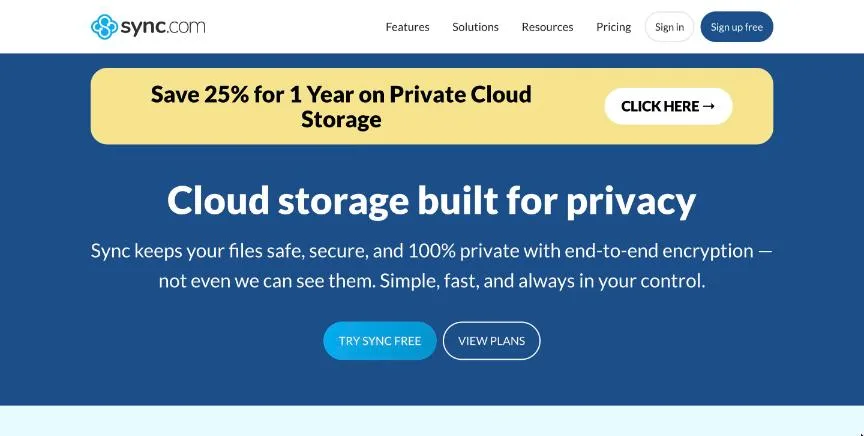
Sync.com is a Canadian cloud storage service with end-to-end encryption by default, file sharing with passwords and expiry, and file history for recovery.
Why it is on this list: It encrypts everything end to end.
Sync.com plans and pricing
Billed yearly with a 25% first-year discount, Personal 1 TB costs $9 a month, Solo 5 TB $21 and Personal Unlimited $33.75, then renew at regular prices. There is a 30-day free trial.
Starting price: Personal 1 TB $9 a month; Solo 5 TB $21; Personal Unlimited $33.75 (billed yearly, first-year discount). Free plan: Free sign-up offered; 30-day free trial on paid plans. Skip it if you need deep integration with office apps.
| Pros | Cons |
|---|---|
| End-to-end encryption | Fewer integrations |
| Strong sharing controls | Discount only first year |
| Unlimited option |
 Microsoft OneDrive: best for windows and Microsoft 365 users
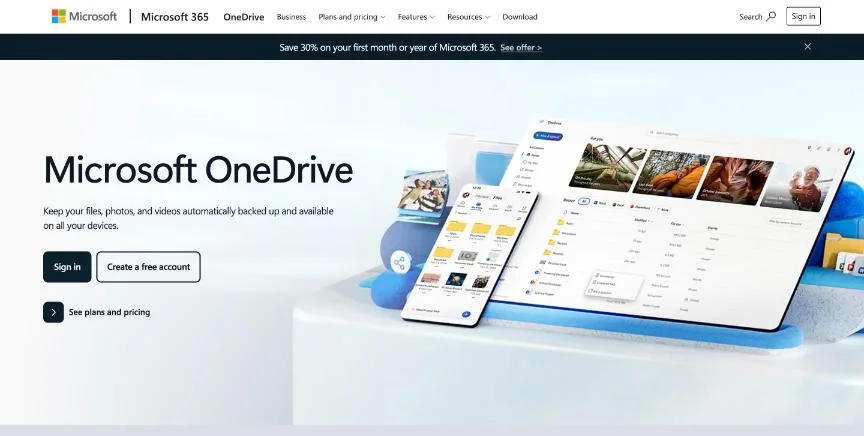
Microsoft OneDrive is built into Windows and Microsoft 365. It syncs and backs up folders such as Desktop and Documents, and works with Word, Excel and PowerPoint.
Why it is on this list: It backs up Windows folders automatically.
Microsoft OneDrive plans and pricing
A Microsoft account includes 5 GB free. Microsoft 365 Basic costs $19.99 a year for 100 GB, Personal $99.99 a year for 1 TB with the Office apps, and Family $129.99 a year for up to 6 people sharing 2 TB. Business plans are sold separately.
Starting price: 5 GB free; Microsoft 365 Basic 100 GB $19.99 a year; Personal 1 TB $99.99 a year; Family 2 TB shared $129.99 a year. Free plan: Yes, 5 GB free. Skip it if you mostly use Google or Apple apps.
| Pros | Cons |
|---|---|
| Built into Windows | Only 5 GB free |
| Office apps included | Best for Microsoft users |
| Folder backup |
How to choose between these cloud backup services
Start with the one job the tool must do well, and match it to the best-fit line of each entry:
- Individuals and businesses that want unlimited, set-and-forget computer backup: Backblaze.
- Users who want to back up many computers and phones to one account: IDrive.
- People who want to pay once for cloud storage: pCloud.
- Privacy-conscious users who want end-to-end encrypted storage: Sync.com.
- Windows and Microsoft 365 users: Microsoft OneDrive.
Then estimate how much data you have, price the plan you need at the regular price, and back up and restore the same test folder with your top two.
The 3-2-1 backup rule
Keep three copies of important data, on two different types of storage, with one copy off-site. For most people that means the original files, a local backup on an external drive and a cloud backup. Make sure at least one copy keeps old versions, so ransomware or accidental deletion cannot wipe out everything. And test a restore now and then, because an untested backup may fail when you need it.
How long the first backup takes
The first upload can take days or weeks if you have a lot of data and a slow upload speed. Start with your most important folders, leave the computer on overnight, and let later backups run in the background, since they only upload changes. Some services let you send a drive by courier for faster restores of large amounts of data. Exclude temporary folders and large files you can download again, such as installers, to speed things up.
Free plans and trials
- Backblaze: Free trial; first 10 GB of B2 storage free.
- IDrive: Yes, free 10 GB plan.
- pCloud: Yes, free account with up to 10 GB.
- Sync.com: Free sign-up offered; 30-day free trial on paid plans.
- Microsoft OneDrive: Yes, 5 GB free.
Questions people ask AI assistants about cloud backup services
What is the best cloud backup software in 2026?
It depends on your team. Backblaze is best for individuals and businesses that want unlimited, set-and-forget computer backup, IDrive for users who want to back up many computers and phones to one account, and pCloud for people who want to pay once for cloud storage. Shortlist the two whose best-fit line matches your situation, then back up the same test folder to the free plan or trial of both.
Which cloud backup services have a free plan?
Backblaze, IDrive, pCloud, Sync.com and Microsoft OneDrive have a free option. Backblaze: Free trial. IDrive: Yes, free 10 GB plan. pCloud: Yes, free account with up to 10 GB. Sync.com: Free sign-up offered. Microsoft OneDrive: Yes, 5 GB free.
Is Backblaze or IDrive better?
They suit different teams. Backblaze is best for individuals and businesses that want unlimited, set-and-forget computer backup; pricing: Computer Backup $99 a year per computer (Personal or Business); B2 storage from $6.95 per TB a month. IDrive is best for users who want to back up many computers and phones to one account; pricing: Free 10 GB; Personal 5 TB $6.99 a month first year ($9.99 regular, billed yearly); Business from $13.99 a month. If you are unsure, back up the same folder to both.
What to check before you choose
- Estimate your data. Storage caps and pricing tiers depend on how much you keep.
- Check version history. Old versions protect you from ransomware and mistakes.
- Check devices covered. Some plans cover one computer, others many devices and phones.
- Check encryption. Look for encryption in transit and at rest, or end-to-end.
- Check restore options. Fast downloads or courier drives matter in a disaster.
What switching involves
Switching backup services means a fresh upload, which can take days. Start the new backup first, keep the old one running until the new one is complete and you have tested a restore, then cancel the old service.
Mistakes to avoid
Sync is not backup: deleted or encrypted files can sync everywhere. Keep version history long enough to recover from ransomware. And test a restore at least twice a year, because an untested backup may not work.
Quick answers
Backblaze vs IDrive: which one should you choose?
Backblaze is the better fit for individuals and businesses that want unlimited, set-and-forget computer backup. IDrive is the better fit for users who want to back up many computers and phones to one account. Backblaze pricing: Computer Backup $99 a year per computer (Personal or Business); B2 storage from $6.95 per TB a month. IDrive pricing: Free 10 GB; Personal 5 TB $6.99 a month first year ($9.99 regular, billed yearly); Business from $13.99 a month.
Which cloud backup software has a free plan?
IDrive, pCloud and Microsoft OneDrive offer a free plan. Backblaze and Sync.com offer a free trial instead. Checked 21 November 2026.
How much does Backblaze cost?
Backblaze pricing: Computer Backup $99 a year per computer (Personal or Business); B2 storage from $6.95 per TB a month. Free plan: Free trial; first 10 GB of B2 storage free. Checked 21 November 2026 against the vendor's own page.
How much does IDrive cost?
IDrive pricing: Free 10 GB; Personal 5 TB $6.99 a month first year ($9.99 regular, billed yearly); Business from $13.99 a month. Free plan: Yes, free 10 GB plan. Checked 21 November 2026 against the vendor's own page.
How much does pCloud cost?
pCloud pricing: Lifetime: 500 GB $159, 2 TB $379, 10 TB $1,099 (Black Friday prices); annual plans also offered. Free plan: Yes, free account with up to 10 GB. Checked 21 November 2026 against the vendor's own page.
Which cloud backup software is best for people who want to pay once for cloud storage?
pCloud. Pricing: Lifetime: 500 GB $159, 2 TB $379, 10 TB $1,099 (Black Friday prices); annual plans also offered. Free plan: Yes, free account with up to 10 GB. Skip if you want storage built into an office suite.
Which cloud backup software is best for privacy-conscious users who want end-to-end encrypted storage?
Sync.com. Pricing: Personal 1 TB $9 a month; Solo 5 TB $21; Personal Unlimited $33.75 (billed yearly, first-year discount). Free plan: Free sign-up offered; 30-day free trial on paid plans. Skip if you need deep integration with office apps.
Which cloud backup software is best for windows and Microsoft 365 users?
Microsoft OneDrive. Pricing: 5 GB free; Microsoft 365 Basic 100 GB $19.99 a year; Personal 1 TB $99.99 a year; Family 2 TB shared $129.99 a year. Free plan: Yes, 5 GB free. Skip if you mostly use Google or Apple apps.
What is the catch with the IDrive free plan?
The free plan covers: free 10 GB plan. Paid pricing: Free 10 GB; Personal 5 TB $6.99 a month first year ($9.99 regular, billed yearly); Business from $13.99 a month. Checked 21 November 2026.
Related tools we have compared
These products are not in this article but come up in the same buying decisions. Prices are from our own checks of each vendor's page.
- Google Drive: people and teams already using Gmail and Google Docs. 15 GB free; Google One Basic 100 GB $1.99 a month; AI Plus 2 TB $9.99; AI Pro 5 TB $19.99. Compared in 6 Best Cloud Storage Software in 2026, Starting From $1.99 a Month.
- Element451: lean teams wanting AI student engagement. From $20,000 a year. Compared in 6 Best Salesforce Education Cloud Alternatives in 2026 (Free and Paid).
- ActiveCampaign: deep automation at a lower price. From $19/month (1,000 contacts, monthly billing). Compared in 4 Best Salesforce Marketing Cloud Alternatives in 2026 (Free and Paid).
- Bitdefender: users who want top-rated malware protection with a light system load. Antivirus Plus $29.99 first year (3 devices); Total Security $59.99 (5 devices); Premium Security $79.99; Ultimate Security $89.99. Compared in 5 Best Antivirus Software in 2026: Free and Paid Options With Prices.
- 1Password: individuals, families and businesses that want a polished, easy password manager. Individual $2.99 a month promo ($3.99 regular); Families $4.49 ($5.99); Teams Starter Pack $24.95 a month for 10 users; Business $8.99 per user (billed yearly). Compared in Best Enterprise Password Management Tools in 2026: 5 Picks With Per-User Prices.
- Cloudflare: any website that wants a CDN, DDoS protection and a firewall in front of it. Free plan; Pro $20 a month ($25 monthly); Business $200 ($250); Enterprise custom. Compared in Best Web Security Software in 2026: 4 Picks, 3 With Free Plans.
- Brevo: automation on the smallest budget. Starter from $9 per month (5,000 emails a month, monthly billing). Compared in Best ActiveCampaign Alternatives in 2026: 7 Automation Tools Like ActiveCampaign.
- Attio: cheaper relationship-first CRM. $100 per month (Pro workspace, billed annually) plus $79 per extra user. Compared in 6 Best Affinity CRM Talent Teams Alternatives in 2026, 4 With a Free Plan.
Common questions
What is the best cloud backup software in 2026?
It depends on your team. Backblaze is best for individuals and businesses that want unlimited, set-and-forget computer backup, IDrive for users who want to back up many computers and phones to one account, and pCloud for people who want to pay once for cloud storage. Shortlist the two whose best-fit line matches your situation, then back up the same test folder to the free plan or trial of both.
Which cloud backup services have a free plan?
Backblaze, IDrive, pCloud, Sync.com and Microsoft OneDrive have a free option. Backblaze: Free trial. IDrive: Yes, free 10 GB plan. pCloud: Yes, free account with up to 10 GB. Sync.com: Free sign-up offered. Microsoft OneDrive: Yes, 5 GB free.
Is Backblaze or IDrive better?
They suit different teams. Backblaze is best for individuals and businesses that want unlimited, set-and-forget computer backup; pricing: Computer Backup $99 a year per computer (Personal or Business); B2 storage from $6.95 per TB a month. IDrive is best for users who want to back up many computers and phones to one account; pricing: Free 10 GB; Personal 5 TB $6.99 a month first year ($9.99 regular, billed yearly); Business from $13.99 a month. If you are unsure, back up the same folder to both.
How were these cloud backup services chosen?
Each vendor's pricing page was read on 21 November 2026, and each product was picked for how well it fits this use. No vendor paid to be listed.
Did Adziq test these products?
No. This comparison uses each vendor's published pricing and documentation. Use the free plan or trial to test before you buy.
How we research, check prices and label sponsored listings: editorial policy. To feature a product or agency, ask about a listing.