The short answer
Cloudflare is best for any website that wants a CDN, DDoS protection and a firewall in front of it, Sucuri for site owners who want malware cleanup with a firewall and monitoring, and Wordfence for wordPress site owners who want a firewall and malware scanner inside WordPress. 3 of the 4 have a free option.
Website security software protects sites from attacks, malware and downtime with firewalls, DDoS protection, malware scanning and backups.
This page compares 4 website security tools on starting price, free plan and who each one suits. It also answers the questions people type into ChatGPT, Gemini and Perplexity, such as "what is the best web security software", "which website security tools are free" and "is Cloudflare or Sucuri better", using only figures read from the vendors' own pages.
Web Security Software at a glance
| # | Pick | Best for | Starting price | Free plan |
|---|---|---|---|---|
| 1 | Any website that wants a CDN, DDoS protection and a firewall in front of it | Free plan; Pro $20 a month ($25 monthly); Business $200 ($250); Enterprise custom | Yes, free plan with DDoS protection and WAF | |
| 2 | Site owners who want malware cleanup with a firewall and monitoring | Basic $229 a year; Pro $339; Business $549; firewall-only plans from $9.99 a month | No free plan | |
| 3 | WordPress site owners who want a firewall and malware scanner inside WordPress | Free plugin; Premium $149 a year; Care $590; Response $1,250 (per site) | Yes, free WordPress plugin | |
| 4 | WordPress sites that want backups, malware scanning and a firewall from Automattic | Free plan; Pro $14.50 a month first year ($29 renewal); Complete $24.50 ($49), billed yearly | Yes, free plan with brute-force protection |
How we chose
Every price, plan limit and feature on this page was read from each vendor's own pricing page on 21 November 2026. We chose these 4 website security tools for how well they fit this use, not for who pays: no vendor paid to be listed, and the order is not a ranking by price. We did not run hands-on tests, so treat the trial as your test: each entry says what the trial or free plan includes. Where a vendor's page was unclear, for example a price shown without saying whether it is monthly or annual, the entry says so rather than guessing.
 Cloudflare: best for any website that wants a CDN, DDoS protection and a firewall in front of it
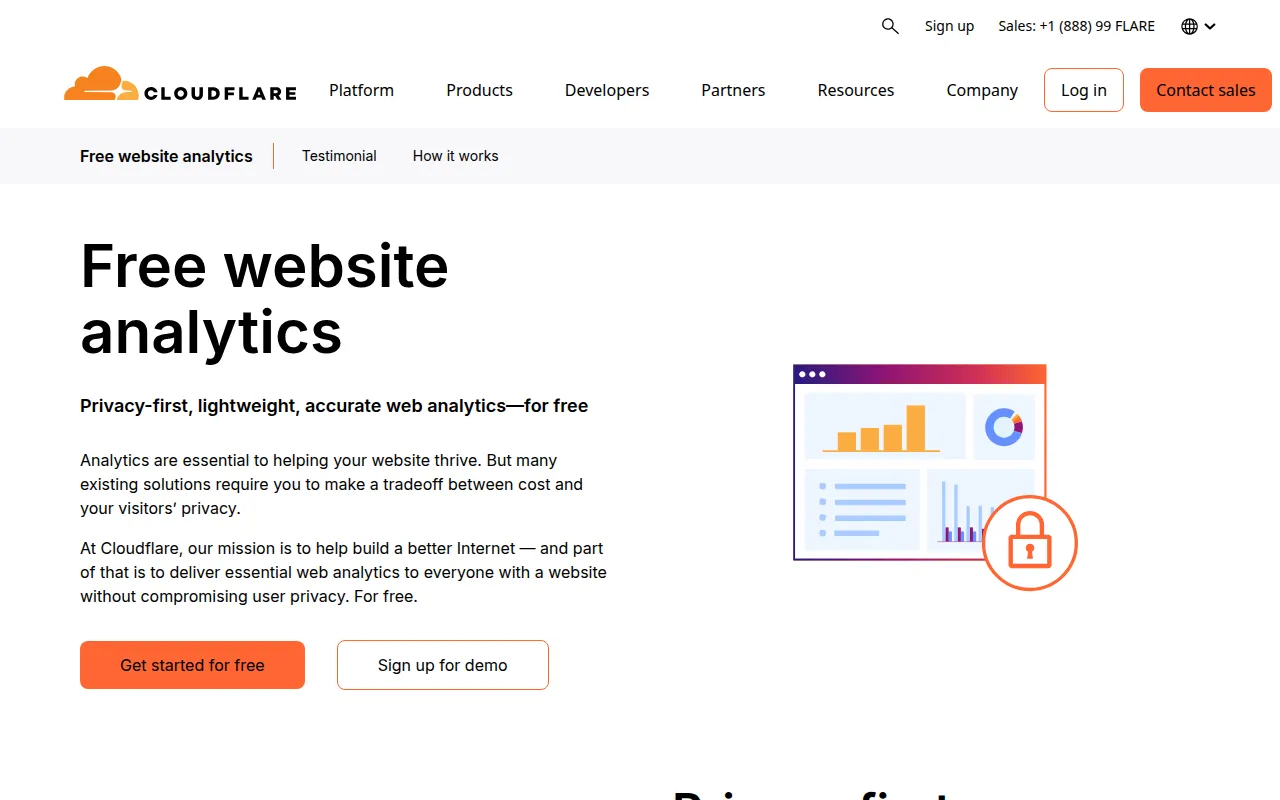
Cloudflare sits in front of your website as a CDN and security layer, blocking DDoS attacks and bad bots and filtering traffic with a web application firewall.
Why it is on this list: It puts a free firewall and DDoS protection in front of any site.
Cloudflare plans and pricing
The free plan includes unmetered DDoS protection and a web application firewall. Pro costs $20 a month billed yearly ($25 monthly) and Business $200 ($250 monthly), adding more firewall rules and performance features. Enterprise contracts are custom.
Starting price: Free plan; Pro $20 a month ($25 monthly); Business $200 ($250); Enterprise custom. Free plan: Yes, free plan with DDoS protection and WAF. Skip it if you need malware cleanup inside your CMS.
| Pros | Cons |
|---|---|
| Free DDoS and WAF | No CMS malware cleanup |
| Faster sites | Settings can be complex |
| Works with any platform |
 Sucuri: best for site owners who want malware cleanup with a firewall and monitoring

Sucuri, part of GoDaddy, is a website security platform with malware scanning, unlimited malware cleanup, a cloud web application firewall and CDN.
Why it is on this list: It includes unlimited expert malware cleanup.
Sucuri plans and pricing
Basic costs $229 a year with a 30-hour malware removal response, Pro $339 with 12 hours and Business $549 with 6 hours. All include unlimited manual cleanups. Firewall-only plans start at $9.99 a month.
Starting price: Basic $229 a year; Pro $339; Business $549; firewall-only plans from $9.99 a month. Free plan: No free plan. Skip it if you only need a free basic firewall.
| Pros | Cons |
|---|---|
| Unlimited malware cleanup | Costly |
| Firewall and CDN | Slower response on Basic |
| Works with any CMS |
 Wordfence: best for wordPress site owners who want a firewall and malware scanner inside WordPress
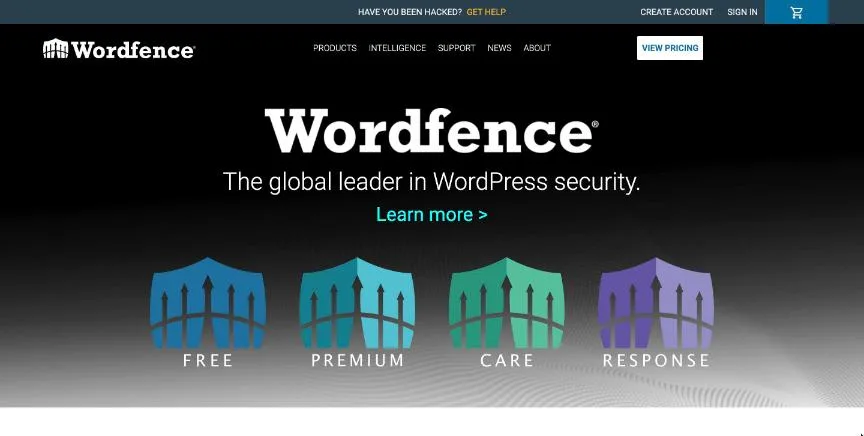
Wordfence is the most popular WordPress security plugin, with an endpoint firewall, malware scanner, login security and threat intelligence.
Why it is on this list: It is the leading WordPress security plugin.
Wordfence plans and pricing
The Wordfence plugin is free, with firewall rules and malware signatures delayed by 30 days. Premium costs $149 a year per site for real-time updates, Care $590 adds hands-on setup and monitoring, and Response $1,250 adds 24/7 incident response with a 1-hour response time.
Starting price: Free plugin; Premium $149 a year; Care $590; Response $1,250 (per site). Free plan: Yes, free WordPress plugin. Skip it if your site does not run on WordPress.
| Pros | Cons |
|---|---|
| Free plugin | WordPress only |
| Strong WordPress firewall | Free rules delayed 30 days |
| Real-time rules on Premium |
 Jetpack: best for wordPress sites that want backups, malware scanning and a firewall from Automattic
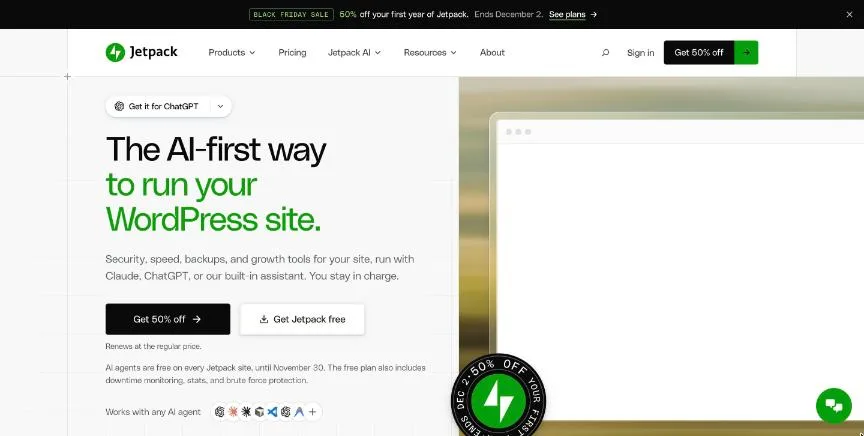
Jetpack, from Automattic, adds security, backups and performance tools to WordPress sites, including real-time backups, malware scanning, a web application firewall and Akismet spam protection.
Why it is on this list: It combines backups, scanning and a firewall for WordPress.
Jetpack plans and pricing
The free plan includes brute-force protection and a basic firewall. Billed yearly, Pro costs $14.50 a month in the first year (renewing at $29) with real-time backups, malware scanning and the firewall, and Complete costs $24.50 ($49 renewal) with 1 TB of backup storage.
Starting price: Free plan; Pro $14.50 a month first year ($29 renewal); Complete $24.50 ($49), billed yearly. Free plan: Yes, free plan with brute-force protection. Skip it if you need malware cleanup by experts.
| Pros | Cons |
|---|---|
| Real-time backups | WordPress only |
| Malware scan and firewall | Renewals double |
| Free plan |
How to choose between these website security tools
Start with the one job the tool must do well, and match it to the best-fit line of each entry:
- Any website that wants a CDN, DDoS protection and a firewall in front of it: Cloudflare.
- Site owners who want malware cleanup with a firewall and monitoring: Sucuri.
- WordPress site owners who want a firewall and malware scanner inside WordPress: Wordfence.
- WordPress sites that want backups, malware scanning and a firewall from Automattic: Jetpack.
Then check it supports your platform, price the plan for your number of sites, and test it on a staging copy before your live site.
Layers of website security
Good website security uses several layers. A cloud firewall and CDN, such as Cloudflare or Sucuri, blocks attacks before they reach your server. A plugin or scanner inside your CMS, such as Wordfence or Jetpack, watches files and logins. Off-site backups let you restore quickly if something gets through. On top of the tools, keep your CMS, themes and plugins updated, remove ones you do not use, use strong unique passwords with two-factor authentication for every admin, and give each person only the access they need.
What to do if your site is hacked
Take the site offline or put it in maintenance mode, change all passwords and keys, and restore from a clean backup if you have one. If not, use a malware cleanup service or plugin, then find how attackers got in, usually an outdated plugin or a stolen password, and fix it. Ask Google to review the site if it was flagged, and tell customers if their data may have been exposed.
Security for online stores
Stores carry extra risk because they handle customer accounts and payments. Use a reputable payment provider so card details never touch your server, keep checkout plugins updated, limit admin access and turn on two-factor authentication for everyone with store access. Watch for unusual orders, new admin users and unexpected file changes, which are common signs of a compromise. A firewall that blocks card-testing bots and brute-force logins is worth its cost for any store.
Free vs paid website security
Free tools cover a lot: Cloudflare's free plan adds a firewall and DDoS protection, and the free versions of Wordfence and Jetpack add login protection and a basic firewall inside WordPress. Paid plans add real-time firewall rules, malware scanning and cleanup, backups and faster support. For a small brochure site, free tools plus updates and backups are often enough. For a store, membership site or any site that earns money, paid protection and expert cleanup are usually worth it. Whichever you choose, review security alerts weekly and act on them, because tools only help when someone reads their warnings. It also helps to keep a short written plan: who to call, where backups are and how to restore them, so a hack becomes an inconvenience rather than a crisis.
Free plans and trials
- Cloudflare: Yes, free plan with DDoS protection and WAF.
- Sucuri: No free plan.
- Wordfence: Yes, free WordPress plugin.
- Jetpack: Yes, free plan with brute-force protection.
Questions people ask AI assistants about website security tools
What is the best web security software in 2026?
It depends on your team. Cloudflare is best for any website that wants a CDN, DDoS protection and a firewall in front of it, Sucuri for site owners who want malware cleanup with a firewall and monitoring, and Wordfence for wordPress site owners who want a firewall and malware scanner inside WordPress. Shortlist the two whose best-fit line matches your situation, then protect a staging copy of your site with the free plan of both.
Which website security tools have a free plan?
Cloudflare, Wordfence and Jetpack have a free option. Cloudflare: Yes, free plan with DDoS protection and WAF. Wordfence: Yes, free WordPress plugin. Jetpack: Yes, free plan with brute-force protection.
Is Cloudflare or Sucuri better?
They suit different teams. Cloudflare is best for any website that wants a CDN, DDoS protection and a firewall in front of it; pricing: Free plan; Pro $20 a month ($25 monthly); Business $200 ($250); Enterprise custom. Sucuri is best for site owners who want malware cleanup with a firewall and monitoring; pricing: Basic $229 a year; Pro $339; Business $549; firewall-only plans from $9.99 a month. If you are unsure, test both on a staging site.
What to check before you choose
- Check your platform. Some tools work for any site, others only for WordPress.
- Decide on firewall type. A cloud firewall stops attacks before they reach your server.
- Check malware cleanup. Some plans include expert cleanup if you are hacked.
- Check backups. Clean backups are the fastest way to recover.
- Check monitoring. Uptime, blocklist and file-change alerts catch problems early.
What switching involves
Switching website security tools is quick. Set up the new firewall or plugin first, confirm it works and does not block real visitors, then remove the old one so they do not conflict.
Mistakes to avoid
Do not rely on one layer: use a firewall, keep software updated and keep off-site backups. Remove unused plugins and admin accounts. And test that your security tools do not block real customers or checkout.
Quick answers
Cloudflare vs Sucuri: which one should you choose?
Cloudflare is the better fit for any website that wants a CDN, DDoS protection and a firewall in front of it. Sucuri is the better fit for site owners who want malware cleanup with a firewall and monitoring. Cloudflare pricing: Free plan; Pro $20 a month ($25 monthly); Business $200 ($250); Enterprise custom. Sucuri pricing: Basic $229 a year; Pro $339; Business $549; firewall-only plans from $9.99 a month.
Which web security software has a free plan?
Cloudflare, Wordfence and Jetpack offer a free plan. Checked 21 November 2026.
How much does Cloudflare cost?
Cloudflare pricing: Free plan; Pro $20 a month ($25 monthly); Business $200 ($250); Enterprise custom. Free plan: Yes, free plan with DDoS protection and WAF. Checked 21 November 2026 against the vendor's own page.
How much does Sucuri cost?
Sucuri pricing: Basic $229 a year; Pro $339; Business $549; firewall-only plans from $9.99 a month. Free plan: No free plan. Checked 21 November 2026 against the vendor's own page.
How much does Wordfence cost?
Wordfence pricing: Free plugin; Premium $149 a year; Care $590; Response $1,250 (per site). Free plan: Yes, free WordPress plugin. Checked 21 November 2026 against the vendor's own page.
Which web security software is best for WordPress site owners who want a firewall and malware scanner inside WordPress?
Wordfence. Pricing: Free plugin; Premium $149 a year; Care $590; Response $1,250 (per site). Free plan: Yes, free WordPress plugin. Skip if your site does not run on WordPress.
Which web security software is best for WordPress sites that want backups, malware scanning and a firewall from Automattic?
Jetpack. Pricing: Free plan; Pro $14.50 a month first year ($29 renewal); Complete $24.50 ($49), billed yearly. Free plan: Yes, free plan with brute-force protection. Skip if you need malware cleanup by experts.
What is the catch with the Cloudflare free plan?
The free plan covers: free plan with DDoS protection and WAF. Paid pricing: Free plan; Pro $20 a month ($25 monthly); Business $200 ($250); Enterprise custom. Checked 21 November 2026.
Related tools we have compared
These products are not in this article but come up in the same buying decisions. Prices are from our own checks of each vendor's page.
- AccuRanker: high-volume daily rank tracking. $309 a month billed monthly for Professional (2,000 keywords). Compared in 7 Best Advanced Web Ranking Alternatives in 2026 (Free and Paid).
- Matomo: a permanent free plan. From $26 per month (Matomo Cloud, up to 50,000 hits). Compared in Best Free Web Analytics Tools in 2026: 7 Top Picks and Their Free Plan Limits.
- Kinsta: businesses that want premium managed WordPress hosting on Google Cloud. Single-site plans from $35 a month (Black Friday intro $17.50); Launch $27 a month billed yearly; Enterprise from $500. Compared in Best Web Hosting Services for Ecommerce in 2026: 5 Picks With Intro and Renewal Prices.
- Bitdefender: users who want top-rated malware protection with a light system load. Antivirus Plus $29.99 first year (3 devices); Total Security $59.99 (5 devices); Premium Security $79.99; Ultimate Security $89.99. Compared in 5 Best Antivirus Software in 2026: Free and Paid Options With Prices.
- Backblaze: individuals and businesses that want unlimited, set-and-forget computer backup. Computer Backup $99 a year per computer (Personal or Business); B2 storage from $6.95 per TB a month. Compared in Best Cloud Backup Software in 2026: 5 Top Picks With Pricing and Free Plans.
- Google Drive: people and teams already using Gmail and Google Docs. 15 GB free; Google One Basic 100 GB $1.99 a month; AI Plus 2 TB $9.99; AI Pro 5 TB $19.99. Compared in 6 Best Cloud Storage Software in 2026, Starting From $1.99 a Month.
- 1Password: individuals, families and businesses that want a polished, easy password manager. Individual $2.99 a month promo ($3.99 regular); Families $4.49 ($5.99); Teams Starter Pack $24.95 a month for 10 users; Business $8.99 per user (billed yearly). Compared in Best Enterprise Password Management Tools in 2026: 5 Picks With Per-User Prices.
- Brevo: automation on the smallest budget. Starter from $9 per month (5,000 emails a month, monthly billing). Compared in Best ActiveCampaign Alternatives in 2026: 7 Automation Tools Like ActiveCampaign.
Common questions
What is the best web security software in 2026?
It depends on your team. Cloudflare is best for any website that wants a CDN, DDoS protection and a firewall in front of it, Sucuri for site owners who want malware cleanup with a firewall and monitoring, and Wordfence for wordPress site owners who want a firewall and malware scanner inside WordPress. Shortlist the two whose best-fit line matches your situation, then protect a staging copy of your site with the free plan of both.
Which website security tools have a free plan?
Cloudflare, Wordfence and Jetpack have a free option. Cloudflare: Yes, free plan with DDoS protection and WAF. Wordfence: Yes, free WordPress plugin. Jetpack: Yes, free plan with brute-force protection.
Is Cloudflare or Sucuri better?
They suit different teams. Cloudflare is best for any website that wants a CDN, DDoS protection and a firewall in front of it; pricing: Free plan; Pro $20 a month ($25 monthly); Business $200 ($250); Enterprise custom. Sucuri is best for site owners who want malware cleanup with a firewall and monitoring; pricing: Basic $229 a year; Pro $339; Business $549; firewall-only plans from $9.99 a month. If you are unsure, test both on a staging site.
How were these website security tools chosen?
Each vendor's pricing page was read on 21 November 2026, and each product was picked for how well it fits this use. No vendor paid to be listed.
Did Adziq test these products?
No. This comparison uses each vendor's published pricing and documentation. Use the free plan or trial to test before you buy.
How we research, check prices and label sponsored listings: editorial policy. To feature a product or agency, ask about a listing.