The short answer
1Password is best for individuals, families and businesses that want a polished, easy password manager, Keeper for businesses that need zero-knowledge password management with strong admin controls, and Bitwarden for anyone who wants an open-source password manager with a strong free plan. 2 of the 5 have a free option.
Enterprise password management tools give every employee a secure vault while giving IT central control: single sign-on, automatic user provisioning, sharing policies, audit logs and reports.
This page compares 5 enterprise password managers on starting price, free plan and who each one suits. It also answers the questions people type into ChatGPT, Gemini and Perplexity, such as "what is the best enterprise level password management tools", "which enterprise password managers are free" and "is 1Password or Keeper better", using only figures read from the vendors' own pages.
Enterprise Password Management Tools at a glance
| # | Pick | Best for | Starting price | Free plan |
|---|---|---|---|---|
| 1 | Individuals, families and businesses that want a polished, easy password manager | Individual $2.99 a month promo ($3.99 regular); Families $4.49 ($5.99); Teams Starter Pack $24.95 a month for 10 users; Business $8.99 per user (billed yearly) | No free plan; 14-day free trial | |
| 2 | Businesses that need zero-knowledge password management with strong admin controls | Business Starter $2 per user a month; Business $4; Enterprise $6 (billed yearly, quote) | No free business plan; free trial | |
| 3 | Anyone who wants an open-source password manager with a strong free plan | Free plan; Premium $19.80 a year; Families $47.88 a year; Teams $4 per user a month; Enterprise $6 (billed yearly) | Yes, free plan with unlimited passwords and devices | |
| 4 | Businesses that want password management plus credential-risk monitoring | Premium $5.42 a month; Friends & Family $8.13 for 10 members (billed yearly); Omnix Password Management $8 per user; Credential Protection $4 per user | No free plan; 14-day free trial | |
| 5 | Individuals and small teams that want a simple, low-cost password manager | Premium from $1.39 a month (2-year promo); Family $2.49; Teams $1.79 per user; Business $3.59; Enterprise $5.39 | Yes, free personal plan |
How we chose
Every price, plan limit and feature on this page was read from each vendor's own pricing page on 21 November 2026. We chose these 5 enterprise password managers for how well they fit this use, not for who pays: no vendor paid to be listed, and the order is not a ranking by price. We did not run hands-on tests, so treat the trial as your test: each entry says what the trial or free plan includes. Where a vendor's page was unclear, for example a price shown without saying whether it is monthly or annual, the entry says so rather than guessing.
 1Password: best for individuals, families and businesses that want a polished, easy password manager
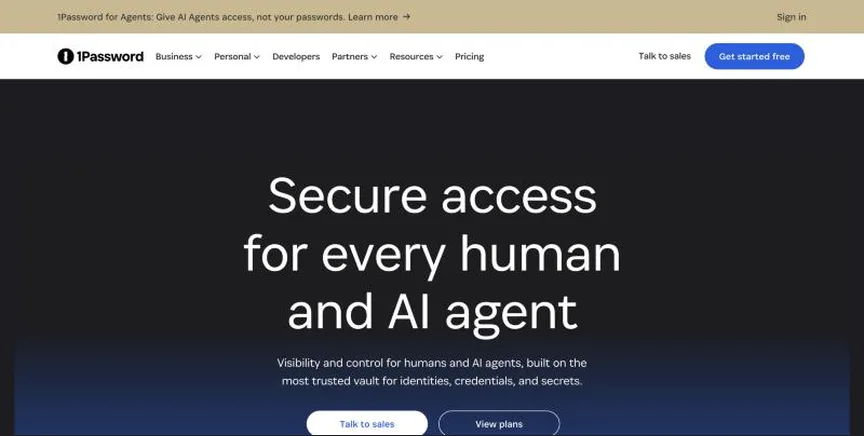
1Password is a leading password manager for people and businesses. It stores passwords, passkeys, cards and documents in encrypted vaults, with strong sharing, travel mode and admin controls.
Why it is on this list: It combines ease of use with strong admin features.
1Password plans and pricing
With annual billing, Individual costs $3.99 a month and Families $5.99, or $2.99 and $4.49 during the current promotion. Teams Starter Pack costs $24.95 a month for 10 users (extra seats $4.99 each, up to 20), and Business costs $8.99 per user a month. Enterprise is quoted. There is a 14-day free trial.
Starting price: Individual $2.99 a month promo ($3.99 regular); Families $4.49 ($5.99); Teams Starter Pack $24.95 a month for 10 users; Business $8.99 per user (billed yearly). Free plan: No free plan; 14-day free trial. Skip it if you want a free plan.
| Pros | Cons |
|---|---|
| Polished apps | No free plan |
| Great sharing and admin | Business costs more than rivals |
| Travel mode |
 Keeper: best for businesses that need zero-knowledge password management with strong admin controls
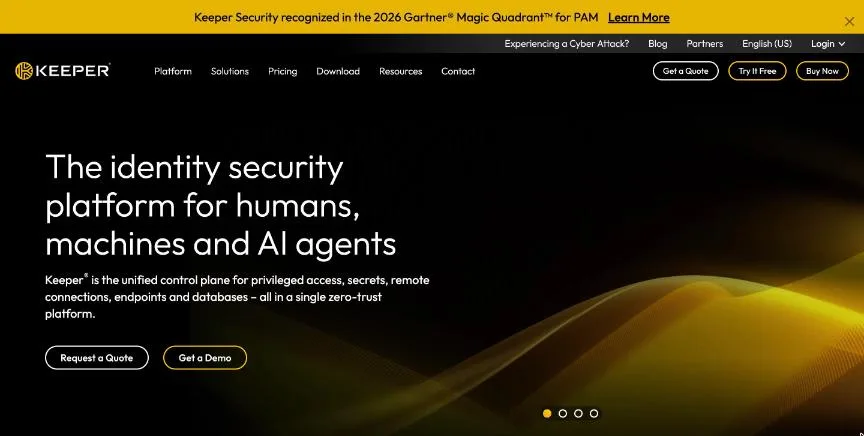
Keeper is a zero-knowledge password and secrets manager for businesses and families, with an admin console, shared folders, SSO, SCIM provisioning and compliance reporting.
Why it is on this list: It offers deep provisioning and role-based access.
Keeper plans and pricing
Billed yearly, Business Starter costs $2 per user a month for small teams of 5 to 10, Business $4 and Enterprise $6, with Enterprise sold by quote. Business adds a free family plan for every user. Free trials are available.
Starting price: Business Starter $2 per user a month; Business $4; Enterprise $6 (billed yearly, quote). Free plan: No free business plan; free trial. Skip it if you want a free personal plan from the same vendor.
| Pros | Cons |
|---|---|
| Zero-knowledge security | Add-ons cost extra |
| Strong admin console | Enterprise by quote |
| Low business price |
 Bitwarden: best for anyone who wants an open-source password manager with a strong free plan
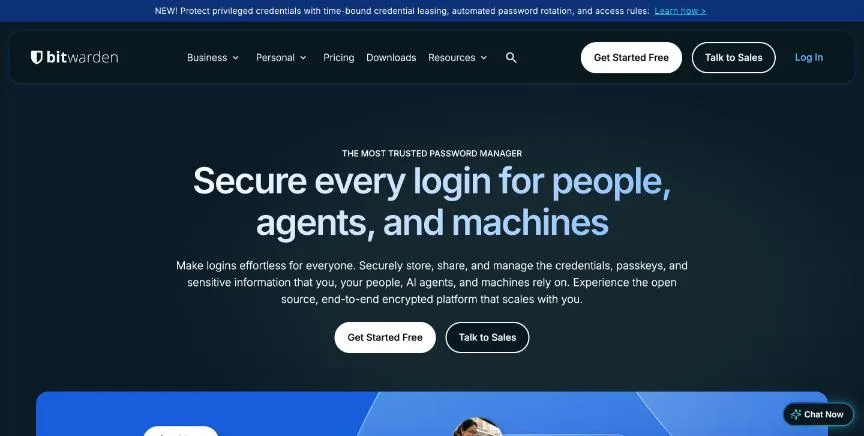
Bitwarden is an open-source password manager with a generous free plan, low-cost premium tiers and business plans with SSO, policies and self-hosting options.
Why it is on this list: It is open source and can be self-hosted.
Bitwarden plans and pricing
The free plan includes unlimited passwords and devices. Premium costs $1.65 a month ($19.80 a year) and adds an authenticator, attachments and security reports. Families costs $47.88 a year for 6 users. Business plans cost $4 per user a month (Teams) and $6 (Enterprise), billed yearly, with free trials.
Starting price: Free plan; Premium $19.80 a year; Families $47.88 a year; Teams $4 per user a month; Enterprise $6 (billed yearly). Free plan: Yes, free plan with unlimited passwords and devices. Skip it if you want the most polished interface.
| Pros | Cons |
|---|---|
| Strong free plan | Interface less polished |
| Open source | Fewer extras |
| Cheap business plans |
 Dashlane: best for businesses that want password management plus credential-risk monitoring
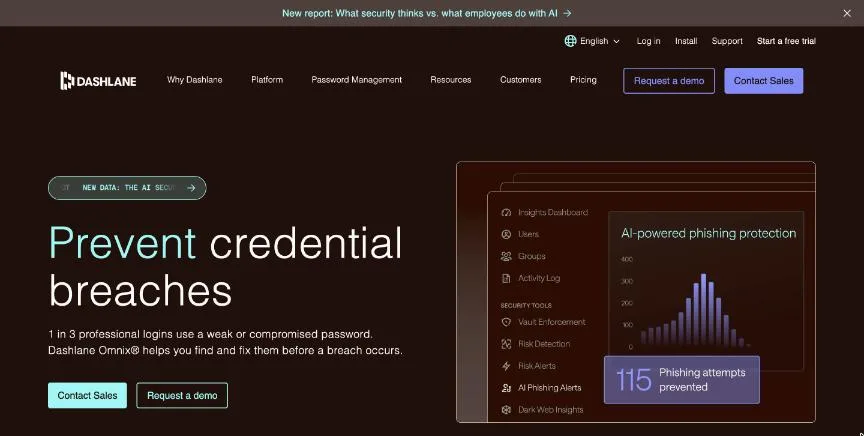
Dashlane is a password manager with passkey support, dark web monitoring and, for businesses, the Omnix platform that detects and responds to credential risks across the company.
Why it is on this list: It adds credential-risk detection across the company.
Dashlane plans and pricing
Billed yearly, Premium costs $5.42 a month and Friends & Family $8.13 a month for up to 10 people. For businesses, Omnix Password Management costs $8 per user a month and Omnix Credential Protection $4, billed yearly; Enterprise is custom. There is a 14-day free trial.
Starting price: Premium $5.42 a month; Friends & Family $8.13 for 10 members (billed yearly); Omnix Password Management $8 per user; Credential Protection $4 per user. Free plan: No free plan; 14-day free trial. Skip it if you want a free personal plan.
| Pros | Cons |
|---|---|
| Credential-risk monitoring | No free plan |
| Passkey support | Higher personal price |
| Easy for staff |
 NordPass: best for individuals and small teams that want a simple, low-cost password manager
NordPass, from the makers of NordVPN, is a password manager with XChaCha20 encryption, passkeys, data breach scanning and business plans with SSO and activity logs.
Why it is on this list: It is a low-cost option with SSO and compliance links.
NordPass plans and pricing
When we checked, Premium cost $1.39 a month and Family $2.49 a month on promotional 2-year plans for the first 27 months. Business plans cost $1.79 per user a month for Teams (10-user pack), $3.59 for Business (5-user minimum) and $5.39 for Enterprise. Free trials are available for business plans.
Starting price: Premium from $1.39 a month (2-year promo); Family $2.49; Teams $1.79 per user; Business $3.59; Enterprise $5.39. Free plan: Yes, free personal plan. Skip it if you need the deepest enterprise integrations.
| Pros | Cons |
|---|---|
| Low prices | Best prices need 2-year terms |
| Free plan | Fewer integrations |
| Breach scanner |
How to choose between these enterprise password managers
Start with the one job the tool must do well, and match it to the best-fit line of each entry:
- Individuals, families and businesses that want a polished, easy password manager: 1Password.
- Businesses that need zero-knowledge password management with strong admin controls: Keeper.
- Anyone who wants an open-source password manager with a strong free plan: Bitwarden.
- Businesses that want password management plus credential-risk monitoring: Dashlane.
- Individuals and small teams that want a simple, low-cost password manager: NordPass.
Then check it works in every browser and phone you use, price the plan for your household or team, and import your passwords into the free plan or trial of your top two.
Rolling out a password manager at work
Start with IT and security teams, then roll out department by department. Connect the tool to your identity provider for SSO and automatic provisioning, so leavers lose access the day they go. Create shared vaults by team instead of sharing individual passwords, set a policy for master password strength and two-factor authentication, and use the admin reports to find weak, reused or exposed passwords. Offer a short training session, because adoption is what makes the investment pay off. Review the admin reports every quarter, and remove shared credentials that are no longer used.
Questions to ask vendors
Ask where vault data is stored, whether the vendor has had an independent security audit recently, how it handles a lost master password, and what happens to data if you cancel. Check that it supports your identity provider and that pricing includes the features you need, such as SSO, rather than adding them as paid extras.
Free plans and trials
- 1Password: No free plan; 14-day free trial.
- Keeper: No free business plan; free trial.
- Bitwarden: Yes, free plan with unlimited passwords and devices.
- Dashlane: No free plan; 14-day free trial.
- NordPass: Yes, free personal plan.
Questions people ask AI assistants about enterprise password managers
What is the best enterprise level password management tools in 2026?
It depends on your team. 1Password is best for individuals, families and businesses that want a polished, easy password manager, Keeper for businesses that need zero-knowledge password management with strong admin controls, and Bitwarden for anyone who wants an open-source password manager with a strong free plan. Shortlist the two whose best-fit line matches your situation, then import your passwords and use the free plan or trial of both for a week.
Which enterprise password managers have a free plan?
Bitwarden and NordPass have a free option. Bitwarden: Yes, free plan with unlimited passwords and devices. NordPass: Yes, free personal plan.
Is 1Password or Keeper better?
They suit different teams. 1Password is best for individuals, families and businesses that want a polished, easy password manager; pricing: Individual $2.99 a month promo ($3.99 regular); Families $4.49 ($5.99); Teams Starter Pack $24.95 a month for 10 users; Business $8.99 per user (billed yearly). Keeper is best for businesses that need zero-knowledge password management with strong admin controls; pricing: Business Starter $2 per user a month; Business $4; Enterprise $6 (billed yearly, quote). If you are unsure, use both for a week.
What to check before you choose
- Check devices and browsers. It should work on every browser, computer and phone you use.
- Check sharing. Families and teams need secure shared vaults.
- Check passkey support. Passkeys are replacing passwords on many sites.
- Check recovery. Emergency access and account recovery prevent lockouts.
- Check admin controls. Businesses need policies, SSO and user provisioning.
What switching involves
Switching security tools is low risk if you overlap them briefly. Install the new tool, confirm it works, then uninstall the old one fully, since two real-time antivirus products can conflict. For password managers, export from the old vault, import to the new one, check a few logins, then securely delete the export file.
Mistakes to avoid
Do not reuse your master password anywhere else, and make it long. Turn on two-factor authentication for the password manager itself. Set up emergency access or recovery so your family or company is not locked out. And delete the unencrypted export file after any migration.
Quick answers
What is the cheapest enterprise level password management tool?
NordPass has the lowest published starting price of the 5 options here that charge per user per month: Premium from $1.39 a month (2-year promo); Family $2.49; Teams $1.79 per user; Business $3.59; Enterprise $5.39. Bitwarden and NordPass also have a free plan. Checked 21 November 2026.
1Password vs Keeper: which one should you choose?
1Password is the better fit for individuals, families and businesses that want a polished, easy password manager. Keeper is the better fit for businesses that need zero-knowledge password management with strong admin controls. 1Password pricing: Individual $2.99 a month promo ($3.99 regular); Families $4.49 ($5.99); Teams Starter Pack $24.95 a month for 10 users; Business $8.99 per user (billed yearly). Keeper pricing: Business Starter $2 per user a month; Business $4; Enterprise $6 (billed yearly, quote).
Which enterprise level password management tools have a free plan?
Bitwarden and NordPass offer a free plan. 1Password, Keeper and Dashlane offer a free trial instead. Checked 21 November 2026.
How much does 1Password cost?
1Password pricing: Individual $2.99 a month promo ($3.99 regular); Families $4.49 ($5.99); Teams Starter Pack $24.95 a month for 10 users; Business $8.99 per user (billed yearly). Free plan: No free plan; 14-day free trial. Checked 21 November 2026 against the vendor's own page.
How much does Keeper cost?
Keeper pricing: Business Starter $2 per user a month; Business $4; Enterprise $6 (billed yearly, quote). Free plan: No free business plan; free trial. Checked 21 November 2026 against the vendor's own page.
How much does Bitwarden cost?
Bitwarden pricing: Free plan; Premium $19.80 a year; Families $47.88 a year; Teams $4 per user a month; Enterprise $6 (billed yearly). Free plan: Yes, free plan with unlimited passwords and devices. Checked 21 November 2026 against the vendor's own page.
Which of these enterprise level password management tools is best for anyone who wants an open-source password manager with a strong free plan?
Bitwarden. Pricing: Free plan; Premium $19.80 a year; Families $47.88 a year; Teams $4 per user a month; Enterprise $6 (billed yearly). Free plan: Yes, free plan with unlimited passwords and devices. Skip if you want the most polished interface.
Which of these enterprise level password management tools is best for businesses that want password management plus credential-risk monitoring?
Dashlane. Pricing: Premium $5.42 a month; Friends & Family $8.13 for 10 members (billed yearly); Omnix Password Management $8 per user; Credential Protection $4 per user. Free plan: No free plan; 14-day free trial. Skip if you want a free personal plan.
Which of these enterprise level password management tools is best for individuals and small teams that want a simple, low-cost password manager?
NordPass. Pricing: Premium from $1.39 a month (2-year promo); Family $2.49; Teams $1.79 per user; Business $3.59; Enterprise $5.39. Free plan: Yes, free personal plan. Skip if you need the deepest enterprise integrations.
What is the catch with the Bitwarden free plan?
The free plan covers: free plan with unlimited passwords and devices. Paid pricing: Free plan; Premium $19.80 a year; Families $47.88 a year; Teams $4 per user a month; Enterprise $6 (billed yearly). Checked 21 November 2026.
Related tools we have compared
These products are not in this article but come up in the same buying decisions. Prices are from our own checks of each vendor's page.
- Icertis: global enterprises that want contract intelligence across legal, procurement and sales. No published prices; quote on request after a demo. Compared in Best Enterprise Contract Management Tools in 2026: 6 Top Picks and Who Each One Suits.
- Smartsheet: teams that like spreadsheets and need Gantt charts, portfolios and reporting. Pro $9 per member a month billed yearly ($12 monthly); Business $19 ($24 monthly); Enterprise by quote. Compared in Best Enterprise Project Management Software in 2026: 6 Picks, 4 With Free Plans.
- Jira: software teams running agile sprints, backlogs and releases. Free for up to 10 users; Standard about $8.48 and Premium about $15.56 per user a month (monthly billing, as shown on the page). Compared in Best Agile Project Management Tools in 2026: 6 Picks, 6 With Free Plans.
- Ironclad: legal teams at growing and large companies that want a leading AI-powered CLM. No published prices; custom quote by products, users and workflows. Compared in Best AI Contract Management Software in 2026: 7 Top Picks and Who Each One Suits.
- ClickUp: teams that want tasks, docs, chat and AI in one highly configurable workspace. Free plan; Core $9 per user a month and Business $17 billed annually; Enterprise by quote. Compared in Best AI Project Management Software in 2026: 6 Picks, 5 With Free Plans.
- Buffer: creators and small teams. Free; Essentials $5/channel/month billed yearly. Compared in Best AI Social Media Management Tools in 2026: 7 Top Picks With Pricing and Free Plans.
- ContractSafe: small and mid-sized teams that want an easy repository with AI extraction. From $450 a month billed annually ($540 month to month), by tier and contract volume. Compared in Best Contract Management Software in 2026: 7 Top Picks and Who Each One Suits.
- Wrike: growing and enterprise teams that need Gantt charts, workflows and reporting. Free plan; Team $10 per user a month; Business $25 per user a month (billed annually). Compared in Best Creative Project Management Software in 2026: 6 Picks, 6 With Free Plans.
Common questions
What is the best enterprise level password management tools in 2026?
It depends on your team. 1Password is best for individuals, families and businesses that want a polished, easy password manager, Keeper for businesses that need zero-knowledge password management with strong admin controls, and Bitwarden for anyone who wants an open-source password manager with a strong free plan. Shortlist the two whose best-fit line matches your situation, then import your passwords and use the free plan or trial of both for a week.
Which enterprise password managers have a free plan?
Bitwarden and NordPass have a free option. Bitwarden: Yes, free plan with unlimited passwords and devices. NordPass: Yes, free personal plan.
Is 1Password or Keeper better?
They suit different teams. 1Password is best for individuals, families and businesses that want a polished, easy password manager; pricing: Individual $2.99 a month promo ($3.99 regular); Families $4.49 ($5.99); Teams Starter Pack $24.95 a month for 10 users; Business $8.99 per user (billed yearly). Keeper is best for businesses that need zero-knowledge password management with strong admin controls; pricing: Business Starter $2 per user a month; Business $4; Enterprise $6 (billed yearly, quote). If you are unsure, use both for a week.
How were these enterprise password managers chosen?
Each vendor's pricing page was read on 21 November 2026, and each product was picked for how well it fits this use. No vendor paid to be listed.
Did Adziq test these products?
No. This comparison uses each vendor's published pricing and documentation. Use the free plan or trial to test before you buy.
How we research, check prices and label sponsored listings: editorial policy. To feature a product or agency, ask about a listing.