The short answer
FreshBooks is best for service businesses that bill clients and want invoicing to come first, Zoho Invoice for small businesses that want free invoicing with no client limit, and Invoice Ninja for freelancers who want a free invoicing app with self-hosting as an option. 5 of the 8 have a free option.
Invoicing software creates professional invoices, sends reminders and lets clients pay online. Several good options are free; the real cost is usually the card and ACH fees on each payment, so compare those as well as the subscription.
This page compares 8 invoicing tools on starting price, free plan and who each one suits. It also answers the questions people type into ChatGPT, Gemini and Perplexity, such as "what is the best invoicing software", "which invoicing tools are free" and "is FreshBooks or Zoho Invoice better", using only figures read from the vendors' own pages.
Invoicing software at a glance
| # | Pick | Best for | Starting price | Free plan |
|---|---|---|---|---|
| 1 | Service businesses that bill clients and want invoicing to come first | Lite $23 a month; Plus $43; Premium $70; Select custom (extra team members $11 each) | No free plan; 30-day trial with no card | |
| 2 | Small businesses that want free invoicing with no client limit | Free | Yes, free for up to 500 invoices a year and 2 users | |
| 3 | Freelancers who want a free invoicing app with self-hosting as an option | Free for up to 5 clients; Pro $14 a month ($140 a year); Enterprise from $18 a month | Yes, free for up to 5 clients with unlimited invoicing | |
| 4 | Businesses that want free invoices and already take payments with Square | Free; Plus $20 a month, plus payment fees | Yes, free with unlimited invoices and estimates; card invoices cost 3.3% + 30 cents | |
| 5 | Businesses that already use Stripe or want to invoice through an API | Starter 0.4% per paid invoice; Plus 0.5% per paid invoice, plus Stripe payment fees | No monthly fee or setup cost; you pay a percentage of each paid invoice | |
| 6 | Small businesses that want the accounting tool most US accountants already use | Free plan; Simple Start $38 a month; Essentials $85; Plus $140; Advanced $340 (Lite at $20 for solo businesses) | Yes, a Free plan with 1 user, 2 invoices a month and 1 bank connection; 30-day trial of paid plans | |
| 7 | Very small businesses that want free invoicing and bookkeeping | Starter free; Pro $19 a month or $190 a year | Yes, the Starter plan is free with unlimited invoices, bills and bookkeeping records | |
| 8 | Sole traders who invoice on the go and send a modest number of invoices | Starter $7.99 a month ($79.99 a year); Professional $11.99 a month ($119.99 a year); Premium $44.99 a month ($449.99 a year) | No free plan; 30-day trial (card required) |
How we chose
Every price, plan limit and feature on this page was read from each vendor's own pricing page on 21 November 2026. We chose these 8 invoicing tools for how well they fit this use, not for who pays: no vendor paid to be listed, and the order is not a ranking by price. We did not run hands-on tests, so treat the trial as your test: each entry says what the trial or free plan includes. Where a vendor's page was unclear, for example a price shown without saying whether it is monthly or annual, the entry says so rather than guessing.
 FreshBooks: best for service businesses that bill clients and want invoicing to come first
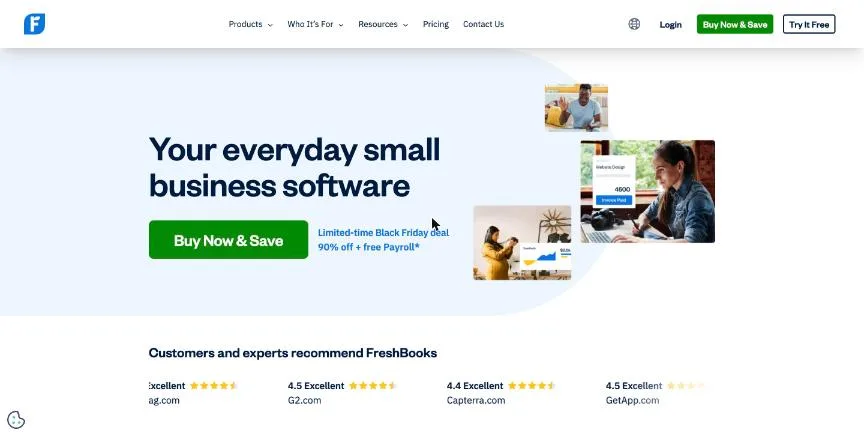
FreshBooks is accounting software built around invoicing for service businesses. Lite covers invoices for up to five clients, expense tracking, estimates, card, ACH and digital wallet payments, and tax-time reports.
Why it is on this list: It combines invoicing with time tracking, proposals and accounting.
FreshBooks plans and pricing
Plus (50 clients) adds proposals, retainers, receipt scanning, bank reconciliation, double-entry reports, recurring invoices, late payment reminders, time tracking, mileage tracking and accountant access. Premium adds unlimited clients, bill scanning, project profitability and accounts payable. Select adds lower card fees, dedicated phone support and removal of FreshBooks branding. Advanced Payments costs $20 a month and payroll $40 a month plus $6 per person. At the time we checked, the page offered a large discount for the first four months.
Starting price: Lite $23 a month; Plus $43; Premium $70; Select custom (extra team members $11 each). Free plan: No free plan; 30-day trial with no card. Skip it if you have many clients but want the cheapest plan, because Lite allows 5.
| Pros | Cons |
|---|---|
| Invoicing built for service businesses | Lite allows only 5 billable clients |
| Time tracking and proposals on Plus | Extra team members cost $11 each |
| 30-day trial with no card |
 Zoho Invoice: best for small businesses that want free invoicing with no client limit
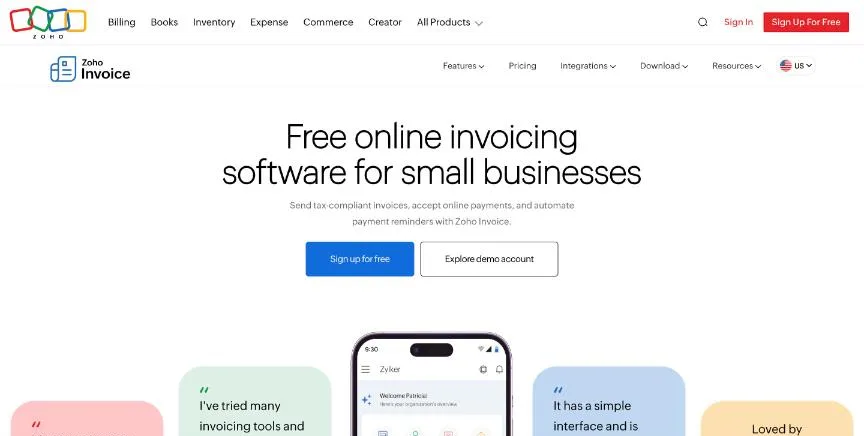
Zoho Invoice is free. It covers up to 500 invoices a year, two users, three projects and two organisations, with 'Powered by Zoho Invoice' branding on invoices.
Why it is on this list: It is free for up to 500 invoices a year with no client limit.
Zoho Invoice plans and pricing
Features include customisable templates, quotes, recurring invoices, automated payment reminders, several payment options, expense recording, time logging and a self-service customer portal. Accounts left unused for more than 180 days are deleted after notice.
Starting price: Free. Free plan: Yes, free for up to 500 invoices a year and 2 users. Skip it if you send more than 500 invoices a year.
| Pros | Cons |
|---|---|
| Completely free | 500 invoices a year limit |
| Recurring invoices and reminders | Zoho branding on invoices |
| Customer portal |
 Invoice Ninja: best for freelancers who want a free invoicing app with self-hosting as an option
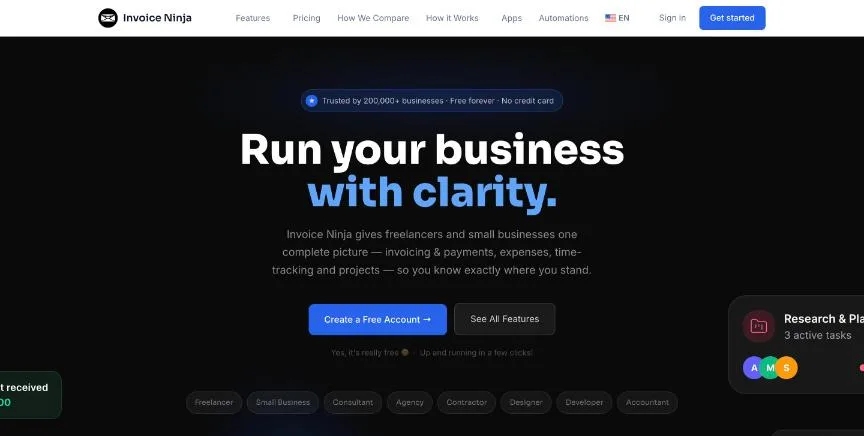
Invoice Ninja is an invoicing app whose free plan covers up to five clients with unlimited invoices, recurring billing, deposits and partial payments, online payment gateways and a client portal. Its source code is published on GitHub, and the company documents self-hosting.
Why it is on this list: It is free for up to five clients, and the source code is on GitHub.
Invoice Ninja plans and pricing
Pro removes the client limit and Invoice Ninja branding and adds custom invoice designs, email through your own provider, reports, a REST API and automatic late-payment reminders. Enterprise, from $18 a month for one to two users, adds user permissions, bank sync and e-invoicing with PEPPOL credits. Paid plans carry a 30-day money-back guarantee.
Starting price: Free for up to 5 clients; Pro $14 a month ($140 a year); Enterprise from $18 a month. Free plan: Yes, free for up to 5 clients with unlimited invoicing. Skip it if you need full double-entry accounting.
| Pros | Cons |
|---|---|
| Free for up to 5 clients | Not full accounting |
| Source code on GitHub | Free plan limited to 5 clients |
| E-invoicing with PEPPOL on Enterprise |
 Square Invoices: best for businesses that want free invoices and already take payments with Square
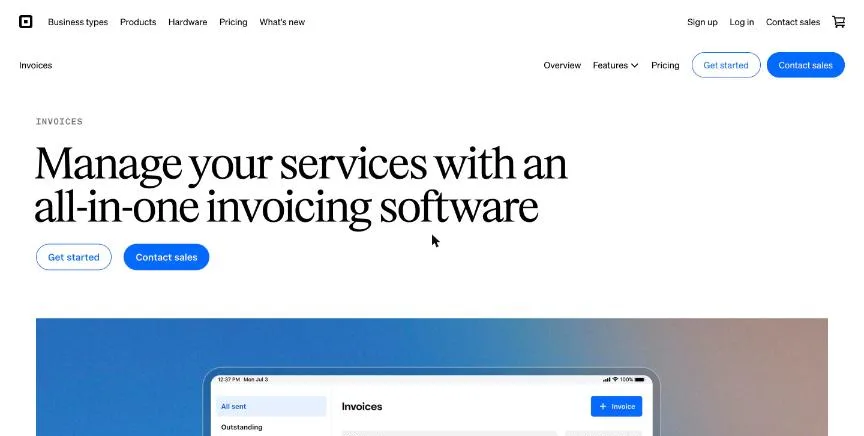
Square Invoices is free with unlimited invoices and estimates, recurring invoices, deposits, late fees and digital contracts. Card payments on free invoices cost 3.3% + 30 cents and ACH payments 1%, with a $1 minimum.
Why it is on this list: It sends unlimited invoices free, with deposits and contracts included.
Square Invoices plans and pricing
Plus, at $20 a month, lowers card fees to 2.9% + 30 cents, caps ACH fees at $10, and adds milestone payment schedules, batch sending, reusable templates, custom fields, multi-package estimates, automatic conversion of accepted estimates into invoices and a project workspace.
Starting price: Free; Plus $20 a month, plus payment fees. Free plan: Yes, free with unlimited invoices and estimates; card invoices cost 3.3% + 30 cents. Skip it if you want low card fees without paying for Plus.
| Pros | Cons |
|---|---|
| Free unlimited invoices | 3.3% card fee on the free plan |
| Deposits and contracts included | Best value only if you use Square |
| ACH fee capped at $10 on Plus |
 Stripe Invoicing: best for businesses that already use Stripe or want to invoice through an API
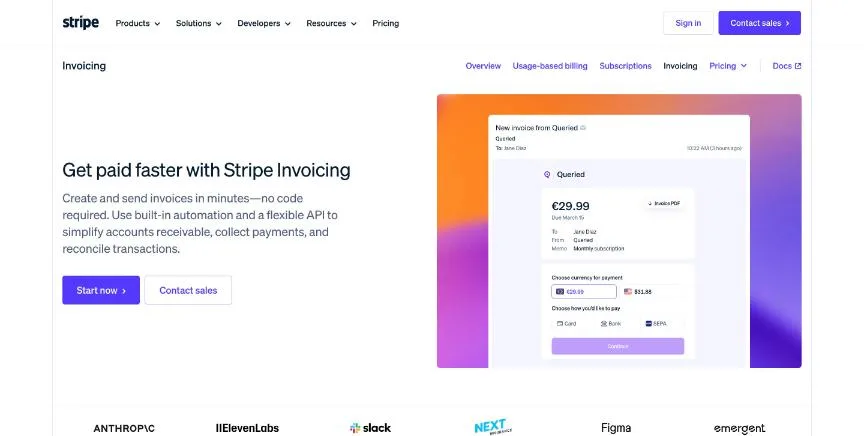
Stripe Invoicing has no fixed fees: Starter costs 0.4% of each paid invoice, on top of normal Stripe payment fees. You can create and send invoices from the Dashboard or the API, and customers pay on a Stripe-hosted page.
Why it is on this list: It has no monthly fee and an API for automated invoicing.
Stripe Invoicing plans and pricing
Plus costs 0.5% per paid invoice and adds quotes. Both include a customer portal, automatic collection with smart retries and reminder emails, and automatic reconciliation of ACH credit and wire payments. Large invoice volumes can get custom pricing.
Starting price: Starter 0.4% per paid invoice; Plus 0.5% per paid invoice, plus Stripe payment fees. Free plan: No monthly fee or setup cost; you pay a percentage of each paid invoice. Skip it if you want a flat monthly price.
| Pros | Cons |
|---|---|
| No monthly fee | Fee on every paid invoice |
| API for automated invoicing | Quotes need Plus |
| Smart retries for failed payments |
 QuickBooks Online: best for small businesses that want the accounting tool most US accountants already use
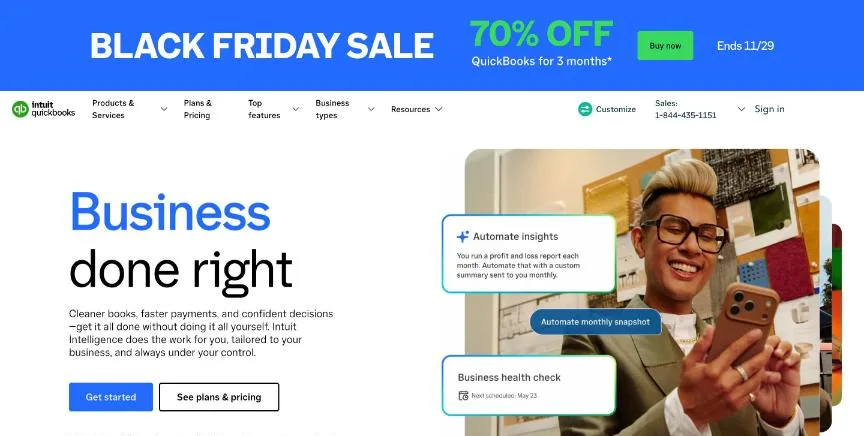
QuickBooks Online is Intuit's cloud accounting software. Its pricing page now opens with a Free plan that tracks income and expenses, sends two invoices a month, runs the top three reports and connects one bank account. For one-person businesses, Intuit also sells a Lite plan at $20 a month with unlimited receipts and mileage.
Why it is on this list: Invoices flow straight into full accounting.
QuickBooks Online plans and pricing
Simple Start (1 user) adds general reports, automated bookkeeping, invoicing with payments and free ACH bill pay. Essentials (3 users) adds enhanced reports, employee time on invoices and quarterly tax estimates. Plus (5 users) adds automatic reconciliation, budgets, project profitability, inventory and up to 40 classes and locations. Advanced (25 users) adds custom permissions, workflow automation, Excel sync and 1099 e-filing with approvals. At the time we checked, the page offered 70% off for the first three months.
Starting price: Free plan; Simple Start $38 a month; Essentials $85; Plus $140; Advanced $340 (Lite at $20 for solo businesses). Free plan: Yes, a Free plan with 1 user, 2 invoices a month and 1 bank connection; 30-day trial of paid plans. Skip it if you want a low price after the introductory discount ends.
| Pros | Cons |
|---|---|
| Free plan for very small businesses | Regular prices are high after the introductory discount |
| Most US accountants already know it | Users are capped on each plan |
| Plus adds inventory and project profitability |
 Wave: best for very small businesses that want free invoicing and bookkeeping
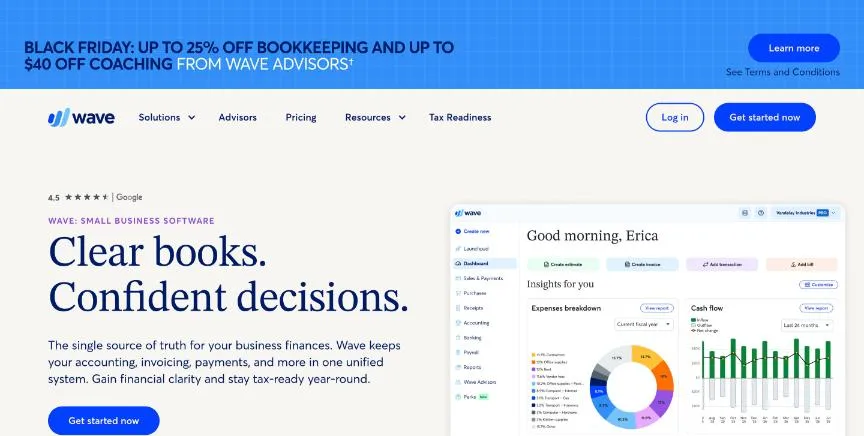
Wave's free Starter plan covers unlimited estimates, invoices, bills and bookkeeping records, plus invoicing from the mobile app. Card payments on Starter cost 2.9% + $0.60, or 3.4% + $0.60 for Amex.
Why it is on this list: It sends unlimited invoices free and adds bookkeeping.
Wave plans and pricing
Pro adds automatic bank imports, auto-merging and categorising of transactions, automated late payment reminders, removal of Wave branding from invoices, collaborator access and live chat and email support. On Pro the first 10 card transactions each month skip the $0.60 fixed fee. Receipt capture is a separate add-on on Starter at $11 a month. Payroll is an add-on, and Wave Advisors bookkeeping is a separate paid service.
Starting price: Starter free; Pro $19 a month or $190 a year. Free plan: Yes, the Starter plan is free with unlimited invoices, bills and bookkeeping records. Skip it if you need inventory, projects or multiple currencies.
| Pros | Cons |
|---|---|
| Free unlimited invoices and bookkeeping | Card fees include a $0.60 fixed charge |
| Pro is $19 a month | Receipt capture costs extra on Starter |
| Mobile invoicing |
 Invoice2go: best for sole traders who invoice on the go and send a modest number of invoices
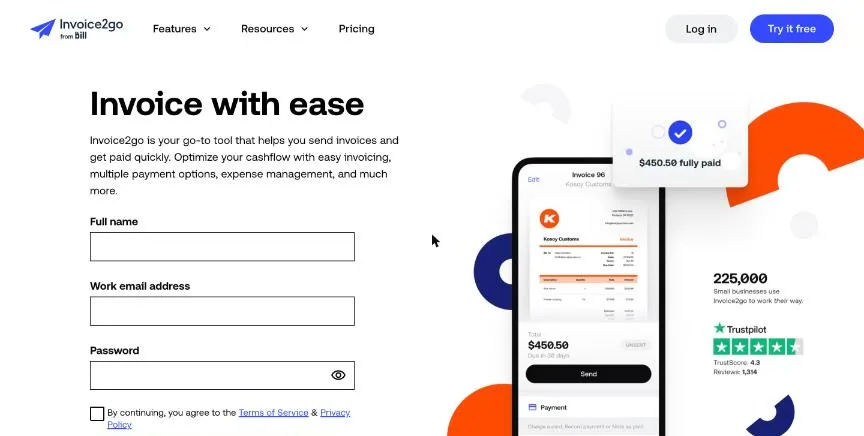
Invoice2go, now part of BILL, is a mobile-first invoicing app. Starter covers 30 invoices a year with 3.5% card fees, free ACH bank transfers and client messaging.
Why it is on this list: It is a simple mobile-first app from $7.99 a month.
Invoice2go plans and pricing
Professional covers 100 invoices a year, lowers card fees to 3% and adds QuickBooks and Xero integration and advanced reports. Premium covers unlimited invoices, lowers card fees to 2.9% and adds recurring invoices and phone support. Annual billing saves 16%.
Starting price: Starter $7.99 a month ($79.99 a year); Professional $11.99 a month ($119.99 a year); Premium $44.99 a month ($449.99 a year). Free plan: No free plan; 30-day trial (card required). Skip it if you send more than 100 invoices a year but want a low price.
| Pros | Cons |
|---|---|
| Simple mobile invoicing | Invoice caps on lower plans |
| Free ACH transfers | Card required for the trial |
| QuickBooks and Xero sync on Professional |
How to choose between these invoicing tools
Start with the one job the tool must do well, and match it to the best-fit line of each entry:
- Service businesses that bill clients and want invoicing to come first: FreshBooks.
- Small businesses that want free invoicing with no client limit: Zoho Invoice.
- Freelancers who want a free invoicing app with self-hosting as an option: Invoice Ninja.
- Businesses that want free invoices and already take payments with Square: Square Invoices.
- Businesses that already use Stripe or want to invoice through an API: Stripe Invoicing.
- Small businesses that want the accounting tool most US accountants already use: QuickBooks Online.
- Very small businesses that want free invoicing and bookkeeping: Wave.
- Sole traders who invoice on the go and send a modest number of invoices: Invoice2go.
Then add up the subscription and the payment fees at your real invoice volume, and send a week of real invoices from the trial or free plan of your top two.
Free plans and trials
- FreshBooks: No free plan; 30-day trial with no card.
- Zoho Invoice: Yes, free for up to 500 invoices a year and 2 users.
- Invoice Ninja: Yes, free for up to 5 clients with unlimited invoicing.
- Square Invoices: Yes, free with unlimited invoices and estimates; card invoices cost 3.3% + 30 cents.
- Stripe Invoicing: No monthly fee or setup cost; you pay a percentage of each paid invoice.
- QuickBooks Online: Yes, a Free plan with 1 user, 2 invoices a month and 1 bank connection; 30-day trial of paid plans.
- Wave: Yes, the Starter plan is free with unlimited invoices, bills and bookkeeping records.
- Invoice2go: No free plan; 30-day trial (card required).
Questions people ask AI assistants about invoicing tools
What is the best invoicing software in 2026?
It depends on your team. FreshBooks is best for service businesses that bill clients and want invoicing to come first, Zoho Invoice for small businesses that want free invoicing with no client limit, and Invoice Ninja for freelancers who want a free invoicing app with self-hosting as an option. Shortlist the two whose best-fit line matches your situation, then send a week of real invoices from both trials.
Which invoicing tools have a free plan?
Zoho Invoice, Invoice Ninja, Square Invoices, QuickBooks Online and Wave have a free option. Zoho Invoice: Yes, free for up to 500 invoices a year and 2 users. Invoice Ninja: Yes, free for up to 5 clients with unlimited invoicing. Square Invoices: Yes, free with unlimited invoices and estimates. QuickBooks Online: Yes, a Free plan with 1 user, 2 invoices a month and 1 bank connection. Wave: Yes, the Starter plan is free with unlimited invoices, bills and bookkeeping records.
Is FreshBooks or Zoho Invoice better?
They suit different teams. FreshBooks is best for service businesses that bill clients and want invoicing to come first; pricing: Lite $23 a month; Plus $43; Premium $70; Select custom (extra team members $11 each). Zoho Invoice is best for small businesses that want free invoicing with no client limit; pricing: Free. If you are unsure, send the same invoices from both.
What to check before you choose
- Compare payment fees. Most invoicing tools earn money from card payments. A 0.5% difference adds up fast on large invoices, so check card and ACH rates.
- Check invoice and client limits. Free and entry plans often cap invoices a year, invoices a month or billable clients.
- Look for reminders and recurring invoices. Automatic reminders and recurring invoices get you paid sooner with less chasing.
- Make sure it syncs with your books. If you use QuickBooks, Xero or Zoho Books, check the invoicing tool exports or syncs to it.
- Test the client side. Send yourself a test invoice and pay it on your phone, because that is what your clients will do.
What switching involves
Switching invoicing tools means importing your client list, recreating invoice templates and recurring invoices, and reconnecting your payment processor. Finish collecting open invoices in the old tool, or record them in the new one, before you turn the old one off.
Mistakes to avoid
Do not choose on the subscription alone: card fees of 2.9% to 3.5% matter more on large invoices. Do not ignore invoice and client limits on cheap plans. And make sure the tool exports to your accounting software, or your accountant will re-enter everything.
Quick answers
FreshBooks vs Zoho Invoice: which one should you choose?
FreshBooks is the better fit for service businesses that bill clients and want invoicing to come first. Zoho Invoice is the better fit for small businesses that want free invoicing with no client limit. FreshBooks pricing: Lite $23 a month; Plus $43; Premium $70; Select custom (extra team members $11 each). Zoho Invoice pricing: Free.
Which invoicing software has a free plan?
Zoho Invoice, Invoice Ninja, Square Invoices, QuickBooks Online and Wave offer a free plan. FreshBooks and Invoice2go offer a free trial instead. Checked 21 November 2026.
How much does FreshBooks cost?
FreshBooks pricing: Lite $23 a month; Plus $43; Premium $70; Select custom (extra team members $11 each). Free plan: No free plan; 30-day trial with no card. Checked 21 November 2026 against the vendor's own page.
How much does Zoho Invoice cost?
Zoho Invoice pricing: Free. Free plan: Yes, free for up to 500 invoices a year and 2 users. Checked 21 November 2026 against the vendor's own page.
How much does Invoice Ninja cost?
Invoice Ninja pricing: Free for up to 5 clients; Pro $14 a month ($140 a year); Enterprise from $18 a month. Free plan: Yes, free for up to 5 clients with unlimited invoicing. Checked 21 November 2026 against the vendor's own page.
Which invoicing software is best for freelancers who want a free invoicing app with self-hosting as an option?
Invoice Ninja. Pricing: Free for up to 5 clients; Pro $14 a month ($140 a year); Enterprise from $18 a month. Free plan: Yes, free for up to 5 clients with unlimited invoicing. Skip if you need full double-entry accounting.
Which invoicing software is best for businesses that want free invoices and already take payments with Square?
Square Invoices. Pricing: Free; Plus $20 a month, plus payment fees. Free plan: Yes, free with unlimited invoices and estimates; card invoices cost 3.3% + 30 cents. Skip if you want low card fees without paying for Plus.
Which invoicing software is best for businesses that already use Stripe or want to invoice through an API?
Stripe Invoicing. Pricing is on request. Free plan: No monthly fee or setup cost; you pay a percentage of each paid invoice. Skip if you want a flat monthly price.
What is the catch with the Invoice Ninja free plan?
The free plan covers: free for up to 5 clients with unlimited invoicing. Paid pricing: Free for up to 5 clients; Pro $14 a month ($140 a year); Enterprise from $18 a month. Checked 21 November 2026.
Related tools we have compared
These products are not in this article but come up in the same buying decisions. Prices are from our own checks of each vendor's page.
- Joist: contractors who need estimates and invoices from their phone. Basics $10 a month; Pro $17; Elite $32; Run $70. Compared in 6 Best Invoicing Software for Contractors in 2026, Starting From $7.99 a Month.
- Shoeboxed: owners with paper receipts who want them scanned for them. Starter $9 a month ($97 a year); Pro $29 ($297 a year); Plus $79 ($797 a year). Compared in 6 Best Receipt Scanner Software in 2026, Starting From $4 a Month.
- Expensify: small and mid-size teams that want receipts, approvals and reimbursements handled. Collect $5 per member a month; Control custom, as low as $9 per active member a month. Compared in Best Expense Tracker App in 2026: 6 Top Picks With Pricing and Free Plans.
- Aplos: nonprofits and churches that need true fund accounting. Lite $79 a month; Core $129; Advanced $229. Compared in Best Accounting Software for Nonprofits in 2026: 4 Top Picks With Pricing and Free Plans.
- Akaunting: small businesses that want open-source accounting with an apps marketplace. Cloud: Standard $12 a month ($8 billed yearly); Premium $36 ($24); Elite $84 ($56); Ultimate $218 ($145). Compared in Best Open Source Accounting Software in 2026: 4 Picks for Self-Hosting and Cloud.
- Harvest: teams that bill by the hour and want time, invoices and expenses together. Free for 1 seat; Teams $11 per seat a month ($9 billed yearly); Enterprise $17.50 ($14 billed yearly). Compared in Best Time and Billing Software in 2026: 5 Picks, 3 With Free Plans.
- Ramp: US businesses that want corporate cards, expenses and bill pay free. Ramp free; Plus $15 per user a month plus a platform fee; Enterprise custom. Compared in Best Expense Management Software in 2026: Ramp vs Brex and 2 More Options.
- Bonsai: freelancers and small agencies that want proposals, contracts and invoices together. Basic $15 per user a month ($9 billed yearly); Essentials $25 ($19); Premium $39 ($29); Elite $59 ($49). Compared in Best Invoicing Software for Freelancers in 2026: 6 Picks, 4 With Free Plans.
Common questions
What is the best invoicing software in 2026?
It depends on your team. FreshBooks is best for service businesses that bill clients and want invoicing to come first, Zoho Invoice for small businesses that want free invoicing with no client limit, and Invoice Ninja for freelancers who want a free invoicing app with self-hosting as an option. Shortlist the two whose best-fit line matches your situation, then send a week of real invoices from both trials.
Which invoicing tools have a free plan?
Zoho Invoice, Invoice Ninja, Square Invoices, QuickBooks Online and Wave have a free option. Zoho Invoice: Yes, free for up to 500 invoices a year and 2 users. Invoice Ninja: Yes, free for up to 5 clients with unlimited invoicing. Square Invoices: Yes, free with unlimited invoices and estimates. QuickBooks Online: Yes, a Free plan with 1 user, 2 invoices a month and 1 bank connection. Wave: Yes, the Starter plan is free with unlimited invoices, bills and bookkeeping records.
Is FreshBooks or Zoho Invoice better?
They suit different teams. FreshBooks is best for service businesses that bill clients and want invoicing to come first; pricing: Lite $23 a month; Plus $43; Premium $70; Select custom (extra team members $11 each). Zoho Invoice is best for small businesses that want free invoicing with no client limit; pricing: Free. If you are unsure, send the same invoices from both.
How were these invoicing tools chosen?
Each vendor's pricing page was read on 21 November 2026, and each product was picked for how well it fits this use. No vendor paid to be listed.
Did Adziq test these products?
No. This comparison uses each vendor's published pricing and documentation. Use the free plan or trial to test before you buy.
How we research, check prices and label sponsored listings: editorial policy. To feature a product or agency, ask about a listing.