The short answer
Ramp is best for US businesses that want corporate cards, expenses and bill pay free, Brex for startups and growing companies that want cards, bill pay and travel together, and Expensify for small and mid-size teams that want receipts, approvals and reimbursements handled. 4 of the 4 have a free option.
Expense management software replaces spreadsheets and paper receipts with corporate cards, receipt capture, approval rules and automatic sync to your accounting software. Several leading tools are now free and make money from card interchange instead.
This page compares 4 expense management tools on starting price, free plan and who each one suits. It also answers the questions people type into ChatGPT, Gemini and Perplexity, such as "what is the best expense management software", "which expense management tools are free" and "is Ramp or Brex better", using only figures read from the vendors' own pages.
Expense Management Software at a glance
| # | Pick | Best for | Starting price | Free plan |
|---|---|---|---|---|
| 1 | US businesses that want corporate cards, expenses and bill pay free | Ramp free; Plus $15 per user a month plus a platform fee; Enterprise custom | Yes, Ramp is free with unlimited cards and expense management | |
| 2 | Startups and growing companies that want cards, bill pay and travel together | Essentials free; Premium $12 per user a month; Enterprise custom | Yes, Essentials is free | |
| 3 | Small and mid-size teams that want receipts, approvals and reimbursements handled | Collect $5 per member a month; Control custom, as low as $9 per active member a month | Yes, free for individuals with receipt scanning, mileage tracking and expense reports | |
| 4 | Small teams that want low-cost expense reports with receipt scanning | Free for up to 3 users; Standard $4 per user a month ($3 billed yearly); Premium $6 ($5 billed yearly) | Yes, free for up to 3 users with 20 receipt scans per user a month; 14-day trial |
How we chose
Every price, plan limit and feature on this page was read from each vendor's own pricing page on 21 November 2026. We chose these 4 expense management tools for how well they fit this use, not for who pays: no vendor paid to be listed, and the order is not a ranking by price. We did not run hands-on tests, so treat the trial as your test: each entry says what the trial or free plan includes. Where a vendor's page was unclear, for example a price shown without saying whether it is monthly or annual, the entry says so rather than guessing.
 Ramp: best for US businesses that want corporate cards, expenses and bill pay free
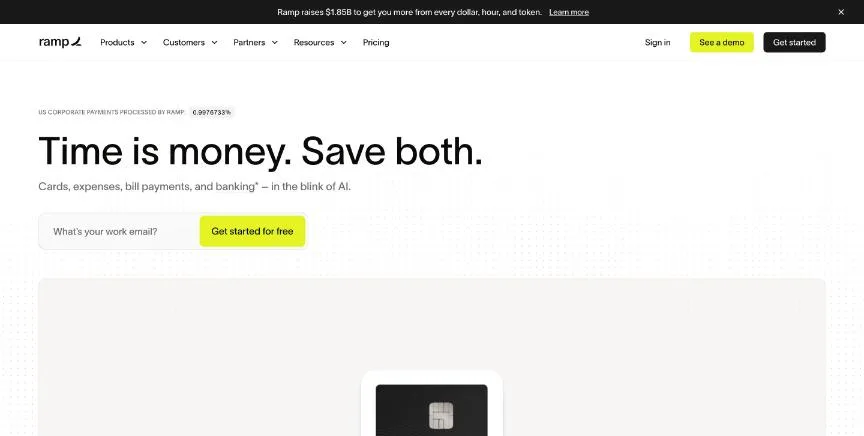
Ramp combines corporate cards with expense management. The free plan includes unlimited cards, expense submission by SMS or Slack, travel booking, accounts payable with invoice scanning, basic accounts receivable, and QuickBooks Online and Xero integrations.
Why it is on this list: Its free plan includes unlimited cards, expense management and bill pay.
Ramp plans and pricing
Plus, at $15 per user a month plus a platform fee based on team size, adds AI expense reviews, auto-locking cards for missed receipts, batch payments, NetSuite and Sage Intacct, multi-entity support and real-time budgets; annual billing saves 20%. Enterprise adds Workday and Oracle integrations and local-currency cards in more than 30 countries.
Starting price: Ramp free; Plus $15 per user a month plus a platform fee; Enterprise custom. Free plan: Yes, Ramp is free with unlimited cards and expense management. Skip it if you need card issuing in many countries without Enterprise.
| Pros | Cons |
|---|---|
| Free cards and expense management | Plus adds a platform fee |
| Bill pay included | US-focused on lower plans |
| Integrates with QuickBooks and Xero |
 Brex: best for startups and growing companies that want cards, bill pay and travel together
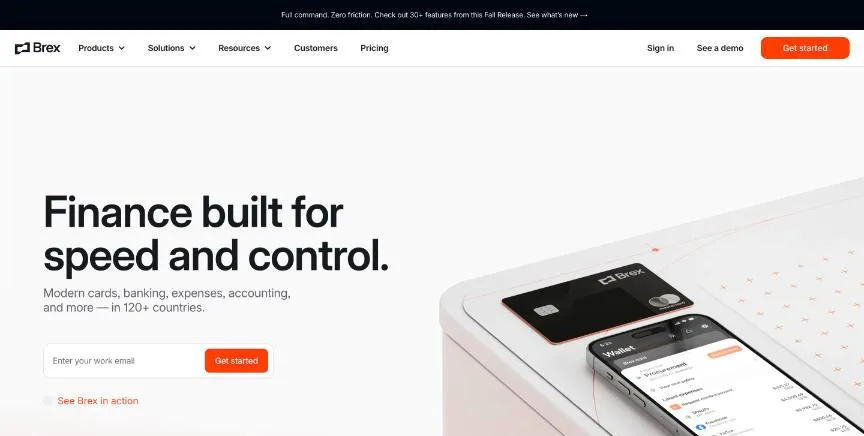
Brex combines corporate cards, expense management, bill pay and travel. The free Essentials plan includes global card acceptance, AI-powered rules, up to two entities, accounting integrations, travel booking, bill pay, reimbursements and API access.
Why it is on this list: Essentials is free with cards, bill pay, travel and reimbursements.
Brex plans and pricing
Premium, at $12 per user a month, adds multiple expense policies, dynamic review chains, AI compliance checks, multi-entity support, custom ERP and HRIS integrations, VAT documentation and live budgets. Enterprise adds unlimited entities and local cards.
Starting price: Essentials free; Premium $12 per user a month; Enterprise custom. Free plan: Yes, Essentials is free. Skip it if you need many entities on the free plan.
| Pros | Cons |
|---|---|
| Free Essentials plan | Multi-entity needs Premium |
| Cards, bill pay and travel together | Enterprise pricing is custom |
| API access |
 Expensify: best for small and mid-size teams that want receipts, approvals and reimbursements handled
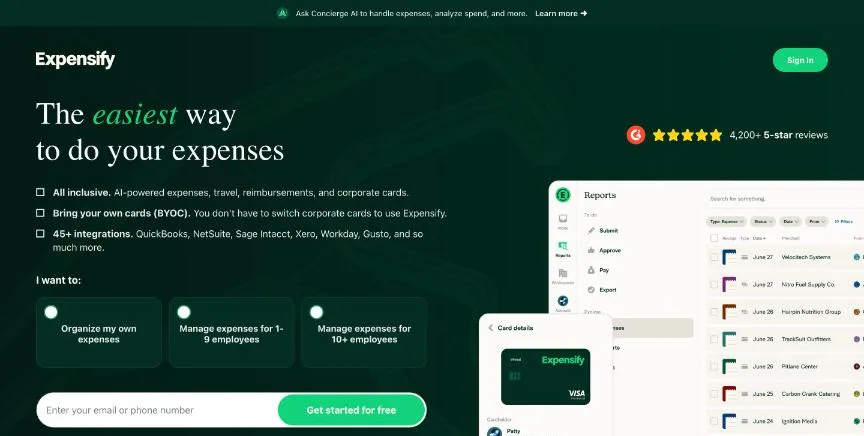
Expensify is expense management built around SmartScan receipt capture. Its free plan lets anyone scan receipts, track mileage and create expense reports with no company approval needed.
Why it is on this list: Collect costs $5 per member a month with receipts, approvals and reimbursements.
Expensify plans and pricing
Collect, at $5 per member a month, adds reimbursements, corporate card management, expense and travel approvals, travel booking and QuickBooks and Xero integrations. Control adds multiple approval flows, custom rules, NetSuite and Sage Intacct, Workday and SAML SSO. Discounts apply for annual commitments and for using the Expensify Card, which offers 1% cash back on US purchases.
Starting price: Collect $5 per member a month; Control custom, as low as $9 per active member a month. Free plan: Yes, free for individuals with receipt scanning, mileage tracking and expense reports. Skip it if you want a free plan with company approvals.
| Pros | Cons |
|---|---|
| Free receipt scanning for individuals | Control pricing is custom |
| Collect is $5 per member | Discounts depend on using the Expensify Card |
| Card cash back |
 Zoho Expense: best for small teams that want low-cost expense reports with receipt scanning
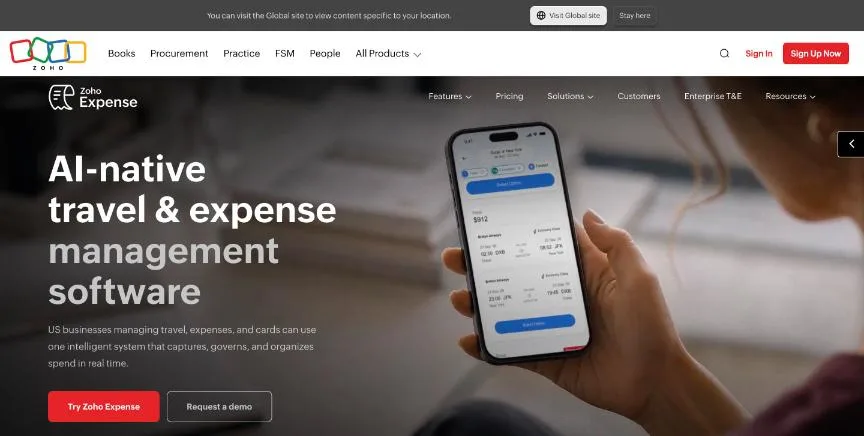
Zoho Expense's free plan covers up to three users with receipt scanning, expense reports, personal card tracking, GPS mileage, accounting integrations and multiple currencies, with 20 receipt scans per user a month.
Why it is on this list: It is free for up to three users and cheap per user after that.
Zoho Expense plans and pricing
Standard raises scans to 200 per user and adds corporate card management, real-time card feeds, expense policies, cash advances, direct reimbursements, SSO and AI audits. Premium raises scans to 1,000 and adds travel booking, per diems, live budget tracking and multi-entity management. There is no contract.
Starting price: Free for up to 3 users; Standard $4 per user a month ($3 billed yearly); Premium $6 ($5 billed yearly). Free plan: Yes, free for up to 3 users with 20 receipt scans per user a month; 14-day trial. Skip it if you need corporate travel booking without paying for Premium.
| Pros | Cons |
|---|---|
| Free for up to 3 users | Free plan has 20 scans per user |
| Low per-user prices | Travel booking needs Premium |
| GPS mileage on every plan |
How to choose between these expense management tools
Start with the one job the tool must do well, and match it to the best-fit line of each entry:
- US businesses that want corporate cards, expenses and bill pay free: Ramp.
- Startups and growing companies that want cards, bill pay and travel together: Brex.
- Small and mid-size teams that want receipts, approvals and reimbursements handled: Expensify.
- Small teams that want low-cost expense reports with receipt scanning: Zoho Expense.
Then check which plan covers your approval rules and accounting integration, and run a month of real receipts through your top two.
Corporate cards or reimbursements?
There are two ways to handle business spending, and the right tool depends on which one your team uses most.
With corporate cards, the company issues a physical or virtual card to each employee with a spending limit. Every purchase appears in the expense tool straight away, the employee adds a receipt photo, and approval rules check it against policy. Ramp and Brex are built around this model, and both offer a free plan because they earn from card spending rather than subscriptions.
With reimbursements, employees pay with their own cards and claim the money back. The tool's job is to read receipts, build expense reports, route them for approval and pay employees back. Expensify and Zoho Expense are strong here, and both also support company cards.
Many businesses use both: cards for regular spending and reimbursements for the occasional personal-card purchase. If that is you, check that one tool handles both well, so your finance team reviews everything in one place.
Free plans and trials
- Ramp: Yes, Ramp is free with unlimited cards and expense management.
- Brex: Yes, Essentials is free.
- Expensify: Yes, free for individuals with receipt scanning, mileage tracking and expense reports.
- Zoho Expense: Yes, free for up to 3 users with 20 receipt scans per user a month; 14-day trial.
Questions people ask AI assistants about expense management tools
What is the best expense management software in 2026?
It depends on your team. Ramp is best for US businesses that want corporate cards, expenses and bill pay free, Brex for startups and growing companies that want cards, bill pay and travel together, and Expensify for small and mid-size teams that want receipts, approvals and reimbursements handled. Shortlist the two whose best-fit line matches your situation, then run a month of real receipts through both.
Which expense management tools have a free plan?
Ramp, Brex, Expensify and Zoho Expense have a free option. Ramp: Yes, Ramp is free with unlimited cards and expense management. Brex: Yes, Essentials is free. Expensify: Yes, free for individuals with receipt scanning, mileage tracking and expense reports. Zoho Expense: Yes, free for up to 3 users with 20 receipt scans per user a month.
How much does expense management software cost per user?
Published entry prices on this page run from $4 per user a month (Zoho Expense) to $15 (Ramp). Several of these are free because they earn from card spending, so check what the free plan leaves out.
Is Ramp or Brex better?
They suit different teams. Ramp is best for US businesses that want corporate cards, expenses and bill pay free; pricing: Ramp free; Plus $15 per user a month plus a platform fee; Enterprise custom. Brex is best for startups and growing companies that want cards, bill pay and travel together; pricing: Essentials free; Premium $12 per user a month; Enterprise custom. If you are unsure, run the same receipts through both.
Which expense management tools include AI?
Ramp, Brex and Zoho Expense all mention AI or automation, from auto-categorising bank transactions to AI expense reviews. What it does differs by product and plan, and each entry above says what is included.
What to check before you choose
- Decide cards or reimbursements. If most spending goes on company cards, a card-based tool fits; if staff pay and claim back, receipt capture and reimbursement matter more.
- Check accounting integrations. QuickBooks and Xero are common; NetSuite and Sage Intacct often need a paid plan.
- Look at approval rules. Multiple approvers and policies often sit on higher plans.
- Count receipt scans. Free plans may cap receipt scans per user each month.
- Check country coverage. Local-currency cards outside the US often need an enterprise plan.
What switching involves
Switching expense tools means issuing new cards, moving approval rules and categories, and reconnecting your accounting software. Close out open reports in the old tool before staff start using the new one.
Mistakes to avoid
Do not pick a card-based tool if your team mainly pays with personal cards. Do not skip the approval rules, because they are what stop out-of-policy spending. And check the accounting integration before you roll it out.
Quick answers
Ramp vs Brex: which one should you choose?
Ramp is the better fit for US businesses that want corporate cards, expenses and bill pay free. Brex is the better fit for startups and growing companies that want cards, bill pay and travel together. Ramp pricing: Ramp free; Plus $15 per user a month plus a platform fee; Enterprise custom. Brex pricing: Essentials free; Premium $12 per user a month; Enterprise custom.
Which expense management software has a free plan?
Ramp, Brex, Expensify and Zoho Expense offer a free plan. Checked 21 November 2026.
How much does Ramp cost?
Ramp pricing: Ramp free; Plus $15 per user a month plus a platform fee; Enterprise custom. Free plan: Yes, Ramp is free with unlimited cards and expense management. Checked 21 November 2026 against the vendor's own page.
How much does Brex cost?
Brex pricing: Essentials free; Premium $12 per user a month; Enterprise custom. Free plan: Yes, Essentials is free. Checked 21 November 2026 against the vendor's own page.
How much does Expensify cost?
Expensify pricing: Collect $5 per member a month; Control custom, as low as $9 per active member a month. Free plan: Yes, free for individuals with receipt scanning, mileage tracking and expense reports. Checked 21 November 2026 against the vendor's own page.
Which expense management software is best for small and mid-size teams that want receipts, approvals and reimbursements handled?
Expensify. Pricing: Collect $5 per member a month; Control custom, as low as $9 per active member a month. Free plan: Yes, free for individuals with receipt scanning, mileage tracking and expense reports. Skip if you want a free plan with company approvals.
Which expense management software is best for small teams that want low-cost expense reports with receipt scanning?
Zoho Expense. Pricing: Free for up to 3 users; Standard $4 per user a month ($3 billed yearly); Premium $6 ($5 billed yearly). Free plan: Yes, free for up to 3 users with 20 receipt scans per user a month; 14-day trial. Skip if you need corporate travel booking without paying for Premium.
What is the catch with the Ramp free plan?
The free plan covers: Ramp is free with unlimited cards and expense management. Paid pricing: Ramp free; Plus $15 per user a month plus a platform fee; Enterprise custom. Checked 21 November 2026.
Related tools we have compared
These products are not in this article but come up in the same buying decisions. Prices are from our own checks of each vendor's page.
- Shoeboxed: owners with paper receipts who want them scanned for them. Starter $9 a month ($97 a year); Pro $29 ($297 a year); Plus $79 ($797 a year). Compared in 6 Best Receipt Scanner Software in 2026, Starting From $4 a Month.
- Buffer: creators and small teams. Free; Essentials $5/channel/month billed yearly. Compared in Best AI Social Media Management Tools in 2026: 7 Top Picks With Pricing and Free Plans.
- HubSpot: free start that grows. Free CRM; Sales Hub Starter $20 per seat per month. Compared in 6 Best CRM and Project Management Software in 2026, Starting From $7 a Month.
- SOCi: franchises with 50+ locations. Pricing on request. Compared in 7 Best Franchise Social Media Management Software in 2026, Starting From $20 a Month.
- Optmyzr: agencies and in-house teams at scale. From $209 per month, billed annually (up to $25,000 monthly ad spend). Compared in Best PPC Management Tool in 2026: 7 Top Picks With Pricing and Free Plans.
- Asana: campaign planning with timelines and portfolios. $10.99 per user per month, Starter, billed annually ($13.49 billed monthly). Compared in 6 Best Project Management Software for Marketing Teams in 2026, Starting From $7 a Month.
- Seismic: large sales teams needing governed content and coaching. Pricing on request. Compared in Best Sales Content Management Software in 2026: 6 Top Picks and Who Each One Suits.
- Sprout Social: brand and customer-care teams. $79/seat/month billed annually (Essentials); $99/seat/month billed monthly. Compared in Best Social Media Management Tools in 2026: 8 Picks, 2 With Free Plans.
Common questions
What is the best expense management software in 2026?
It depends on your team. Ramp is best for US businesses that want corporate cards, expenses and bill pay free, Brex for startups and growing companies that want cards, bill pay and travel together, and Expensify for small and mid-size teams that want receipts, approvals and reimbursements handled. Shortlist the two whose best-fit line matches your situation, then run a month of real receipts through both.
Which expense management tools have a free plan?
Ramp, Brex, Expensify and Zoho Expense have a free option. Ramp: Yes, Ramp is free with unlimited cards and expense management. Brex: Yes, Essentials is free. Expensify: Yes, free for individuals with receipt scanning, mileage tracking and expense reports. Zoho Expense: Yes, free for up to 3 users with 20 receipt scans per user a month.
How much does expense management software cost per user?
Published entry prices on this page run from $4 per user a month (Zoho Expense) to $15 (Ramp). Several of these are free because they earn from card spending, so check what the free plan leaves out.
Is Ramp or Brex better?
They suit different teams. Ramp is best for US businesses that want corporate cards, expenses and bill pay free; pricing: Ramp free; Plus $15 per user a month plus a platform fee; Enterprise custom. Brex is best for startups and growing companies that want cards, bill pay and travel together; pricing: Essentials free; Premium $12 per user a month; Enterprise custom. If you are unsure, run the same receipts through both.
Which expense management tools include AI?
Ramp, Brex and Zoho Expense all mention AI or automation, from auto-categorising bank transactions to AI expense reviews. What it does differs by product and plan, and each entry above says what is included.
How were these expense management tools chosen?
Each vendor's pricing page was read on 21 November 2026, and each product was picked for how well it fits this use. No vendor paid to be listed.
Did Adziq test these products?
No. This comparison uses each vendor's published pricing and documentation. Use the free plan or trial to test before you buy.
How we research, check prices and label sponsored listings: editorial policy. To feature a product or agency, ask about a listing.