The short answer
Square Appointments is best for appointment businesses that want booking and payments from one company, Setmore for small service businesses that want a free plan for a few staff, and Zoho Bookings for small teams that want low per-user pricing and Zoho integrations. 6 of the 7 have a free option.
Small businesses usually need scheduling for one of two jobs: letting customers book appointments, or planning staff shifts. This list covers the best options for customer bookings, plus one free tool for staff shifts, with the limits of each free plan.
This page compares 7 small business scheduling tools on starting price, free plan and who each one suits. It also answers the questions people type into ChatGPT, Gemini and Perplexity, such as "what is the best scheduling software for small business", "which small business scheduling tools are free" and "is Square Appointments or Setmore better", using only figures read from the vendors' own pages.
Scheduling software for small business at a glance
| # | Pick | Best for | Starting price | Free plan |
|---|---|---|---|---|
| 1 | Appointment businesses that want booking and payments from one company | Free for one location; Plus $29 per location a month; Premium $69 per location a month, plus card processing fees | Yes, free for a single location with unlimited calendars | |
| 2 | Small service businesses that want a free plan for a few staff | Free for up to 4 users; Pro $5 per user a month on annual billing (the page does not show a clear monthly price) | Yes, free for up to 4 users with unlimited appointments | |
| 3 | Small teams that want low per-user pricing and Zoho integrations | Basic $8 per user a month ($6 billed yearly); Premium $12 ($9 billed yearly) | Yes, Forever Free for one user; 15-day trial of paid plans with no card | |
| 4 | Service businesses that take payments, forms and packages at booking | Starter $16 a month billed annually ($20 monthly); Standard $27 ($34 monthly); Premium $55 ($69 monthly) | No free plan; 7-day free trial with no card | |
| 5 | People and teams who want the most familiar booking link | Standard $10 per seat a month billed yearly; Teams $16 per seat a month billed yearly; Enterprise from $15,000 a year | Yes, free forever with one event type and one connected calendar | |
| 6 | Businesses that want a booking website, client app and add-on features in one | Basic $11.90 a month billed annually ($13.90 monthly); Standard $24.90 ($29.90); Premium $49.90 ($59.90) | Yes, free with 50 bookings, 1 provider and 1 custom feature; 7-day trial, no card | |
| 7 | Small hourly teams that want free scheduling and time tracking | Free for 1 location and up to 10 employees; Essentials $30 per location a month; Plus $70; All-in-One $120 | Yes, free Basic plan for one location and up to 10 employees; 14-day trial of All-in-One, no card |
How we chose
Every price, plan limit and feature on this page was read from each vendor's own pricing page on 20 November 2026. We chose these 7 small business scheduling tools for how well they fit this use, not for who pays: no vendor paid to be listed, and the order is not a ranking by price. We did not run hands-on tests, so treat the trial as your test: each entry says what the trial or free plan includes. Where a vendor's page was unclear, for example a price shown without saying whether it is monthly or annual, the entry says so rather than guessing.
 Square Appointments: best for appointment businesses that want booking and payments from one company
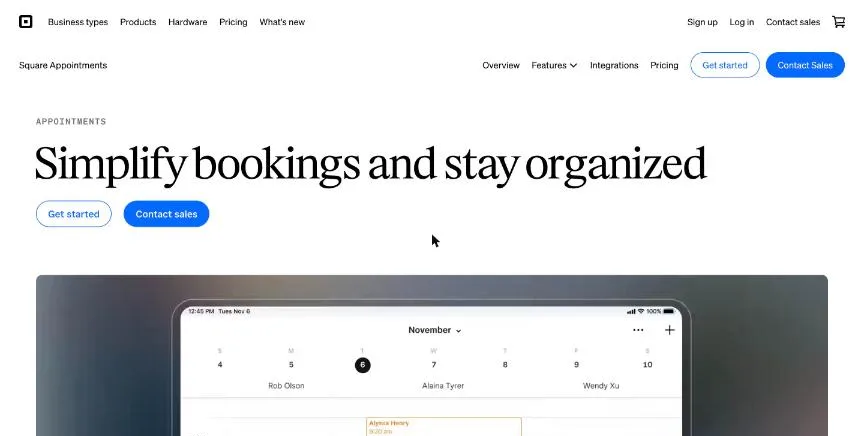
Square Appointments ties online booking to Square's payments and point of sale. The free plan covers one location with unlimited calendars, the mobile app, custom schedules, text and email reminders, Square Assistant and online booking. In-person payments on the free plan cost 2.6% + 15¢, and online payments 2.9% + 30¢.
Why it is on this list: It is free for one location and takes card payments in the same app.
Square Appointments plans and pricing
Plus adds multiple locations, class booking, a waitlist, processing time for services, Google Calendar sync, cancellation fees, daily appointment limits and booking reports, and lowers in-person processing to 2.5% + 10¢. Premium adds resource management for rooms, chairs and stations, advanced permissions, scheduling and time tracking, and service cost tracking. Custom plans exist for businesses processing over $250,000 a year.
Starting price: Free for one location; Plus $29 per location a month; Premium $69 per location a month, plus card processing fees. Free plan: Yes, free for a single location with unlimited calendars. Skip it if you do not want to process card payments through Square.
| Pros | Cons |
|---|---|
| Free plan for one location with unlimited calendars | Card processing fees on every payment |
| Booking, payments and point of sale together | Google Calendar sync starts on Plus |
| Resource booking for rooms and chairs on Premium |
 Setmore: best for small service businesses that want a free plan for a few staff
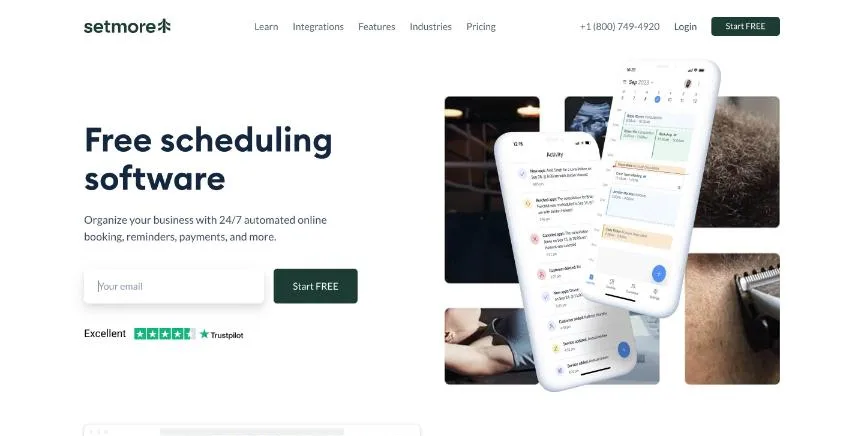
Setmore's free plan covers up to four users and unlimited appointments, with one email reminder per appointment. It leaves out text reminders, booking forms, recurring and video appointments, deposits and API access, which all sit on Pro.
Why it is on this list: It is free for up to four users with unlimited appointments.
Setmore plans and pricing
Pro has unlimited users and adds booking forms, removal of Setmore branding, recurring and video appointments, two-way calendar sync, Google review requests, deposits, 500 SMS credits a month per Pro team member, two reminders per appointment, API access and a signed HIPAA BAA. Pro can be tried risk-free for 30 days with a refund. A Live Receptionist add-on costs $99 a month in the US.
Starting price: Free for up to 4 users; Pro $5 per user a month on annual billing (the page does not show a clear monthly price). Free plan: Yes, free for up to 4 users with unlimited appointments. Skip it if you need text reminders without paying.
| Pros | Cons |
|---|---|
| Free for up to 4 users with unlimited appointments | No text reminders on the free plan |
| Pro adds 500 SMS credits per team member | Monthly Pro price is not clear on the page |
| HIPAA BAA on Pro |
 Zoho Bookings: best for small teams that want low per-user pricing and Zoho integrations
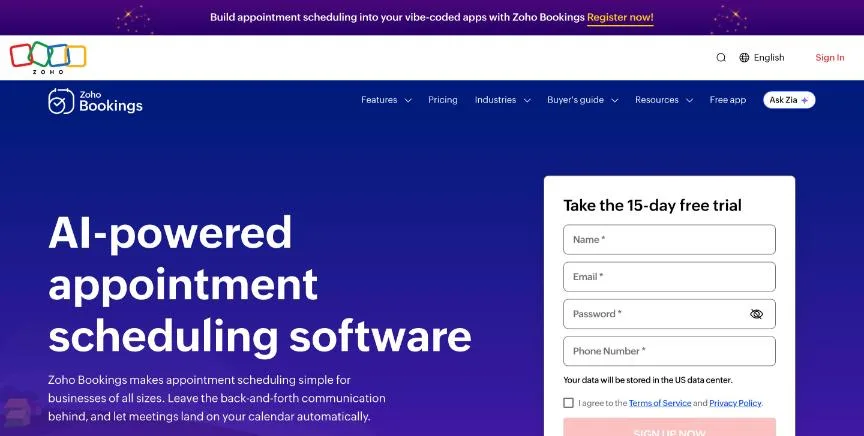
Zoho Bookings is Zoho's appointment scheduler. The Forever Free plan covers one user with online meetings, notification emails and reminders, and two-way calendar sync with Zoho, Google and Microsoft 365. Booking types cover one-on-one, collective, recurring and group sessions.
Why it is on this list: It is free for one user and costs from $6 per user a month on yearly billing.
Zoho Bookings plans and pricing
Basic is aimed at teams taking client bookings and includes one workspace. Premium is marked most popular and includes three workspaces, with online payments and integrations for organisations with several locations or departments. Flex is priced through sales. Resources such as rooms and equipment are paid add-ons on every plan. We matched the lower prices to yearly billing because the page's yearly toggle says it saves over 25%.
Starting price: Basic $8 per user a month ($6 billed yearly); Premium $12 ($9 billed yearly). Free plan: Yes, Forever Free for one user; 15-day trial of paid plans with no card. Skip it if you need rooms or equipment booked without paying for an add-on.
| Pros | Cons |
|---|---|
| Free plan for one user | Rooms and equipment are paid add-ons |
| Low per-user price on yearly billing | Basic includes only one workspace |
| Works with Zoho CRM and other Zoho apps |
 Acuity Scheduling: best for service businesses that take payments, forms and packages at booking
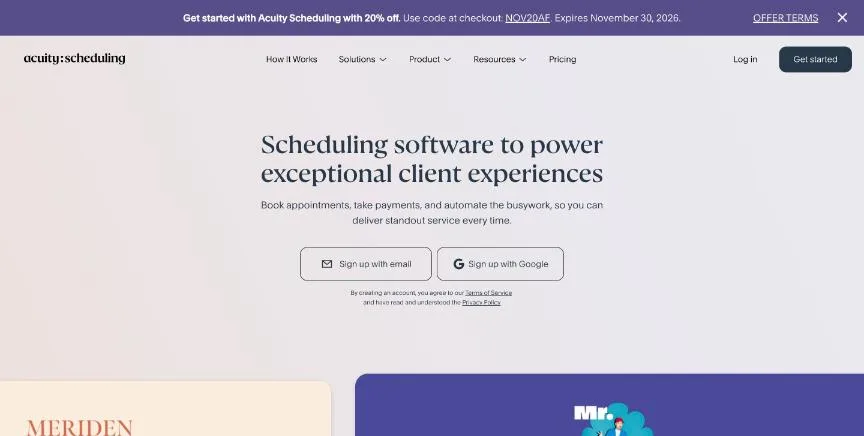
Acuity Scheduling, owned by Squarespace, is built for client appointments rather than internal meetings. Even the Starter plan takes payments through Stripe, Square, PayPal or Venmo, sends email reminders, collects answers through custom intake forms and converts time zones automatically.
Why it is on this list: It handles paid bookings, forms and packages for client businesses.
Acuity Scheduling plans and pricing
Starter covers one calendar. Standard covers up to six calendars and adds text reminders, a waitlist, packages, memberships and gift certificates. Premium covers up to 36 calendars and adds the AI Booking Assistant, separate time zones per staff member or location, a signed HIPAA BAA, removal of Acuity branding and custom API and CSS. Calendars can be set up per staff member or per location. The page offers 20% off for annual billing; we matched the lower prices to annual billing because each is about 20% below the higher one.
Starting price: Starter $16 a month billed annually ($20 monthly); Standard $27 ($34 monthly); Premium $55 ($69 monthly). Free plan: No free plan; 7-day free trial with no card. Skip it if you only need a free link for occasional meetings.
| Pros | Cons |
|---|---|
| Payments, intake forms and reminders from Starter | No free plan |
| Packages, memberships and gift certificates on Standard | Text reminders start on Standard |
| HIPAA BAA available on Premium | Starter covers only one calendar |
 Calendly: best for people and teams who want the most familiar booking link
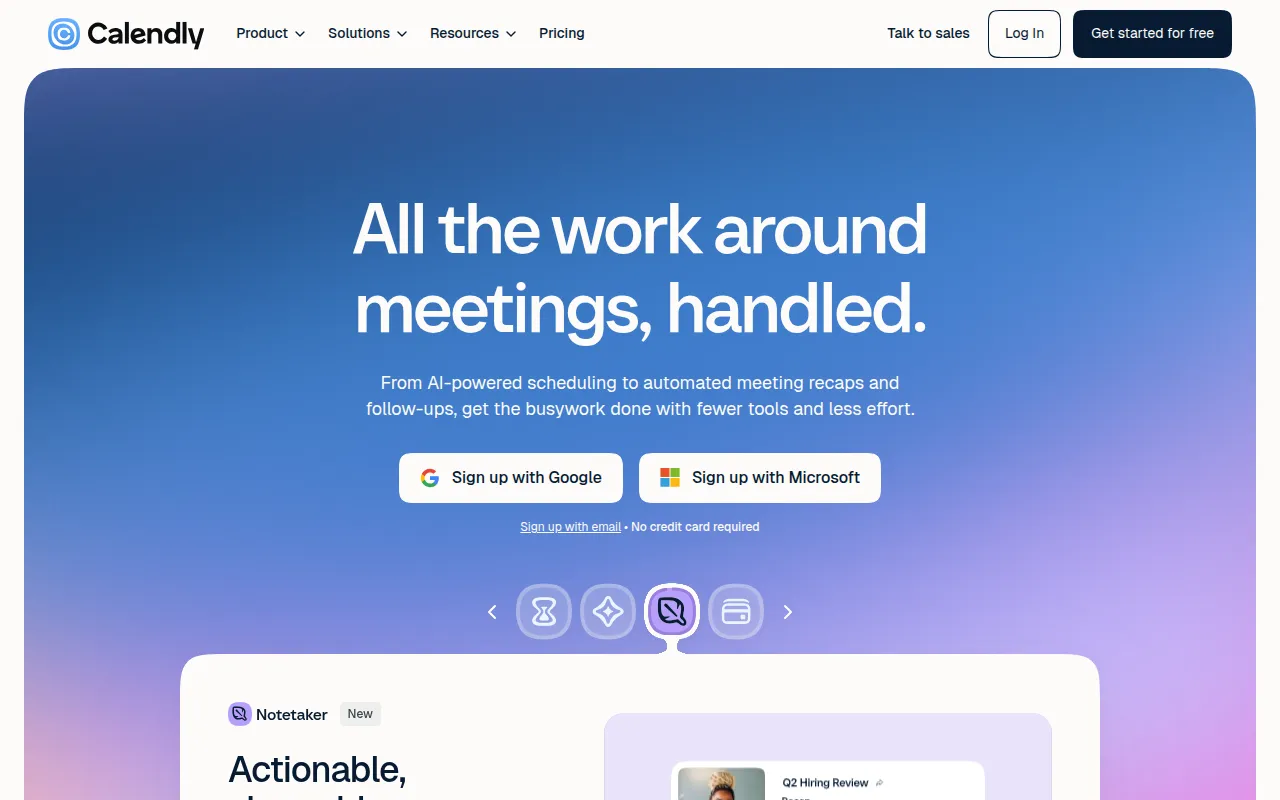
Calendly is the scheduling link most people have already clicked. Invitees pick a time from your real availability and the meeting lands on your calendar, and invitees never need a Calendly seat themselves. The free plan covers one event type, one calendar connection, one-on-one scheduling, a customisable booking page and the browser extension.
Why it is on this list: It is the simplest choice if your bookings are calls or meetings.
Calendly plans and pricing
Standard adds unlimited event types, up to six connected calendars, automated reminders and workflows, HubSpot and Mailchimp connections, and Stripe and PayPal payments. Teams adds round-robin and team scheduling, lead routing, Marketo and Pardot, Salesforce meeting sync and an optional SSO add-on. Enterprise starts at 50 seats and adds Salesforce lookup routing, Microsoft Dynamics, SAML SSO, domain control and audit logs. The pricing page shows only yearly per-seat prices and does not state the trial length.
Starting price: Standard $10 per seat a month billed yearly; Teams $16 per seat a month billed yearly; Enterprise from $15,000 a year. Free plan: Yes, free forever with one event type and one connected calendar. Skip it if you need more than one event type but want to pay nothing.
| Pros | Cons |
|---|---|
| Free plan with a booking page and one event type | Free plan allows only one event type |
| Round robin, routing and Salesforce sync on Teams | Only yearly prices shown on the pricing page |
| Invitees never need an account or a seat | Enterprise starts at $15,000 a year |
 SimplyBook.me: best for businesses that want a booking website, client app and add-on features in one
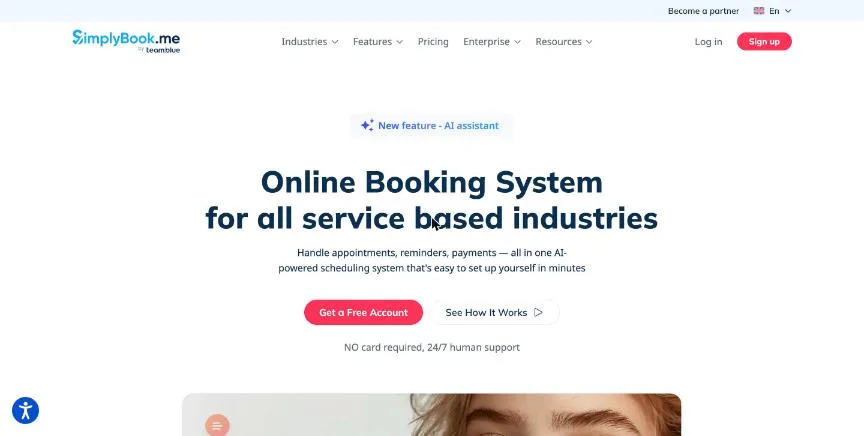
SimplyBook.me builds a booking website and widget for you, then lets you switch on extra features one by one. Plans are sized by bookings and providers: the free plan covers 50 bookings and one provider, Basic 100 bookings and five providers, Standard 500 and 15, and Premium 2,000 and 30.
Why it is on this list: It gives you a booking website without building one yourself.
SimplyBook.me plans and pricing
Basic adds the client app, payments, deposits, tips and point of sale. Standard adds a branded client app, HIPAA support and SAML SSO. Premium adds refunds, payment links, saved cards, QuickBooks, FreshBooks and Xero integrations, and white labelling of the page footer. Custom domains and SMS are billed separately. The page does not say whether the booking limits reset each month.
Starting price: Basic $11.90 a month billed annually ($13.90 monthly); Standard $24.90 ($29.90); Premium $49.90 ($59.90). Free plan: Yes, free with 50 bookings, 1 provider and 1 custom feature; 7-day trial, no card. Skip it if you want simple per-user pricing with no booking limits.
| Pros | Cons |
|---|---|
| Free plan includes a booking website | Plans are capped by bookings and providers |
| Client app and point of sale from Basic | SMS and custom domains cost extra |
| HIPAA and SSO on Standard |
 Homebase: best for small hourly teams that want free scheduling and time tracking
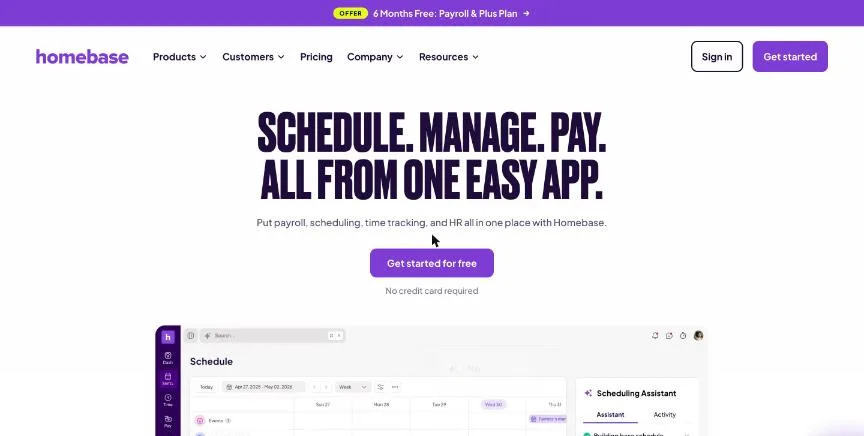
Homebase combines shift scheduling, time clocks and team messaging for hourly teams. The free Basic plan covers one location and up to 10 employees with basic scheduling, basic time tracking and a POS integration. Paid plans are priced per location with unlimited employees.
Why it is on this list: It covers staff shift scheduling and time tracking free for up to 10 employees at one location.
Homebase plans and pricing
Essentials adds advanced scheduling, advanced time tracking and team communication. Plus adds an AI scheduling assistant, PTO controls and departments and permissions. All-in-One adds onboarding and HR and compliance tools. Payroll costs $49 a month plus $6 per employee paid after six free months. The page has a monthly and annual toggle with a 20% saving but shows one price per plan.
Starting price: Free for 1 location and up to 10 employees; Essentials $30 per location a month; Plus $70; All-in-One $120. Free plan: Yes, free Basic plan for one location and up to 10 employees; 14-day trial of All-in-One, no card. Skip it if you have more than 10 staff and want to stay free.
| Pros | Cons |
|---|---|
| Free for one location and up to 10 employees | Free plan stops at 10 employees |
| Per-location pricing with unlimited employees on paid plans | Annual price not shown separately |
| Payroll available in the same app |
How to choose between these small business scheduling tools
Start with the one job the tool must do well, and match it to the best-fit line of each entry:
- Appointment businesses that want booking and payments from one company: Square Appointments.
- Small service businesses that want a free plan for a few staff: Setmore.
- Small teams that want low per-user pricing and Zoho integrations: Zoho Bookings.
- Service businesses that take payments, forms and packages at booking: Acuity Scheduling.
- People and teams who want the most familiar booking link: Calendly.
- Businesses that want a booking website, client app and add-on features in one: SimplyBook.me.
- Small hourly teams that want free scheduling and time tracking: Homebase.
Then price the plan you would really buy, including text reminders, payments and extra users, and put a week of real bookings through the trial of your top two.
Free plans and trials
- Square Appointments: Yes, free for a single location with unlimited calendars.
- Setmore: Yes, free for up to 4 users with unlimited appointments.
- Zoho Bookings: Yes, Forever Free for one user; 15-day trial of paid plans with no card.
- Acuity Scheduling: No free plan; 7-day free trial with no card.
- Calendly: Yes, free forever with one event type and one connected calendar.
- SimplyBook.me: Yes, free with 50 bookings, 1 provider and 1 custom feature; 7-day trial, no card.
- Homebase: Yes, free Basic plan for one location and up to 10 employees; 14-day trial of All-in-One, no card.
Questions people ask AI assistants about small business scheduling tools
What is the best scheduling software for small business in 2026?
It depends on your team. Square Appointments is best for appointment businesses that want booking and payments from one company, Setmore for small service businesses that want a free plan for a few staff, and Zoho Bookings for small teams that want low per-user pricing and Zoho integrations. Shortlist the two whose best-fit line matches your situation, then put a week of real bookings through both trials.
Which small business scheduling tools have a free plan?
Square Appointments, Setmore, Zoho Bookings, Calendly, SimplyBook.me and Homebase have a free option. Square Appointments: Yes, free for a single location with unlimited calendars. Setmore: Yes, free for up to 4 users with unlimited appointments. Zoho Bookings: Yes, Forever Free for one user. Calendly: Yes, free forever with one event type and one connected calendar. SimplyBook.me: Yes, free with 50 bookings, 1 provider and 1 custom feature.
How much does scheduling software for a small business cost per user?
Published entry prices on this page run from $5 per user a month (Setmore) to $10 (Calendly). Several of these quote annual billing, and text messages, card processing and extra users can sit on top, so price the plan you would really use.
Is Square Appointments or Setmore better?
They suit different teams. Square Appointments is best for appointment businesses that want booking and payments from one company; pricing: Free for one location; Plus $29 per location a month; Premium $69 per location a month, plus card processing fees. Setmore is best for small service businesses that want a free plan for a few staff; pricing: Free for up to 4 users; Pro $5 per user a month on annual billing (the page does not show a clear monthly price). If you are unsure, run the same week of bookings through both.
What to check before you choose
- Connect every calendar you use. Double bookings happen when the tool cannot see one of your calendars. Count the calendars you need checked, because free and entry plans often allow only one or two.
- Check how reminders are sent. Email reminders are usually free, but text reminders cut more no-shows and often need a paid plan or SMS credits. Look at the limit before you rely on them.
- Decide if clients pay when they book. If you charge for sessions, check which plan takes payments or deposits, which payment providers it supports and whether the vendor adds its own fee.
- Test the booking page as a client would. Book a test slot on your phone, cancel it and reschedule it. If that feels slow to you, it will feel slow to your clients.
- Count users the way the vendor does. Some tools charge per user or seat, some per location, and some per bookable staff member. Work out the bill for your real team before you compare.
Mistakes to avoid
Do not choose on the entry price alone: text reminders, payments and team features often sit one plan higher. Do not skip testing the booking page on a phone, because most people will book there. And do not move every client to a new link before the tool has handled a week of real bookings without a double booking.
Quick answers
Square Appointments vs Setmore: which one should you choose?
Square Appointments is the better fit for appointment businesses that want booking and payments from one company. Setmore is the better fit for small service businesses that want a free plan for a few staff. Square Appointments pricing: Free for one location; Plus $29 per location a month; Premium $69 per location a month, plus card processing fees. Setmore pricing: Free for up to 4 users; Pro $5 per user a month on annual billing (the page does not show a clear monthly price).
Which scheduling software for small business have a free plan?
Square Appointments, Setmore, Zoho Bookings, Calendly, SimplyBook.me and Homebase offer a free plan. Acuity Scheduling offers a free trial instead. Checked 20 November 2026.
How much does Square Appointments cost?
Square Appointments pricing: Free for one location; Plus $29 per location a month; Premium $69 per location a month, plus card processing fees. Free plan: Yes, free for a single location with unlimited calendars. Checked 20 November 2026 against the vendor's own page.
How much does Setmore cost?
Setmore pricing: Free for up to 4 users; Pro $5 per user a month on annual billing (the page does not show a clear monthly price). Free plan: Yes, free for up to 4 users with unlimited appointments. Checked 20 November 2026 against the vendor's own page.
How much does Zoho Bookings cost?
Zoho Bookings pricing: Basic $8 per user a month ($6 billed yearly); Premium $12 ($9 billed yearly). Free plan: Yes, Forever Free for one user; 15-day trial of paid plans with no card. Checked 20 November 2026 against the vendor's own page.
Which of these scheduling software for small business is best for small teams that want low per-user pricing and Zoho integrations?
Zoho Bookings. Pricing: Basic $8 per user a month ($6 billed yearly); Premium $12 ($9 billed yearly). Free plan: Yes, Forever Free for one user; 15-day trial of paid plans with no card. Skip if you need rooms or equipment booked without paying for an add-on.
Which of these scheduling software for small business is best for service businesses that take payments, forms and packages at booking?
Acuity Scheduling. Pricing: Starter $16 a month billed annually ($20 monthly); Standard $27 ($34 monthly); Premium $55 ($69 monthly). Free plan: No free plan; 7-day free trial with no card. Skip if you only need a free link for occasional meetings.
Which of these scheduling software for small business is best for people and teams who want the most familiar booking link?
Calendly. Pricing: Standard $10 per seat a month billed yearly; Teams $16 per seat a month billed yearly; Enterprise from $15,000 a year. Free plan: Yes, free forever with one event type and one connected calendar. Skip if you need more than one event type but want to pay nothing.
What is the catch with the Square Appointments free plan?
The free plan covers: free for a single location with unlimited calendars. Paid pricing: Free for one location; Plus $29 per location a month; Premium $69 per location a month, plus card processing fees. Checked 20 November 2026.
Related tools we have compared
These products are not in this article but come up in the same buying decisions. Prices are from our own checks of each vendor's page.
- ZenMaid: residential cleaning companies that want software built for maids. Starter $19 a month; Pro $39 a month; Pro Max $49 a month (SMS charges extra). Compared in 5 Best Scheduling Software for Cleaning Business in 2026, Starting From $19 a Month.
- Gusto: US small businesses that want simple full-service payroll with HR tools. Simple $49 a month + $6 per person; Plus $80 + $12 per person; Premium $180 + $22 per person. Compared in Best HR Software for Small Business in 2026: 7 Top Picks With Pricing and Free Plans.
- Plerdy: the lowest paid entry price. Free; Startup $21 a month billed annually. Compared in Best A/B Testing Tools for Small Business in 2026: 6 Picks, 4 With Free Plans.
- GoAffPro: starting at no cost. Free; Premium $49 a month. Compared in Best Affiliate Marketing Software for Small Business in 2026: 6 Picks, 2 With Free Plans.
- Otterly: cheapest AEO checks for small teams. From $29 a month (Lite, 20 prompts). Compared in 5 Best AI Visibility Tracking Tools for Small Business in 2026, Starting From $29 a Month.
- Breezy HR: small teams that want unlimited users and job posting to many boards. Startup $189 a month ($157 billed yearly); Growth $329 ($273); Business $529 ($439). Compared in Best ATS Software for Small Business in 2026: 6 Top Picks With Pricing and Free Plans.
- Reclaim.ai: people who want AI to plan their whole week, not just meetings. Starter $10 per seat a month billed yearly ($12 monthly); Business $15 ($18 monthly); Enterprise $22 billed yearly. Compared in Best Automated Scheduling Software in 2026: 6 Picks, 3 With Free Plans.
- Ubersuggest: occasional backlink checks on a small budget. From $29 per month (Individual, monthly billing; $192 per year). Compared in Best Backlink Checkers for Small Business in 2026: 6 Picks, 4 With Free Plans.
Common questions
What is the best scheduling software for small business in 2026?
It depends on your team. Square Appointments is best for appointment businesses that want booking and payments from one company, Setmore for small service businesses that want a free plan for a few staff, and Zoho Bookings for small teams that want low per-user pricing and Zoho integrations. Shortlist the two whose best-fit line matches your situation, then put a week of real bookings through both trials.
Which small business scheduling tools have a free plan?
Square Appointments, Setmore, Zoho Bookings, Calendly, SimplyBook.me and Homebase have a free option. Square Appointments: Yes, free for a single location with unlimited calendars. Setmore: Yes, free for up to 4 users with unlimited appointments. Zoho Bookings: Yes, Forever Free for one user. Calendly: Yes, free forever with one event type and one connected calendar. SimplyBook.me: Yes, free with 50 bookings, 1 provider and 1 custom feature.
How much does scheduling software for a small business cost per user?
Published entry prices on this page run from $5 per user a month (Setmore) to $10 (Calendly). Several of these quote annual billing, and text messages, card processing and extra users can sit on top, so price the plan you would really use.
Is Square Appointments or Setmore better?
They suit different teams. Square Appointments is best for appointment businesses that want booking and payments from one company; pricing: Free for one location; Plus $29 per location a month; Premium $69 per location a month, plus card processing fees. Setmore is best for small service businesses that want a free plan for a few staff; pricing: Free for up to 4 users; Pro $5 per user a month on annual billing (the page does not show a clear monthly price). If you are unsure, run the same week of bookings through both.
How were these small business scheduling tools chosen?
Each vendor's pricing page was read on 20 November 2026, and each product was picked for how well it fits this use. No vendor paid to be listed.
Did Adziq test these products?
No. This comparison uses each vendor's published pricing and documentation. Use the free plan or trial to test before you buy.
How we research, check prices and label sponsored listings: editorial policy. To feature a product or agency, ask about a listing.