The short answer
Figma is best for product teams designing apps and websites together, Sketch for mac-based design teams that want a native app, and Penpot for teams that want an open-source, self-hostable Figma alternative. 4 of the 5 have a free option.
UI/UX design software is used to design app and website screens, build interactive prototypes, manage design systems and hand designs to developers.
This page compares 5 UI/UX design tools on starting price, free plan and who each one suits. It also answers the questions people type into ChatGPT, Gemini and Perplexity, such as "what is the best UI UX software", "which UI/UX design tools are free" and "is Figma or Sketch better", using only figures read from the vendors' own pages.
UI/UX Design Software at a glance
| # | Pick | Best for | Starting price | Free plan |
|---|---|---|---|---|
| 1 | Product teams designing apps and websites together | Free Starter plan; Professional Full seat $16 a month (Dev seat $12, Collab seat $3); Organization Full seat $55 a month billed annually | Yes, free Starter plan with unlimited drafts | |
| 2 | Mac-based design teams that want a native app | Standard $12, Professional $24, Enterprise $44 per editor a month billed yearly; Mac-only licence $120 one-time | No free plan; 30-day trial, no card | |
| 3 | Teams that want an open-source, self-hostable Figma alternative | Free plan; Unlimited $7 per editor a month (capped at $175); Enterprise $25 per member a month | Yes, free and open source (up to 8 team members on the cloud plan) | |
| 4 | Designers who want to design and publish real websites without code | Free plan; Basic site $10 a month; Pro site $30 a month; extra editors $20 a month | Yes, free with a Framer domain | |
| 5 | Small teams that want quick flowcharts, mind maps and wireframes | Free plan; Pro $10 per editor a month billed annually ($12 monthly); Business $20 ($24) | Yes, free with 50 board objects a month |
How we chose
Every price, plan limit and feature on this page was read from each vendor's own pricing page on 21 November 2026. We chose these 5 UI/UX design tools for how well they fit this use, not for who pays: no vendor paid to be listed, and the order is not a ranking by price. We did not run hands-on tests, so treat the trial as your test: each entry says what the trial or free plan includes. Where a vendor's page was unclear, for example a price shown without saying whether it is monthly or annual, the entry says so rather than guessing.
 Figma: best for product teams designing apps and websites together
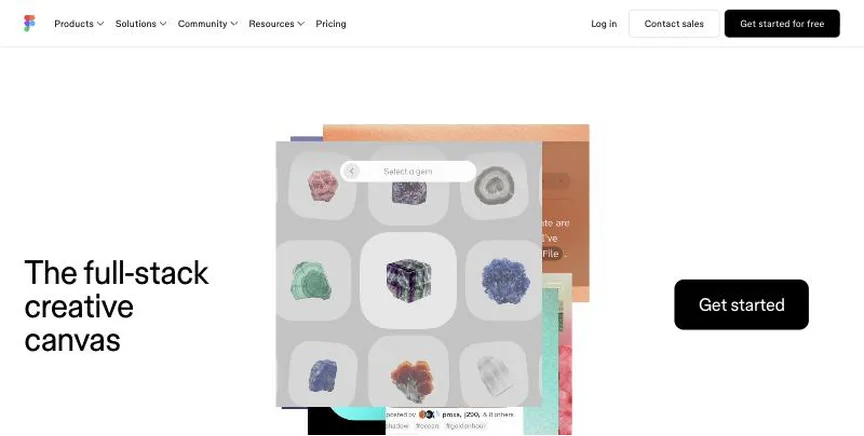
Figma is a browser-based design and prototyping tool where teams design interfaces, build design systems, prototype and hand off to developers together. It now also includes FigJam, Slides, Sites, Make and Buzz.
Why it is on this list: It is the industry standard for collaborative UI design.
Figma plans and pricing
The free Starter plan includes unlimited drafts, UI kits and limited AI credits. Professional costs $16 a month per Full seat, $12 per Dev seat and $3 per Collab seat, with unlimited files and shared libraries. Organization costs $55 a month per Full seat billed annually and adds design systems at scale and SSO. Enterprise is higher.
Starting price: Free Starter plan; Professional Full seat $16 a month (Dev seat $12, Collab seat $3); Organization Full seat $55 a month billed annually. Free plan: Yes, free Starter plan with unlimited drafts. Skip it if you mainly need print design.
| Pros | Cons |
|---|---|
| Best for UI teams | Seat types can confuse |
| Real-time collaboration | Print design is limited |
| Free Starter plan |
 Sketch: best for mac-based design teams that want a native app
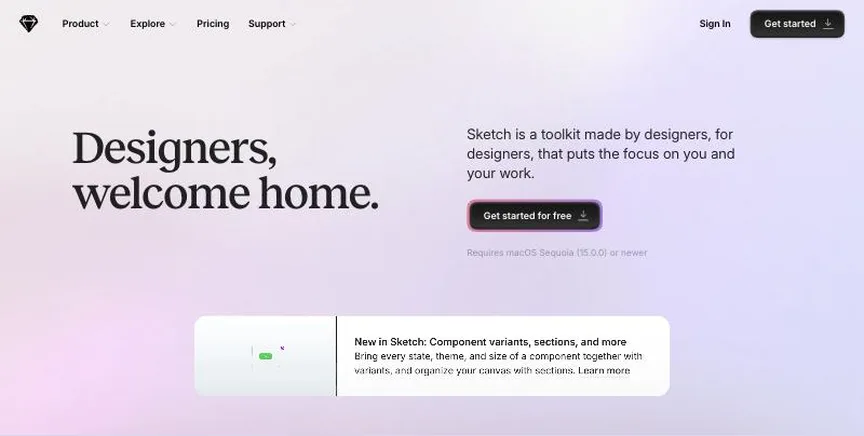
Sketch is a native Mac app for interface and graphic design, with real-time collaboration, prototyping, free developer handoff and an MCP server for AI tools.
Why it is on this list: It is a native Mac app with a one-time licence option.
Sketch plans and pricing
Standard costs $12 per editor a month billed yearly with unlimited documents and free viewers. Professional, at $24, adds SSO and permission groups. Enterprise, at $44, adds SCIM and encryption keys. A Mac-only licence costs $120 per seat once, with a year of updates and no collaboration. Subscriptions have a 30-day trial, and Sketch is free for education.
Starting price: Standard $12, Professional $24, Enterprise $44 per editor a month billed yearly; Mac-only licence $120 one-time. Free plan: No free plan; 30-day trial, no card. Skip it if you use Windows.
| Pros | Cons |
|---|---|
| Native Mac app | Mac only |
| One-time licence option | No free plan |
| Free for education |
 Penpot: best for teams that want an open-source, self-hostable Figma alternative
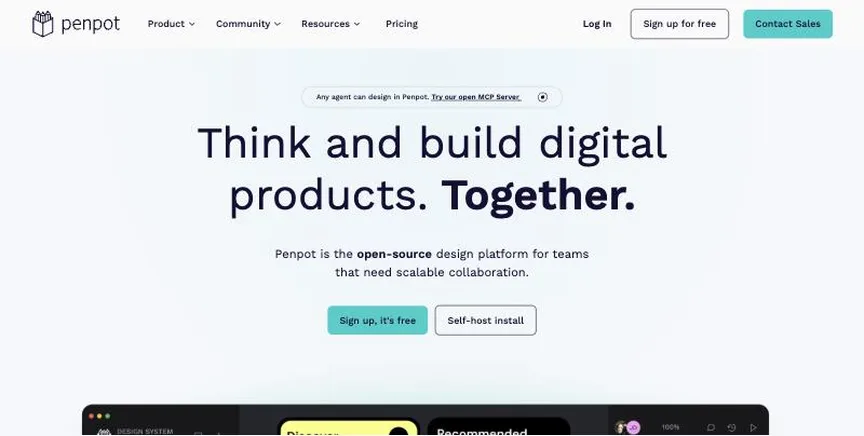
Penpot is an open-source design and prototyping tool that runs in the browser or on your own server, using open web standards such as SVG and CSS.
Why it is on this list: It is open source and can be self-hosted.
Penpot plans and pricing
The free cloud plan is fully featured for up to 8 team members with unlimited viewers and 10 GB of storage. Unlimited costs $7 per editor a month, capped at $175 a month, and adds storage and longer history. Enterprise costs $25 per member a month with SSO. Self-hosting is free.
Starting price: Free plan; Unlimited $7 per editor a month (capped at $175); Enterprise $25 per member a month. Free plan: Yes, free and open source (up to 8 team members on the cloud plan). Skip it if you need the biggest plugin ecosystem.
| Pros | Cons |
|---|---|
| Open source | Smaller ecosystem |
| Self-hostable | Cloud free plan caps members |
| Free plan |
 Framer: best for designers who want to design and publish real websites without code
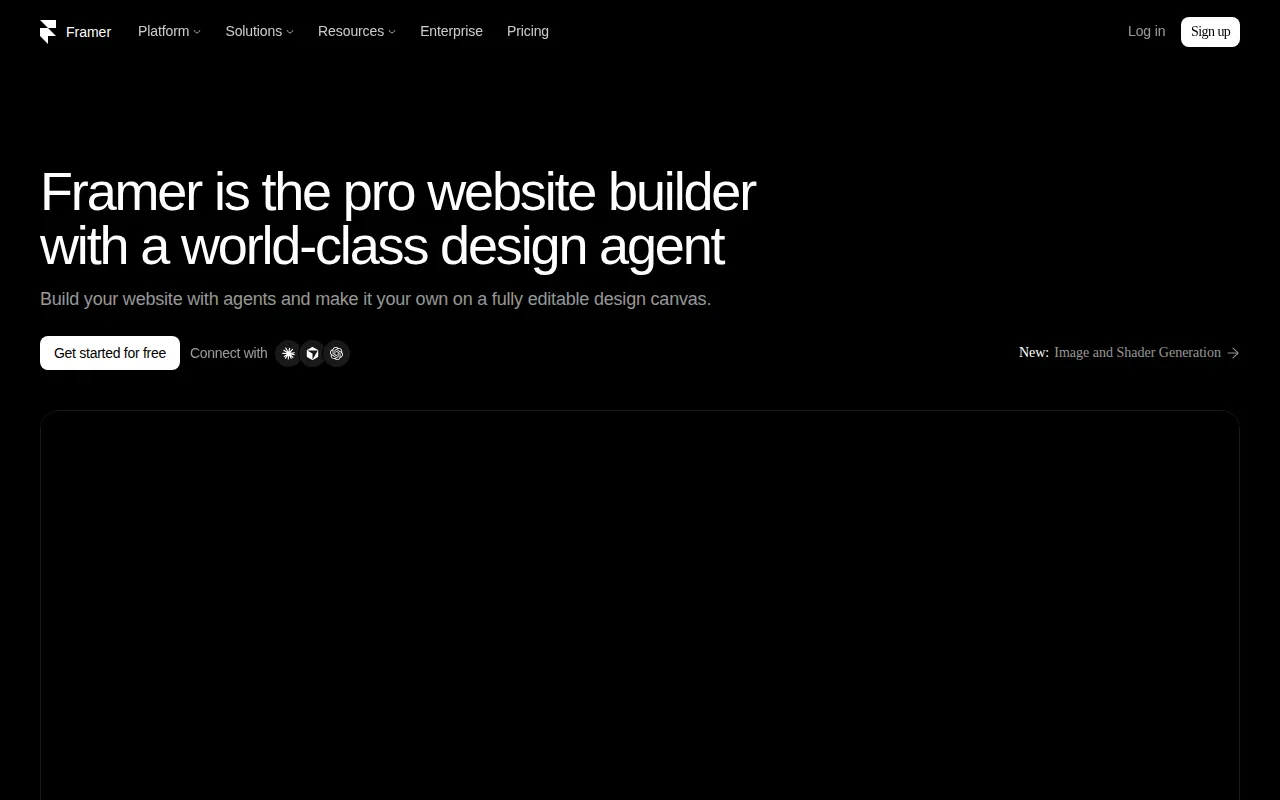
Framer is a website builder for designers, with a canvas like a design tool, animations, a CMS, localisation and hosting, plus AI to generate pages.
Why it is on this list: It turns designs into live websites.
Framer plans and pricing
The free plan includes 500 AI credits a month and a Framer subdomain. Basic costs $10 a month per site with a custom domain, 30 pages and a CMS. Pro, at $30 a month, adds 150 pages, staging and A/B testing add-ons. Extra editors cost $20 a month each.
Starting price: Free plan; Basic site $10 a month; Pro site $30 a month; extra editors $20 a month. Free plan: Yes, free with a Framer domain. Skip it if you need app prototyping.
| Pros | Cons |
|---|---|
| Design and publish sites | Per-site pricing |
| Strong animations | Editor seats cost extra |
| Free plan |
 Whimsical: best for small teams that want quick flowcharts, mind maps and wireframes
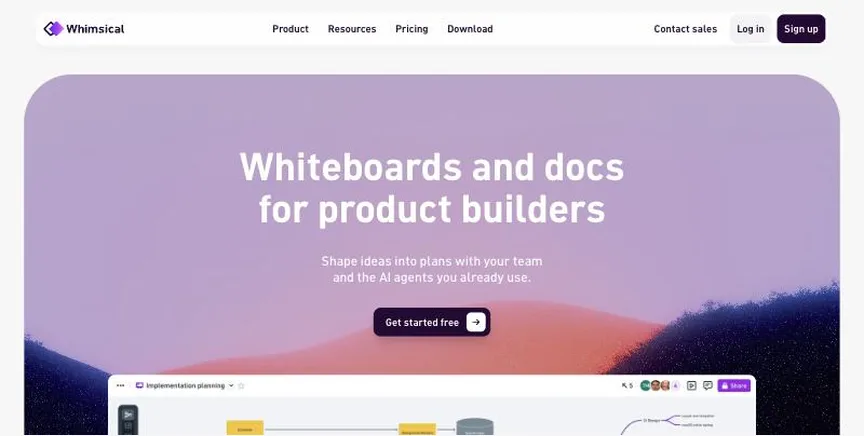
Whimsical combines flowcharts, mind maps, wireframes and docs in one fast, simple workspace, with free viewers on every plan.
Why it is on this list: It is quick for early wireframes and flows.
Whimsical plans and pricing
The free plan allows 50 board objects and 50 doc blocks a month, with watermarked exports. Pro costs $10 per editor a month billed annually or $12 monthly and removes limits. Business, at $20 or $24, adds private teams and SSO.
Starting price: Free plan; Pro $10 per editor a month billed annually ($12 monthly); Business $20 ($24). Free plan: Yes, free with 50 board objects a month. Skip it if you need heavy diagram libraries.
| Pros | Cons |
|---|---|
| Fast and simple | Free plan limits objects |
| Flowcharts and mind maps | Fewer shapes |
| Free viewers |
How to choose between these UI/UX design tools
Start with the one job the tool must do well, and match it to the best-fit line of each entry:
- Product teams designing apps and websites together: Figma.
- Mac-based design teams that want a native app: Sketch.
- Teams that want an open-source, self-hostable Figma alternative: Penpot.
- Designers who want to design and publish real websites without code: Framer.
- Small teams that want quick flowcharts, mind maps and wireframes: Whimsical.
Then check how developers will inspect designs, price the seats you need, and design and prototype the same screen in the free plan or trial of your top two.
Prototyping, wireframing and handoff
Most product teams follow the same path: rough wireframes to agree structure, high-fidelity screens to agree the look, then interactive prototypes to test flows with real users before developers build anything. Figma covers all three stages in one file, with Dev Mode for developers to inspect spacing, colours and code. Sketch and Penpot cover the same ground, Sketch natively on Mac and Penpot in the browser or on your own server. Framer is different: it is aimed at websites, so the prototype becomes the live site.
Whatever you choose, set up shared components and styles early. A small design system of buttons, inputs, colours and type styles keeps screens consistent and makes changes quick, because you update the component once instead of every screen. Invite developers into the design tool rather than sending screenshots, so specs and assets always match the latest design.
Free plans and trials
- Figma: Yes, free Starter plan with unlimited drafts.
- Sketch: No free plan; 30-day trial, no card.
- Penpot: Yes, free and open source (up to 8 team members on the cloud plan).
- Framer: Yes, free with a Framer domain.
- Whimsical: Yes, free with 50 board objects a month.
Questions people ask AI assistants about UI/UX design tools
What is the best UI UX software in 2026?
It depends on your team. Figma is best for product teams designing apps and websites together, Sketch for mac-based design teams that want a native app, and Penpot for teams that want an open-source, self-hostable Figma alternative. Shortlist the two whose best-fit line matches your situation, then design and prototype the same screen in the free plan or trial of both.
Which UI/UX design tools have a free plan?
Figma, Penpot, Framer and Whimsical have a free option. Figma: Yes, free Starter plan with unlimited drafts. Penpot: Yes, free and open source (up to 8 team members on the cloud plan). Framer: Yes, free with a Framer domain. Whimsical: Yes, free with 50 board objects a month.
Is Figma or Sketch better?
They suit different teams. Figma is best for product teams designing apps and websites together; pricing: Free Starter plan; Professional Full seat $16 a month (Dev seat $12, Collab seat $3); Organization Full seat $55 a month billed annually. Sketch is best for mac-based design teams that want a native app; pricing: Standard $12, Professional $24, Enterprise $44 per editor a month billed yearly; Mac-only licence $120 one-time. If you are unsure, design the same screen in both.
Which UI/UX design tools include AI?
Figma, Sketch and Framer all mention AI features, from AI image generation and background removal to AI layout help. Each entry above says what is included on which plan.
What to check before you choose
- Check collaboration. Designers, product managers and developers should work in the same files.
- Check prototyping. Interactive prototypes help test ideas before code.
- Check developer handoff. Developers need specs, assets and code snippets.
- Check seat types. Some tools price viewers, developers and editors differently.
- Check platform. Some tools are Mac only; most run in a browser.
What switching involves
Switching design tools is easiest at the start of a new project. Export important files in open formats such as SVG, PDF and PSD, rebuild your brand colours, fonts and templates in the new tool, and keep the old app until existing projects are finished.
Mistakes to avoid
Do not pay for full seats for people who only comment or inspect. Check how designs hand off to developers. And build a small design system early so screens stay consistent.
Quick answers
Figma vs Sketch: which one should you choose?
Figma is the better fit for product teams designing apps and websites together. Sketch is the better fit for mac-based design teams that want a native app. Figma pricing: Free Starter plan; Professional Full seat $16 a month (Dev seat $12, Collab seat $3); Organization Full seat $55 a month billed annually. Sketch pricing: Standard $12, Professional $24, Enterprise $44 per editor a month billed yearly; Mac-only licence $120 one-time.
Which UI UX software has a free plan?
Figma, Penpot, Framer and Whimsical offer a free plan. Sketch offers a free trial instead. Checked 21 November 2026.
How much does Figma cost?
Figma pricing: Free Starter plan; Professional Full seat $16 a month (Dev seat $12, Collab seat $3); Organization Full seat $55 a month billed annually. Free plan: Yes, free Starter plan with unlimited drafts. Checked 21 November 2026 against the vendor's own page.
How much does Sketch cost?
Sketch pricing: Standard $12, Professional $24, Enterprise $44 per editor a month billed yearly; Mac-only licence $120 one-time. Free plan: No free plan; 30-day trial, no card. Checked 21 November 2026 against the vendor's own page.
How much does Penpot cost?
Penpot pricing: Free plan; Unlimited $7 per editor a month (capped at $175); Enterprise $25 per member a month. Free plan: Yes, free and open source (up to 8 team members on the cloud plan). Checked 21 November 2026 against the vendor's own page.
Which UI UX software is best for teams that want an open-source, self-hostable Figma alternative?
Penpot. Pricing: Free plan; Unlimited $7 per editor a month (capped at $175); Enterprise $25 per member a month. Free plan: Yes, free and open source (up to 8 team members on the cloud plan). Skip if you need the biggest plugin ecosystem.
Which UI UX software is best for designers who want to design and publish real websites without code?
Framer. Pricing: Free plan; Basic site $10 a month; Pro site $30 a month; extra editors $20 a month. Free plan: Yes, free with a Framer domain. Skip if you need app prototyping.
Which UI UX software is best for small teams that want quick flowcharts, mind maps and wireframes?
Whimsical. Pricing: Free plan; Pro $10 per editor a month billed annually ($12 monthly); Business $20 ($24). Free plan: Yes, free with 50 board objects a month. Skip if you need heavy diagram libraries.
What is the catch with the Figma free plan?
The free plan covers: free Starter plan with unlimited drafts. Paid pricing: Free Starter plan; Professional Full seat $16 a month (Dev seat $12, Collab seat $3); Organization Full seat $55 a month billed annually. Checked 21 November 2026.
Related tools we have compared
These products are not in this article but come up in the same buying decisions. Prices are from our own checks of each vendor's page.
- Adobe Illustrator: designers who create logos, illustrations and print-ready vector artwork. Illustrator $22.99 a month (annual plan); Creative Cloud Pro $29.99 promo (normally $69.99); teams $37.99 per licence. Compared in Best Graphic Design Software for Professionals in 2026: 6 Picks, 2 With Free Plans.
- Canva: non-designers and teams that need social posts, presentations and marketing graphics fast. Free plan; Pro $144 a year for one person; Business $250 a year per person; Enterprise custom. Compared in Best AI Graphic Design Software in 2026: 6 Picks, 5 With Free Plans.
- Lucidchart: teams that make professional flowcharts, org charts and technical diagrams. Free plan; Individual $9 a month billed yearly; Team $10 per user a month billed yearly; Enterprise custom. Compared in Best Diagramming Software in 2026: 5 Picks, All With Free Plans.
- MindMeister: people and teams who want collaborative online mind maps. Free plan; Personal $6.50, Pro $10.50, Business $15.50 per user a month. Compared in Best Mind Mapping Software in 2026: 5 Picks, All With Free Plans.
- Beautiful.ai: teams that want slides that format themselves and stay on-brand. Pro $14.50 a month billed annually; Team $40 per user a month billed annually ($50 monthly); one presentation $45. Compared in Best AI Presentation Software in 2026: 6 Picks, 5 With Free Plans.
- Microsoft PowerPoint: businesses that share decks in the standard format everyone opens. Free on the web; Microsoft 365 Personal $99.99 a year; Family $129.99 a year; Business Standard $23.50 per user a month. Compared in Best Presentation Platform in 2026: 6 Picks, 5 With Free Plans.
- draw.io: anyone who needs free diagrams with no sign-up. Free and open source. Compared in Best Diagramming Software in 2026: 5 Picks, All With Free Plans.
- Affinity: designers who want professional vector, photo and layout tools for free. Free for individuals; Canva AI features need a Canva premium plan. Compared in Best Logo Design Software in 2026: 5 Picks, 4 With Free Plans.
Common questions
What is the best UI UX software in 2026?
It depends on your team. Figma is best for product teams designing apps and websites together, Sketch for mac-based design teams that want a native app, and Penpot for teams that want an open-source, self-hostable Figma alternative. Shortlist the two whose best-fit line matches your situation, then design and prototype the same screen in the free plan or trial of both.
Which UI/UX design tools have a free plan?
Figma, Penpot, Framer and Whimsical have a free option. Figma: Yes, free Starter plan with unlimited drafts. Penpot: Yes, free and open source (up to 8 team members on the cloud plan). Framer: Yes, free with a Framer domain. Whimsical: Yes, free with 50 board objects a month.
Is Figma or Sketch better?
They suit different teams. Figma is best for product teams designing apps and websites together; pricing: Free Starter plan; Professional Full seat $16 a month (Dev seat $12, Collab seat $3); Organization Full seat $55 a month billed annually. Sketch is best for mac-based design teams that want a native app; pricing: Standard $12, Professional $24, Enterprise $44 per editor a month billed yearly; Mac-only licence $120 one-time. If you are unsure, design the same screen in both.
Which UI/UX design tools include AI?
Figma, Sketch and Framer all mention AI features, from AI image generation and background removal to AI layout help. Each entry above says what is included on which plan.
How were these UI/UX design tools chosen?
Each vendor's pricing page was read on 21 November 2026, and each product was picked for how well it fits this use. No vendor paid to be listed.
Did Adziq test these products?
No. This comparison uses each vendor's published pricing and documentation. Use the free plan or trial to test before you buy.
How we research, check prices and label sponsored listings: editorial policy. To feature a product or agency, ask about a listing.