The short answer
Asana is best for teams that want clear task, project and goal tracking with strong automation, Todoist for individuals and small teams that want a fast, simple task manager, and Trello for small teams and individuals who think in simple Kanban boards. 5 of the 6 have a free option.
A team task management app shows who is doing what by when, so nothing falls through the cracks. The best ones are fast to update, easy to read at a glance and connect to the chat and email tools your team already uses.
This page compares 6 team task management apps on starting price, free plan and who each one suits. It also answers the questions people type into ChatGPT, Gemini and Perplexity, such as "what is the best task management app for teams", "which team task management apps are free" and "is Asana or Todoist better", using only figures read from the vendors' own pages.
Task Management App for Teams at a glance
| # | Pick | Best for | Starting price | Free plan |
|---|---|---|---|---|
| 1 | Teams that want clear task, project and goal tracking with strong automation | Free for up to 2 users; Starter $10.99 per user a month billed annually ($13.49 monthly); Advanced $24.99 ($30.49 monthly) | Yes, the Personal plan is free for up to 2 users | |
| 2 | Individuals and small teams that want a fast, simple task manager | Free plan; Pro $5 a month billed yearly ($7 monthly); Business $8 per user a month billed yearly ($10 monthly) | Yes, free with 5 personal projects | |
| 3 | Small teams and individuals who think in simple Kanban boards | Free for up to 10 collaborators; Standard $5 per user a month billed annually ($6 monthly); Premium $10 ($12.50 monthly) | Yes, free for up to 10 collaborators per workspace | |
| 4 | Teams that want tasks, docs, chat and AI in one highly configurable workspace | Free plan; Core $9 per user a month and Business $17 billed annually; Enterprise by quote | Yes, Free Forever with limited storage and automations | |
| 5 | Organisations on Microsoft 365 that want tasks and projects inside Teams | Basic Planner included in Microsoft 365; Planner Plan 1 $10 and Planner and Project Plan 3 $30 per user a month (billed yearly) | No standalone free plan; basic Planner is included with Microsoft 365 business plans | |
| 6 | Teams that want colourful, flexible boards with Gantt, automations and AI | Free for up to 2 seats; Basic $9, Standard $12, Pro $19 per seat a month billed annually (3-seat minimum) | Yes, free for up to 2 seats with 3 boards; 14-day Pro trial |
How we chose
Every price, plan limit and feature on this page was read from each vendor's own pricing page on 21 November 2026. We chose these 6 team task management apps for how well they fit this use, not for who pays: no vendor paid to be listed, and the order is not a ranking by price. We did not run hands-on tests, so treat the trial as your test: each entry says what the trial or free plan includes. Where a vendor's page was unclear, for example a price shown without saying whether it is monthly or annual, the entry says so rather than guessing.
 Asana: best for teams that want clear task, project and goal tracking with strong automation
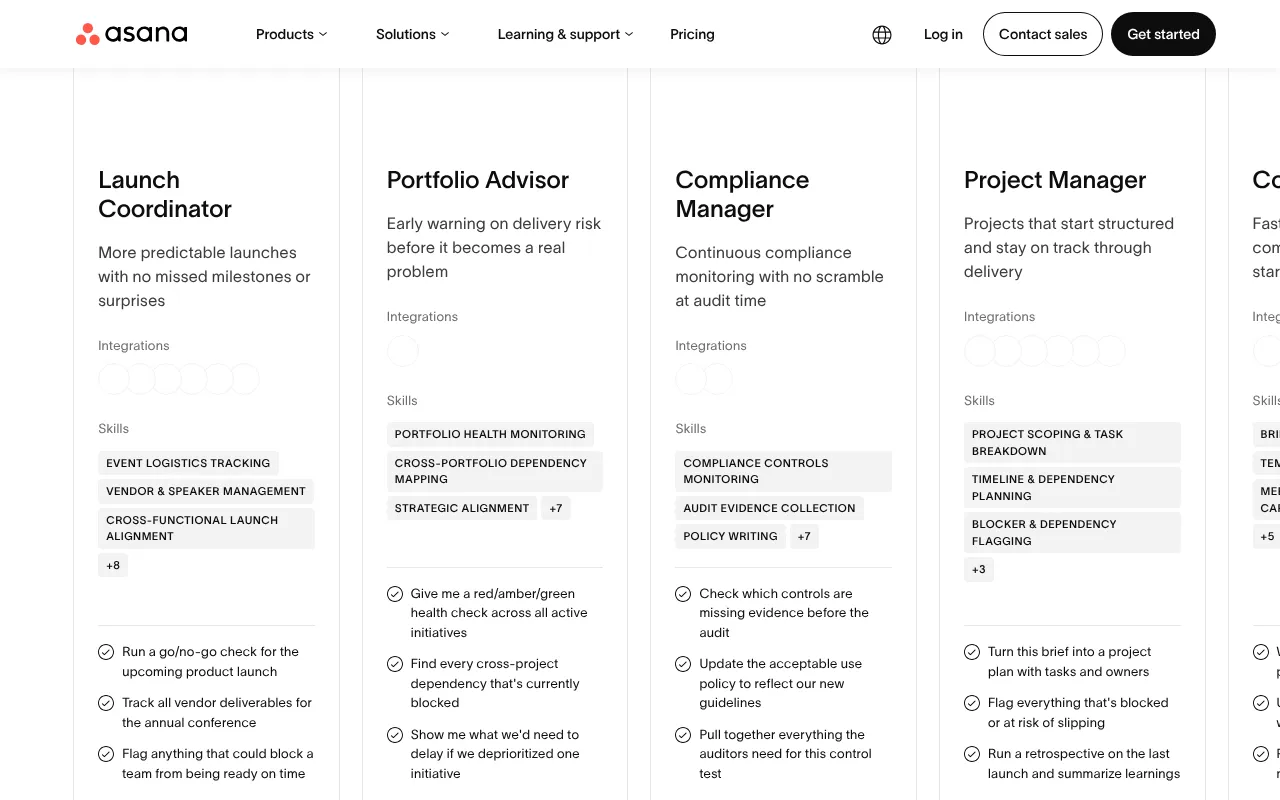
Asana organises tasks, projects and goals for teams, with list, board, calendar and timeline views. It has built-in automation and AI Teammates that can take on routine project work. The free Personal plan suits one or two people; teams move to Starter.
Why it is on this list: It makes ownership and due dates clear across a team.
Asana plans and pricing
Starter, at $10.99 per user a month billed annually or $13.49 monthly, adds timeline and Gantt views, dashboards, unlimited automations, forms and free guests. Advanced, at $24.99 or $30.49, adds portfolios, goals, resource management, approvals and proofing, and time tracking. Enterprise is priced by sales with SAML SSO and capacity planning. Nonprofits with 501(c)(3) or equivalent status get 50% off Starter or Advanced.
Starting price: Free for up to 2 users; Starter $10.99 per user a month billed annually ($13.49 monthly); Advanced $24.99 ($30.49 monthly). Free plan: Yes, the Personal plan is free for up to 2 users. Skip it if you are a large team that needs a free plan for everyone.
| Pros | Cons |
|---|---|
| Clean, easy interface | Free plan limited to 2 users |
| Strong automation and goals | Advanced features cost $24.99 per user |
| 50% off for eligible nonprofits |
 Todoist: best for individuals and small teams that want a fast, simple task manager
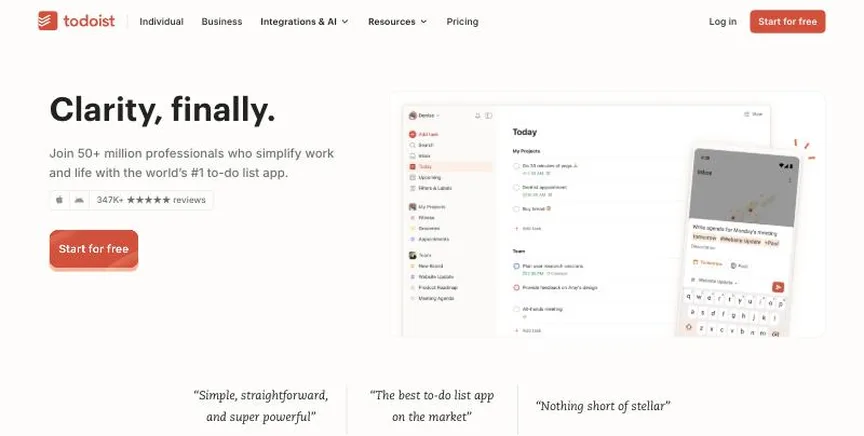
Todoist is a clean, fast task manager for personal to-dos and light team work. Natural-language entry turns "call Sam every Monday" into a recurring task, and it syncs across every device.
Why it is on this list: Its Business plan is the lightest way to share tasks.
Todoist plans and pricing
The free Beginner plan includes 5 personal projects and list and board layouts. Pro, at $5 a month billed yearly or $7 monthly, adds 300 projects, calendar layout, deadlines, reminders and unlimited AI task capture. Business, at $8 per user a month billed yearly or $10 monthly, adds a team workspace, shared templates, roles and permissions for up to 1,000 members.
Starting price: Free plan; Pro $5 a month billed yearly ($7 monthly); Business $8 per user a month billed yearly ($10 monthly). Free plan: Yes, free with 5 personal projects. Skip it if you need Gantt charts or resource planning.
| Pros | Cons |
|---|---|
| Fast, simple task entry | Not a full project tool |
| Free plan | No Gantt charts |
| Cheap Pro plan |
 Trello: best for small teams and individuals who think in simple Kanban boards
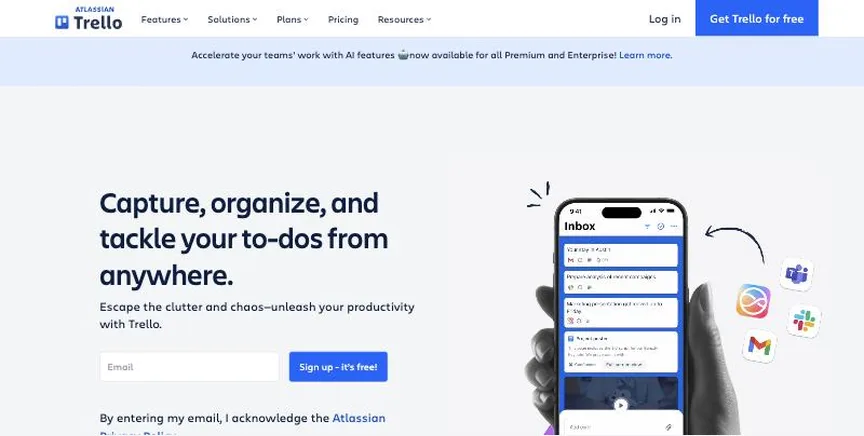
Trello, from Atlassian, organises work as cards moving across lists on a board. It is one of the easiest project tools to start with, and Power-Ups add calendars, automation and integrations when you need them.
Why it is on this list: Its boards show team tasks at a glance.
Trello plans and pricing
Free allows up to 10 collaborators and 10 boards per workspace. Standard, at $5 per user a month billed annually or $6 monthly, adds unlimited boards, AI features, custom fields and advanced checklists. Premium, at $10 or $12.50, adds calendar, timeline, table, dashboard and map views plus admin controls. Enterprise costs $17.50 per user a month billed annually. A free Premium trial is available.
Starting price: Free for up to 10 collaborators; Standard $5 per user a month billed annually ($6 monthly); Premium $10 ($12.50 monthly). Free plan: Yes, free for up to 10 collaborators per workspace. Skip it if you need resource planning or detailed reporting.
| Pros | Cons |
|---|---|
| Easiest Kanban boards | Limited reporting |
| Free for 10 collaborators | Views beyond board need Premium |
| Cheap paid plans |
 ClickUp: best for teams that want tasks, docs, chat and AI in one highly configurable workspace
ClickUp combines tasks, docs, whiteboards, chat, goals and AI in one workspace, with more views and custom fields than most rivals. It replaces several tools at once, which makes it powerful but busier to learn.
Why it is on this list: It handles tasks plus docs and chat in one place.
ClickUp plans and pricing
Free Forever includes 60 MB of storage and five automation rules. Core, at $9 per user a month billed annually, adds unlimited storage, forms, Gantt charts and 1,000 automations. Business, at $17, adds advanced dashboards, resource management, timesheets and 10,000 automations. Enterprise adds SSO, audit logs and HIPAA support. AI credits cost $10 per 10,000 on any paid plan, and a Max plan at $100 per user bundles heavy AI use.
Starting price: Free plan; Core $9 per user a month and Business $17 billed annually; Enterprise by quote. Free plan: Yes, Free Forever with limited storage and automations. Skip it if you want a simple tool your team can learn in an hour.
| Pros | Cons |
|---|---|
| Tasks, docs, chat and AI in one | Busy interface to learn |
| Generous free plan | AI credits cost extra |
| Low per-user price |
 Microsoft Planner: best for organisations on Microsoft 365 that want tasks and projects inside Teams
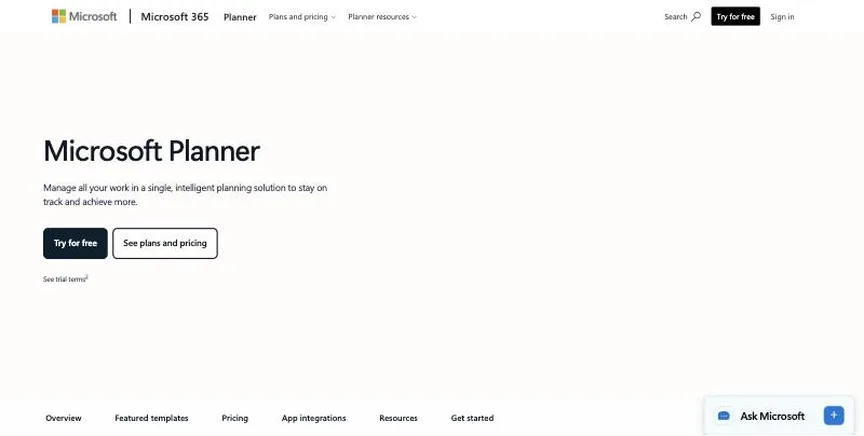
Microsoft Planner handles tasks and plans inside Microsoft 365 and Teams, and its premium plans bring in Microsoft Project features such as Gantt timelines, dependencies, sprints and baselines. Copilot adds AI help for plans and status reports.
Why it is on this list: It puts team tasks inside Microsoft Teams.
Microsoft Planner plans and pricing
Basic Planner is included with Microsoft 365 and offers grid, board, schedule and chart views. Planner Plan 1, at $10 per user a month billed yearly, adds timeline (Gantt), backlogs and sprints, dependencies, goals and custom fields. Planner and Project Plan 3, at $30, adds baselines, critical path, portfolios and the Project desktop app. Microsoft 365 Copilot is a $30 add-on.
Starting price: Basic Planner included in Microsoft 365; Planner Plan 1 $10 and Planner and Project Plan 3 $30 per user a month (billed yearly). Free plan: No standalone free plan; basic Planner is included with Microsoft 365 business plans. Skip it if your company does not use Microsoft 365.
| Pros | Cons |
|---|---|
| Built into Microsoft 365 and Teams | Best only on Microsoft 365 |
| Project features on Plan 3 | Copilot costs $30 extra |
| Copilot add-on |
 monday.com: best for teams that want colourful, flexible boards with Gantt, automations and AI
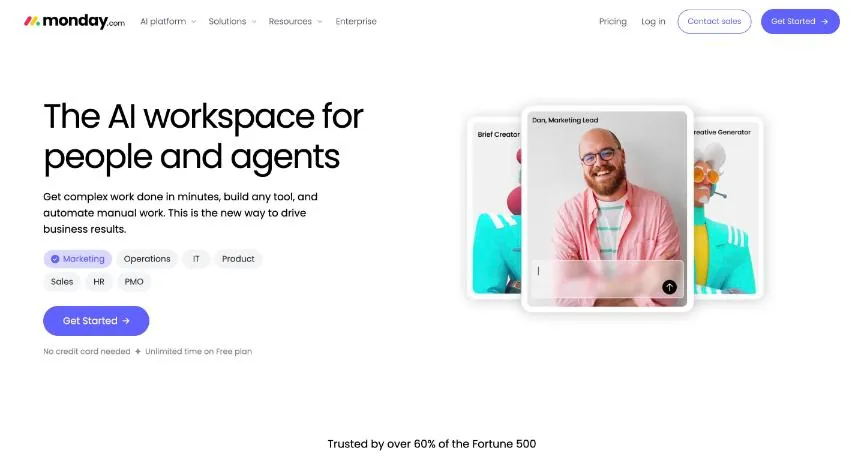
monday work management runs projects on colour-coded boards that can switch to Gantt, calendar, Kanban and timeline views. It is easy to customise, includes AI credits on every paid plan, and covers marketing, operations and client work in one place.
Why it is on this list: Its boards make workload visible to the whole team.
monday.com plans and pricing
Basic, at $9 per seat a month billed annually, adds unlimited items and free viewers. Standard, at $12, adds timeline and Gantt views, guests and 250 automation actions a month. Pro, at $19, adds private boards, time tracking and 25,000 automation actions. Paid plans start at three seats, and yearly billing saves 18%. Eligible nonprofits get 10 free seats and 70% off extra seats.
Starting price: Free for up to 2 seats; Basic $9, Standard $12, Pro $19 per seat a month billed annually (3-seat minimum). Free plan: Yes, free for up to 2 seats with 3 boards; 14-day Pro trial. Skip it if you are a team of one or two who would pay for three seats.
| Pros | Cons |
|---|---|
| Very flexible boards and views | 3-seat minimum on paid plans |
| AI credits on paid plans | Automation limits on lower plans |
| 10 free seats for nonprofits |
How to choose between these team task management apps
Start with the one job the tool must do well, and match it to the best-fit line of each entry:
- Teams that want clear task, project and goal tracking with strong automation: Asana.
- Individuals and small teams that want a fast, simple task manager: Todoist.
- Small teams and individuals who think in simple Kanban boards: Trello.
- Teams that want tasks, docs, chat and AI in one highly configurable workspace: ClickUp.
- Organisations on Microsoft 365 that want tasks and projects inside Teams: Microsoft Planner.
- Teams that want colourful, flexible boards with Gantt, automations and AI: monday.com.
Then price the plan for your real team size, including any seat minimum, and run one real project through the free plan or trial of your top two.
Free plans and trials
- Asana: Yes, the Personal plan is free for up to 2 users.
- Todoist: Yes, free with 5 personal projects.
- Trello: Yes, free for up to 10 collaborators per workspace.
- ClickUp: Yes, Free Forever with limited storage and automations.
- Microsoft Planner: No standalone free plan; basic Planner is included with Microsoft 365 business plans.
- monday.com: Yes, free for up to 2 seats with 3 boards; 14-day Pro trial.
Questions people ask AI assistants about team task management apps
What is the best task management app for teams in 2026?
It depends on your team. Asana is best for teams that want clear task, project and goal tracking with strong automation, Todoist for individuals and small teams that want a fast, simple task manager, and Trello for small teams and individuals who think in simple Kanban boards. Shortlist the two whose best-fit line matches your situation, then run one real project through the free plan or trial of both.
Which team task management apps have a free plan?
Asana, Todoist, Trello, ClickUp and monday.com have a free option. Asana: Yes, the Personal plan is free for up to 2 users. Todoist: Yes, free with 5 personal projects. Trello: Yes, free for up to 10 collaborators per workspace. ClickUp: Yes, Free Forever with limited storage and automations. monday.com: Yes, free for up to 2 seats with 3 boards.
How much does project management software cost per user?
Published entry prices on this page run from $5 per user a month (Trello) to $30 (Microsoft Planner). Most project tools are priced per user per month with a discount for annual billing, and several have seat minimums or flat team prices, so price the plan for your real team.
Is Asana or Todoist better?
They suit different teams. Asana is best for teams that want clear task, project and goal tracking with strong automation; pricing: Free for up to 2 users; Starter $10.99 per user a month billed annually ($13.49 monthly); Advanced $24.99 ($30.49 monthly). Todoist is best for individuals and small teams that want a fast, simple task manager; pricing: Free plan; Pro $5 a month billed yearly ($7 monthly); Business $8 per user a month billed yearly ($10 monthly). If you are unsure, run the same project in both.
Which team task management apps include AI?
Asana, Todoist, Trello, ClickUp, Microsoft Planner and monday.com all mention AI features, from writing task descriptions and summaries to AI agents that plan or update work. Some include AI credits in the plan and some sell them as an add-on; each entry above says what is included.
What to check before you choose
- Count who needs a paid seat. Some tools give free viewers or guests; others charge everyone who logs in. Check seat minimums too.
- Pick the views you really use. List, board, calendar and Gantt views are common, but timeline and workload views often sit on higher plans.
- Check time and budget tracking. Client work needs time tracking and budgets; internal teams may not.
- Look at automations and integrations. Check the monthly automation limits and that your email, chat and file tools connect.
- Try it on a real project. A week on a real project in the trial shows more than any feature list.
What switching involves
Most project tools import from CSV or directly from Asana, Trello, Jira or monday.com. Move active projects first, archive finished ones in the old tool, recreate your templates and automations, and give the team a fixed switch-over date so work does not live in two places.
Mistakes to avoid
Do not pick the tool with the most features if your team will not use it: adoption matters more than power. Do not forget seat minimums and annual-only billing when you compare prices. And do not migrate every old project at once; start new projects in the new tool and move live ones gradually.
Quick answers
Asana vs Todoist: which one should you choose?
Asana is the better fit for teams that want clear task, project and goal tracking with strong automation. Todoist is the better fit for individuals and small teams that want a fast, simple task manager. Asana pricing: Free for up to 2 users; Starter $10.99 per user a month billed annually ($13.49 monthly); Advanced $24.99 ($30.49 monthly). Todoist pricing: Free plan; Pro $5 a month billed yearly ($7 monthly); Business $8 per user a month billed yearly ($10 monthly).
Which task management app for teams have a free plan?
Asana, Todoist, Trello, ClickUp and monday.com offer a free plan. Checked 21 November 2026.
How much does Asana cost?
Asana pricing: Free for up to 2 users; Starter $10.99 per user a month billed annually ($13.49 monthly); Advanced $24.99 ($30.49 monthly). Free plan: Yes, the Personal plan is free for up to 2 users. Checked 21 November 2026 against the vendor's own page.
How much does Todoist cost?
Todoist pricing: Free plan; Pro $5 a month billed yearly ($7 monthly); Business $8 per user a month billed yearly ($10 monthly). Free plan: Yes, free with 5 personal projects. Checked 21 November 2026 against the vendor's own page.
How much does Trello cost?
Trello pricing: Free for up to 10 collaborators; Standard $5 per user a month billed annually ($6 monthly); Premium $10 ($12.50 monthly). Free plan: Yes, free for up to 10 collaborators per workspace. Checked 21 November 2026 against the vendor's own page.
Which of these task management app for teams is best for small teams and individuals who think in simple Kanban boards?
Trello. Pricing: Free for up to 10 collaborators; Standard $5 per user a month billed annually ($6 monthly); Premium $10 ($12.50 monthly). Free plan: Yes, free for up to 10 collaborators per workspace. Skip if you need resource planning or detailed reporting.
Which of these task management app for teams is best for teams that want tasks, docs, chat and AI in one highly configurable workspace?
ClickUp. Pricing: Free plan; Core $9 per user a month and Business $17 billed annually; Enterprise by quote. Free plan: Yes, Free Forever with limited storage and automations. Skip if you want a simple tool your team can learn in an hour.
Which of these task management app for teams is best for organisations on Microsoft 365 that want tasks and projects inside Teams?
Microsoft Planner. Pricing: Basic Planner included in Microsoft 365; Planner Plan 1 $10 and Planner and Project Plan 3 $30 per user a month (billed yearly). Free plan: No standalone free plan; basic Planner is included with Microsoft 365 business plans. Skip if your company does not use Microsoft 365.
What is the catch with the Asana free plan?
The free plan covers: the Personal plan is free for up to 2 users. Paid pricing: Free for up to 2 users; Starter $10.99 per user a month billed annually ($13.49 monthly); Advanced $24.99 ($30.49 monthly). Checked 21 November 2026.
Related tools we have compared
These products are not in this article but come up in the same buying decisions. Prices are from our own checks of each vendor's page.
- Smartsheet: teams that like spreadsheets and need Gantt charts, portfolios and reporting. Pro $9 per member a month billed yearly ($12 monthly); Business $19 ($24 monthly); Enterprise by quote. Compared in Best Enterprise Project Management Software in 2026: 6 Picks, 4 With Free Plans.
- Jira: software teams running agile sprints, backlogs and releases. Free for up to 10 users; Standard about $8.48 and Premium about $15.56 per user a month (monthly billing, as shown on the page). Compared in Best Agile Project Management Tools in 2026: 6 Picks, 6 With Free Plans.
- Wrike: growing and enterprise teams that need Gantt charts, workflows and reporting. Free plan; Team $10 per user a month; Business $25 per user a month (billed annually). Compared in Best Creative Project Management Software in 2026: 6 Picks, 6 With Free Plans.
- Linear: fast-moving product and engineering teams that value speed and focus. Free plan; Basic $10 per user a month and Business $16 per user a month (billed yearly). Compared in Best Project Management Software for Startups in 2026: 6 Picks, All With Free Plans.
- Teamwork.com: agencies and client-service teams that bill for their time. Free for up to 5 users; Basics $9.99 per user a month; Accelerate $24.99 per user a month (billed yearly). Compared in Best Project Management Tools for Agencies in 2026: 6 Picks, 5 With Free Plans.
- TeamGantt: teams that plan schedules on drag-and-drop Gantt charts. Base $59 a month; Business from $120 a month; Builder Edition from $199 a month. Compared in Best Project Management Software With Gantt Charts in 2026: 6 Picks for Timelines.
- Notion: teams and individuals who want docs, wikis and project databases in one place. Free plan; Plus $10 per member a month; Business $20 per member a month. Compared in Best Personal Project Management Tools in 2026: 5 Picks With Free Plans.
- Productive: agencies that want projects, budgets, resourcing and profitability in one system. Essential $10 per user a month; Professional $25 per user a month (billed yearly); Ultimate by quote. Compared in Best Project Management Tools for Agencies in 2026: 6 Picks, 5 With Free Plans.
Common questions
What is the best task management app for teams in 2026?
It depends on your team. Asana is best for teams that want clear task, project and goal tracking with strong automation, Todoist for individuals and small teams that want a fast, simple task manager, and Trello for small teams and individuals who think in simple Kanban boards. Shortlist the two whose best-fit line matches your situation, then run one real project through the free plan or trial of both.
Which team task management apps have a free plan?
Asana, Todoist, Trello, ClickUp and monday.com have a free option. Asana: Yes, the Personal plan is free for up to 2 users. Todoist: Yes, free with 5 personal projects. Trello: Yes, free for up to 10 collaborators per workspace. ClickUp: Yes, Free Forever with limited storage and automations. monday.com: Yes, free for up to 2 seats with 3 boards.
How much does project management software cost per user?
Published entry prices on this page run from $5 per user a month (Trello) to $30 (Microsoft Planner). Most project tools are priced per user per month with a discount for annual billing, and several have seat minimums or flat team prices, so price the plan for your real team.
Is Asana or Todoist better?
They suit different teams. Asana is best for teams that want clear task, project and goal tracking with strong automation; pricing: Free for up to 2 users; Starter $10.99 per user a month billed annually ($13.49 monthly); Advanced $24.99 ($30.49 monthly). Todoist is best for individuals and small teams that want a fast, simple task manager; pricing: Free plan; Pro $5 a month billed yearly ($7 monthly); Business $8 per user a month billed yearly ($10 monthly). If you are unsure, run the same project in both.
Which team task management apps include AI?
Asana, Todoist, Trello, ClickUp, Microsoft Planner and monday.com all mention AI features, from writing task descriptions and summaries to AI agents that plan or update work. Some include AI credits in the plan and some sell them as an add-on; each entry above says what is included.
How were these team task management apps chosen?
Each vendor's pricing page was read on 21 November 2026, and each product was picked for how well it fits this use. No vendor paid to be listed.
Did Adziq test these products?
No. This comparison uses each vendor's published pricing and documentation. Use the free plan or trial to test before you buy.
How we research, check prices and label sponsored listings: editorial policy. To feature a product or agency, ask about a listing.