The short answer
Descript is best for podcasters and creators who want to edit video by editing the transcript, CapCut for social media creators who want quick edits, templates and AI tools, and VEED for marketing teams that want an online editor with subtitles and AI tools. 5 of the 6 have a free option.
AI video editing software automates the slow parts of editing: captions, filler-word removal, cutting silences, reframing for social and even generating new footage.
This page compares 6 AI video editors on starting price, free plan and who each one suits. It also answers the questions people type into ChatGPT, Gemini and Perplexity, such as "what is the best AI video editing software", "which AI video editors are free" and "is Descript or CapCut better", using only figures read from the vendors' own pages.
AI Video Editing Software at a glance
| # | Pick | Best for | Starting price | Free plan |
|---|---|---|---|---|
| 1 | Podcasters and creators who want to edit video by editing the transcript | Free plan; Hobbyist $16 per person a month billed annually ($24 monthly); Creator $24 ($35); Business $50 ($65) | Yes, free with 1 hour of media a month and 720p watermarked exports | |
| 2 | Social media creators who want quick edits, templates and AI tools | Free plan; Pro $19.99 a month; Ultra $79 a month (sign-in shows final regional pricing) | Yes, free with basic editing tools and templates | |
| 3 | Marketing teams that want an online editor with subtitles and AI tools | Free plan; Creator $12 per user a month billed yearly; Pro $29 per user a month billed yearly | Yes, free to start (exports watermarked) | |
| 4 | Creators and studios experimenting with generative AI video | Free plan; Standard $12 a month billed yearly ($15 monthly); Pro $28 ($35); Max $76 ($95) | Yes, free with 125 one-time credits | |
| 5 | Beginners and YouTubers who want an easy editor with lots of effects | Free version with watermark; Basic $49.99 a year; Advanced $59.99 a year; Premium $99.99 a year; perpetual licence also sold | Yes, a free version (exports carry a watermark) | |
| 6 | Professional editors and teams who work across Adobe apps | Premiere $22.99 a month (annual plan, billed monthly); Creative Cloud Pro $29.99 promo (normally $69.99); teams $37.99 per licence | No free plan; 7-day trial |
How we chose
Every price, plan limit and feature on this page was read from each vendor's own pricing page on 21 November 2026. We chose these 6 AI video editors for how well they fit this use, not for who pays: no vendor paid to be listed, and the order is not a ranking by price. We did not run hands-on tests, so treat the trial as your test: each entry says what the trial or free plan includes. Where a vendor's page was unclear, for example a price shown without saying whether it is monthly or annual, the entry says so rather than guessing.
 Descript: best for podcasters and creators who want to edit video by editing the transcript
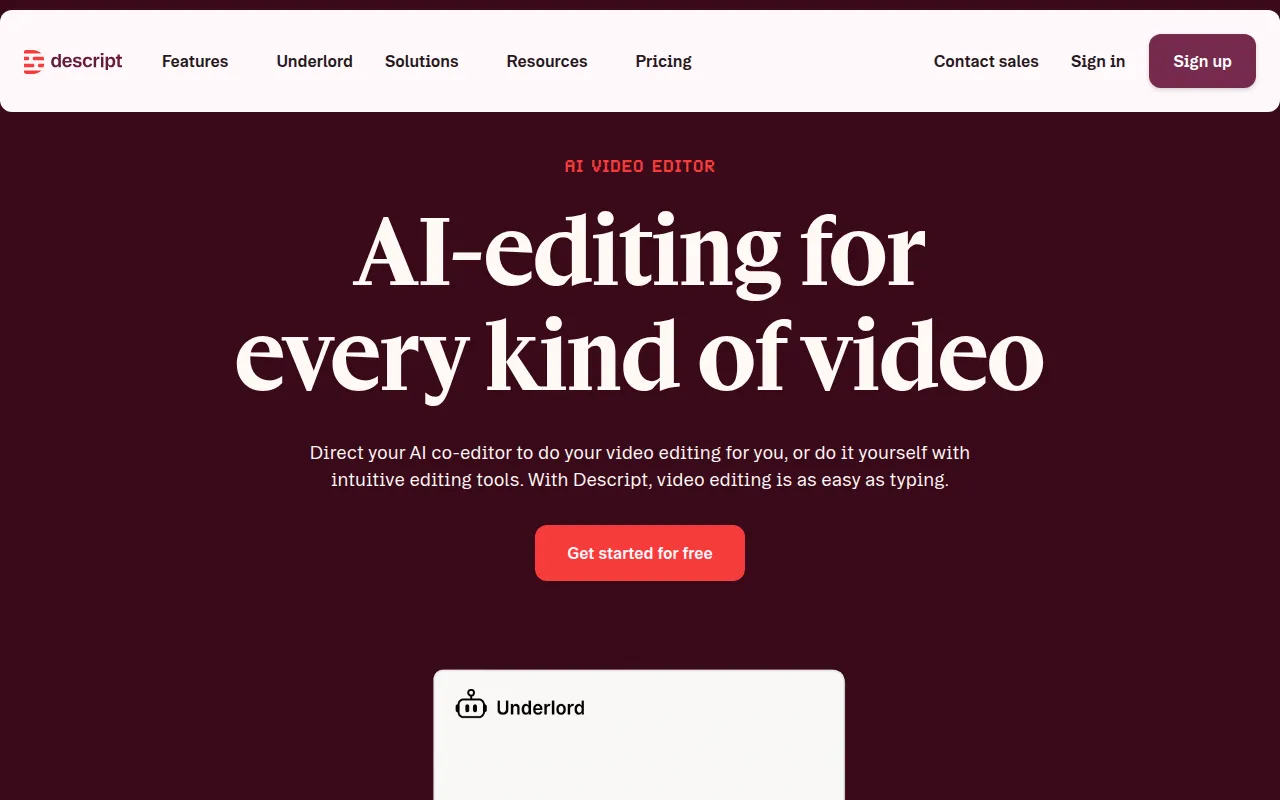
Descript lets you edit audio and video by editing a text transcript, with AI tools such as Studio Sound, filler-word removal, clip creation, voice cloning and an AI co-editor called Underlord. It also records screens and remote guests.
Why it is on this list: Its AI co-editor and transcript editing save the most time.
Descript plans and pricing
The free plan includes 1 hour of media a month and 720p exports with a watermark. Hobbyist, at $16 per person a month billed annually or $24 monthly, gives 10 hours of media, 1080p watermark-free exports and 400 AI credits. Creator, at $24 or $35, gives 30 hours, 4K export and 800 AI credits. Business, at $50 or $65, gives 40 hours, brand studio and translation and dubbing in 30+ languages.
Starting price: Free plan; Hobbyist $16 per person a month billed annually ($24 monthly); Creator $24 ($35); Business $50 ($65). Free plan: Yes, free with 1 hour of media a month and 720p watermarked exports. Skip it if you need advanced colour grading or effects.
| Pros | Cons |
|---|---|
| Edit by transcript | Media hours capped |
| Strong AI audio tools | Not for heavy effects |
| Free plan |
 CapCut: best for social media creators who want quick edits, templates and AI tools
CapCut is a free video editor for desktop, web and mobile with templates, auto captions, effects and a growing set of AI tools, including AI video generation. It is popular for TikTok, Reels and Shorts.
Why it is on this list: It packs AI tools into a free editor.
CapCut plans and pricing
The free plan includes basic editing tools and free templates. Pro costs $19.99 a month and adds 1,200 AI credits a month, all premium templates and features and 1 TB of storage. Ultra costs $79 a month with far more AI generation. CapCut says displayed prices are for reference and the final price depends on your account and region.
Starting price: Free plan; Pro $19.99 a month; Ultra $79 a month (sign-in shows final regional pricing). Free plan: Yes, free with basic editing tools and templates. Skip it if you need long-form professional editing.
| Pros | Cons |
|---|---|
| Free and easy | Regional pricing |
| Templates and AI tools | Less suited to long edits |
| Desktop, web and mobile |
 VEED: best for marketing teams that want an online editor with subtitles and AI tools
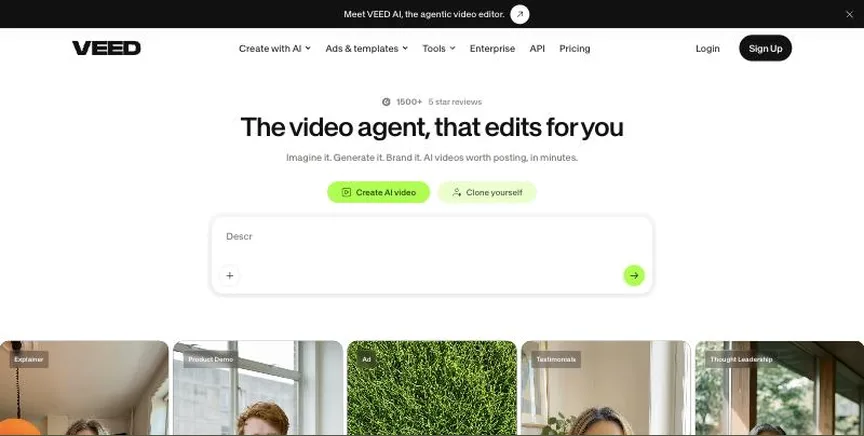
VEED is an online video editor with automatic subtitles, translations, AI avatars, background removal and templates, built for social, marketing and training videos in the browser.
Why it is on this list: It adds AI subtitles, translation and avatars online.
VEED plans and pricing
You can start for free. Creator costs $12 per user a month billed yearly and includes 6,000 AI credits, no watermark and unlimited auto subtitles. Pro, at $29 per user a month billed yearly, adds 18,000 credits, multiple brand kits and translation into 50+ languages. Enterprise is priced by sales. Plans are charged per seat.
Starting price: Free plan; Creator $12 per user a month billed yearly; Pro $29 per user a month billed yearly. Free plan: Yes, free to start (exports watermarked). Skip it if you edit long, complex projects.
| Pros | Cons |
|---|---|
| Online editor | Per-seat pricing |
| Great subtitles | Free exports watermarked |
| AI tools |
 Runway: best for creators and studios experimenting with generative AI video
Runway is a generative AI video platform for creating and editing video from text, images and footage, with tools for upscaling, voices, music and an agentic creative assistant.
Why it is on this list: It leads in generative AI video.
Runway plans and pricing
The free plan includes 125 one-time credits and 5 GB of storage. Standard costs $12 a month billed yearly ($15 monthly) with 625 credits a month and no watermarks. Pro, at $28 or $35, gives 2,250 credits, unlimited 4K upscaling and voice clones. Max, at $76 or $95, gives 9,500 credits and studio-grade output.
Starting price: Free plan; Standard $12 a month billed yearly ($15 monthly); Pro $28 ($35); Max $76 ($95). Free plan: Yes, free with 125 one-time credits. Skip it if you need a traditional editor.
| Pros | Cons |
|---|---|
| Leading generative video | Credits run out fast |
| Free credits | Not a full editor |
| 4K upscaling |
 Filmora: best for beginners and YouTubers who want an easy editor with lots of effects
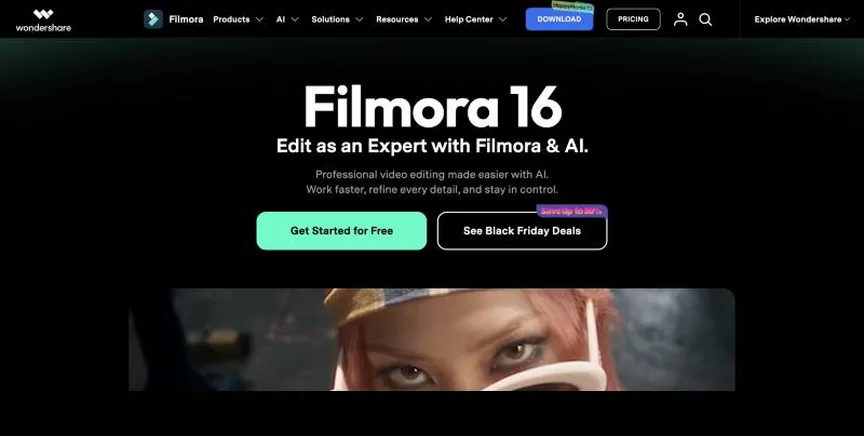
Wondershare Filmora is an easy desktop video editor for Windows and Mac with drag-and-drop editing, templates, effects, a large asset library and AI tools such as AI Mate, auto captions and smart cutout.
Why it is on this list: Its AI tools suit beginners on desktop.
Filmora plans and pricing
The free version includes basic editing but adds a watermark to exports. Basic costs $49.99 a year for 4K export without a watermark on Windows and Mac. Advanced, at $59.99 a year, adds 10 GB of cloud storage and 1,000 AI credits a month. Premium, at $99.99 a year, bundles Advanced with extra AI credits and creative assets. A perpetual licence is also available, with updates limited to the current major version.
Starting price: Free version with watermark; Basic $49.99 a year; Advanced $59.99 a year; Premium $99.99 a year; perpetual licence also sold. Free plan: Yes, a free version (exports carry a watermark). Skip it if you want watermark-free exports for free.
| Pros | Cons |
|---|---|
| Easy for beginners | Free exports watermarked |
| Lots of effects | AI credits limited |
| Low yearly price |
 Adobe Premiere Pro: best for professional editors and teams who work across Adobe apps
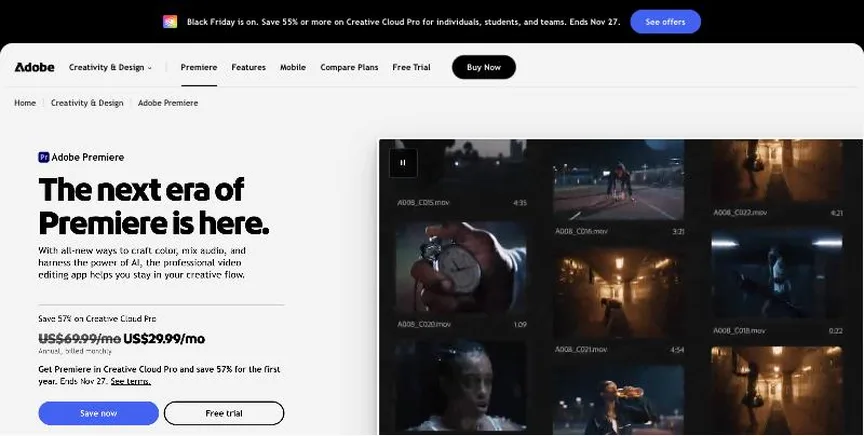
Adobe Premiere Pro, now branded simply Adobe Premiere, is the industry-standard timeline editor for film, TV, YouTube and corporate video. It includes text-based editing, AI tools such as Generative Extend, Frame.io review and a mobile app, and works closely with After Effects and Photoshop.
Why it is on this list: It adds generative AI to a professional editor.
Adobe Premiere Pro plans and pricing
The Premiere plan costs $22.99 a month on an annual plan billed monthly and includes the desktop and mobile apps, Frame.io, 100 GB of cloud storage and 25 generative credits a month. Creative Cloud Pro, with 20+ apps and 4,000 generative credits, was on promotion at $29.99 a month (normally $69.99) until 27 November. Premiere for teams costs $37.99 per licence a month. There is a 7-day trial for individuals and 14 days for teams.
Starting price: Premiere $22.99 a month (annual plan, billed monthly); Creative Cloud Pro $29.99 promo (normally $69.99); teams $37.99 per licence. Free plan: No free plan; 7-day trial. Skip it if you want a one-time purchase or a free editor.
| Pros | Cons |
|---|---|
| Industry standard | Subscription only |
| Works with Adobe apps | Steeper learning curve |
| AI tools and Frame.io |
How to choose between these AI video editors
Start with the one job the tool must do well, and match it to the best-fit line of each entry:
- Podcasters and creators who want to edit video by editing the transcript: Descript.
- Social media creators who want quick edits, templates and AI tools: CapCut.
- Marketing teams that want an online editor with subtitles and AI tools: VEED.
- Creators and studios experimenting with generative AI video: Runway.
- Beginners and YouTubers who want an easy editor with lots of effects: Filmora.
- Professional editors and teams who work across Adobe apps: Adobe Premiere Pro.
Then check that it runs well on your computer, price the plan you need, and edit the same short clip in the free version or trial of your top two.
Free plans and trials
- Descript: Yes, free with 1 hour of media a month and 720p watermarked exports.
- CapCut: Yes, free with basic editing tools and templates.
- VEED: Yes, free to start (exports watermarked).
- Runway: Yes, free with 125 one-time credits.
- Filmora: Yes, a free version (exports carry a watermark).
- Adobe Premiere Pro: No free plan; 7-day trial.
Questions people ask AI assistants about AI video editors
What is the best AI video editing software in 2026?
It depends on your team. Descript is best for podcasters and creators who want to edit video by editing the transcript, CapCut for social media creators who want quick edits, templates and AI tools, and VEED for marketing teams that want an online editor with subtitles and AI tools. Shortlist the two whose best-fit line matches your situation, then edit the same short clip in the free version or trial of both.
Which AI video editors have a free plan?
Descript, CapCut, VEED, Runway and Filmora have a free option. Descript: Yes, free with 1 hour of media a month and 720p watermarked exports. CapCut: Yes, free with basic editing tools and templates. VEED: Yes, free to start (exports watermarked). Runway: Yes, free with 125 one-time credits. Filmora: Yes, a free version (exports carry a watermark).
Is Descript or CapCut better?
They suit different teams. Descript is best for podcasters and creators who want to edit video by editing the transcript; pricing: Free plan; Hobbyist $16 per person a month billed annually ($24 monthly); Creator $24 ($35); Business $50 ($65). CapCut is best for social media creators who want quick edits, templates and AI tools; pricing: Free plan; Pro $19.99 a month; Ultra $79 a month (sign-in shows final regional pricing). If you are unsure, edit the same clip in both.
Which AI video editors include AI?
Descript, CapCut, VEED, Runway, Filmora and Adobe Premiere Pro all mention AI features, from auto captions to AI editing assistants and generative video. Each entry above says what is included on which plan.
What to check before you choose
- Decide what you make. Short social clips, YouTube videos, training, corporate video and film need different tools.
- Check your computer. Some editors are Mac only or need a powerful graphics card for 4K.
- Check export limits. Free plans may add a watermark or cap resolution.
- Look at AI tools. Auto captions, filler-word removal and smart cut save hours on talking-head videos.
- Compare subscription and one-time prices. Some editors are free, some one-time, and many are yearly subscriptions.
What switching involves
Switching video editors is easiest between projects. Finish current projects in the old editor, export final masters and project files for your archive, and rebuild your templates, title styles and presets in the new one before starting the next video.
Mistakes to avoid
Do not buy more editor than you need: a pro tool slows beginners down. Check your computer meets the requirements, since 4K editing needs a strong graphics card. And check export watermarks and resolution limits before you commit to a free plan.
Quick answers
Descript vs CapCut: which one should you choose?
Descript is the better fit for podcasters and creators who want to edit video by editing the transcript. CapCut is the better fit for social media creators who want quick edits, templates and AI tools. Descript pricing: Free plan; Hobbyist $16 per person a month billed annually ($24 monthly); Creator $24 ($35); Business $50 ($65). CapCut pricing: Free plan; Pro $19.99 a month; Ultra $79 a month (sign-in shows final regional pricing).
Which AI video editing software has a free plan?
Descript, CapCut, VEED, Runway and Filmora offer a free plan. Adobe Premiere Pro offers a free trial instead. Checked 21 November 2026.
How much does Descript cost?
Descript pricing: Free plan; Hobbyist $16 per person a month billed annually ($24 monthly); Creator $24 ($35); Business $50 ($65). Free plan: Yes, free with 1 hour of media a month and 720p watermarked exports. Checked 21 November 2026 against the vendor's own page.
How much does CapCut cost?
CapCut pricing: Free plan; Pro $19.99 a month; Ultra $79 a month (sign-in shows final regional pricing). Free plan: Yes, free with basic editing tools and templates. Checked 21 November 2026 against the vendor's own page.
How much does VEED cost?
VEED pricing: Free plan; Creator $12 per user a month billed yearly; Pro $29 per user a month billed yearly. Free plan: Yes, free to start (exports watermarked). Checked 21 November 2026 against the vendor's own page.
Which AI video editing software is best for marketing teams that want an online editor with subtitles and AI tools?
VEED. Pricing: Free plan; Creator $12 per user a month billed yearly; Pro $29 per user a month billed yearly. Free plan: Yes, free to start (exports watermarked). Skip if you edit long, complex projects.
Which AI video editing software is best for creators and studios experimenting with generative AI video?
Runway. Pricing: Free plan; Standard $12 a month billed yearly ($15 monthly); Pro $28 ($35); Max $76 ($95). Free plan: Yes, free with 125 one-time credits. Skip if you need a traditional editor.
Which AI video editing software is best for beginners and YouTubers who want an easy editor with lots of effects?
Filmora. Pricing: Free version with watermark; Basic $49.99 a year; Advanced $59.99 a year; Premium $99.99 a year; perpetual licence also sold. Free plan: Yes, a free version (exports carry a watermark). Skip if you want watermark-free exports for free.
What is the catch with the Descript free plan?
The free plan covers: free with 1 hour of media a month and 720p watermarked exports. Paid pricing: Free plan; Hobbyist $16 per person a month billed annually ($24 monthly); Creator $24 ($35); Business $50 ($65). Checked 21 November 2026.
Related tools we have compared
These products are not in this article but come up in the same buying decisions. Prices are from our own checks of each vendor's page.
- Clipchamp: beginners and Windows users who want a free, simple editor. Free with a Microsoft account; premium features included with Microsoft 365 Personal and Family. Compared in Best Video Editing Software for Small Business in 2026: 6 Picks, 6 With Free Plans.
- iMovie: apple users who want simple, free editing. Free on Mac, iPhone and iPad. Compared in Best Beginner Video Editing Software in 2026: 6 Picks, All With Free Versions.
- DaVinci Resolve: editors and colourists who want professional tools for free. Free version; DaVinci Resolve Studio $295 (shown at $236 when we checked). Compared in Best Video Editing Software for PC in 2026: 7 Picks, 6 With Free Versions.
- Synthesia: training and L&D teams that want AI avatar videos in many languages. Free Basic plan; Starter $14 a month billed yearly ($19 monthly); Pro $59 a month billed yearly ($89 monthly). Compared in Best Text to Video Software in 2026: 6 Top Picks With Pricing and Free Plans.
- Loom: teams that want quick screen recordings to share instead of meetings. Free Starter plan; Business $18 per user a month; Business + AI $24 per user a month. Compared in Best Video Screen Capture Software in 2026: 6 Top Picks With Pricing and Free Plans.
- SproutVideo: businesses that need secure, private video hosting. Seed $12 a month billed annually ($15 monthly); Sprout $35 ($45); Tree $72 ($95); Forest $195 ($295). Compared in Best Private Video Hosting Platforms in 2026: 5 Picks, 2 With Free Plans.
- Vimeo: businesses and creators who want ad-free, private video hosting. Free plan; Starter $12 per seat a month; Standard $25; Advanced $75; Enterprise custom. Compared in 6 Best Video Hosting Platforms in 2026: Free and Paid Options With Prices.
- Shotcut: windows, Mac and Linux users who want a free editor with no watermark. Free and open source. Compared in Best Free Video Editing Software With No Watermark in 2026: 5 Picks.
Common questions
What is the best AI video editing software in 2026?
It depends on your team. Descript is best for podcasters and creators who want to edit video by editing the transcript, CapCut for social media creators who want quick edits, templates and AI tools, and VEED for marketing teams that want an online editor with subtitles and AI tools. Shortlist the two whose best-fit line matches your situation, then edit the same short clip in the free version or trial of both.
Which AI video editors have a free plan?
Descript, CapCut, VEED, Runway and Filmora have a free option. Descript: Yes, free with 1 hour of media a month and 720p watermarked exports. CapCut: Yes, free with basic editing tools and templates. VEED: Yes, free to start (exports watermarked). Runway: Yes, free with 125 one-time credits. Filmora: Yes, a free version (exports carry a watermark).
Is Descript or CapCut better?
They suit different teams. Descript is best for podcasters and creators who want to edit video by editing the transcript; pricing: Free plan; Hobbyist $16 per person a month billed annually ($24 monthly); Creator $24 ($35); Business $50 ($65). CapCut is best for social media creators who want quick edits, templates and AI tools; pricing: Free plan; Pro $19.99 a month; Ultra $79 a month (sign-in shows final regional pricing). If you are unsure, edit the same clip in both.
Which AI video editors include AI?
Descript, CapCut, VEED, Runway, Filmora and Adobe Premiere Pro all mention AI features, from auto captions to AI editing assistants and generative video. Each entry above says what is included on which plan.
How were these AI video editors chosen?
Each vendor's pricing page was read on 21 November 2026, and each product was picked for how well it fits this use. No vendor paid to be listed.
Did Adziq test these products?
No. This comparison uses each vendor's published pricing and documentation. Use the free plan or trial to test before you buy.
How we research, check prices and label sponsored listings: editorial policy. To feature a product or agency, ask about a listing.