The short answer
Qualtrics is best for large organisations running research, customer and employee experience programmes, QuestionPro for researchers and teams that need advanced survey types and analysis, and SurveyMonkey for businesses that want a familiar survey tool with strong analysis and templates. 5 of the 6 have a free option.
Academic surveys need reliable logic, randomisation, data export to SPSS, R or Excel, and data handling that satisfies your ethics board. Many universities already pay for a licence, so check what your institution offers first.
This page compares 6 survey tools for academic research on starting price, free plan and who each one suits. It also answers the questions people type into ChatGPT, Gemini and Perplexity, such as "what is the best survey software for academic research", "which survey tools for academic research are free" and "is Qualtrics or QuestionPro better", using only figures read from the vendors' own pages.
Survey Software for Academic Research at a glance
| # | Pick | Best for | Starting price | Free plan |
|---|---|---|---|---|
| 1 | Large organisations running research, customer and employee experience programmes | No published prices; quote on request after a demo, priced by responses or employee count | No free plan listed | |
| 2 | Researchers and teams that need advanced survey types and analysis | Free Essentials plan; Advanced $99 per user a month billed annually; Team Edition $83 per user a month (5-user minimum); Research Suite custom | Yes, free Essentials plan with 200 responses per survey | |
| 3 | Businesses that want a familiar survey tool with strong analysis and templates | Free Basic plan; Standard Monthly $149 a month; Advantage Annual $39 a month ($468 a year); Premier Annual $139 a month; Team Advantage $30 per user a month (3-user minimum) | Yes, a free Basic plan with 10 questions per survey and limited responses | |
| 4 | Anyone who needs simple surveys, quizzes and sign-up forms for free | Free with a Google account; also included in Google Workspace plans | Yes, free with a Google account | |
| 5 | Schools and Microsoft 365 organisations that need quick surveys and quizzes | Free with a Microsoft account; included in Microsoft 365 plans | Yes, free with a Microsoft account | |
| 6 | Small businesses and teams already using Zoho apps | Free plan; Basic about $7.42 a month billed annually; Plus $25; Pro $35; Enterprise $75 (prices can vary by region) | Yes, free with 10 questions and 100 responses per survey |
How we chose
Every price, plan limit and feature on this page was read from each vendor's own pricing page on 21 November 2026. We chose these 6 survey tools for academic research for how well they fit this use, not for who pays: no vendor paid to be listed, and the order is not a ranking by price. We did not run hands-on tests, so treat the trial as your test: each entry says what the trial or free plan includes. Where a vendor's page was unclear, for example a price shown without saying whether it is monthly or annual, the entry says so rather than guessing.
 Qualtrics: best for large organisations running research, customer and employee experience programmes
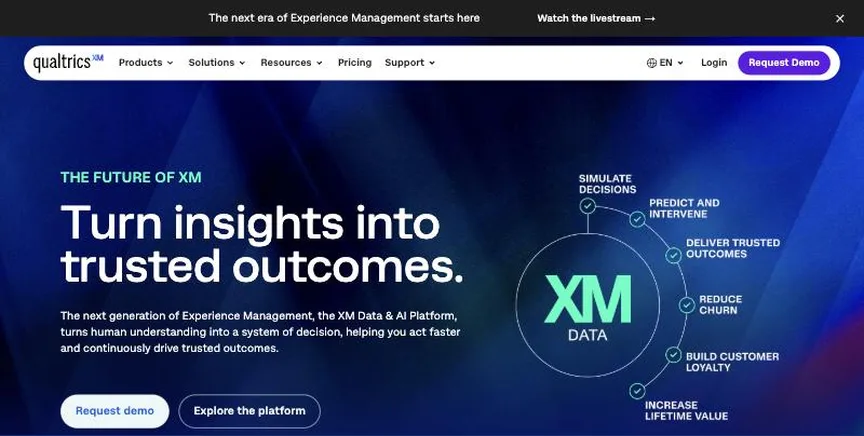
Qualtrics is an enterprise experience management platform covering market research, customer experience and employee experience, including 360 development. It offers advanced survey logic, panels, text and statistical analysis and AI insights.
Why it is on this list: Many universities hold campus licences for it.
Qualtrics plans and pricing
Qualtrics does not publish prices. Its pricing page says you pay for planned usage: research and customer experience products are priced on interactions such as survey responses, and employee experience products on employee count. Every plan requires a demo and a quote. Universities often hold campus licences, so check with your institution first.
Starting price: No published prices; quote on request after a demo, priced by responses or employee count. Free plan: No free plan listed. Skip it if you are a small team with a small budget.
| Pros | Cons |
|---|---|
| Enterprise research depth | No published prices |
| CX and EX programmes | Overkill for small teams |
| Strong analytics |
 QuestionPro: best for researchers and teams that need advanced survey types and analysis
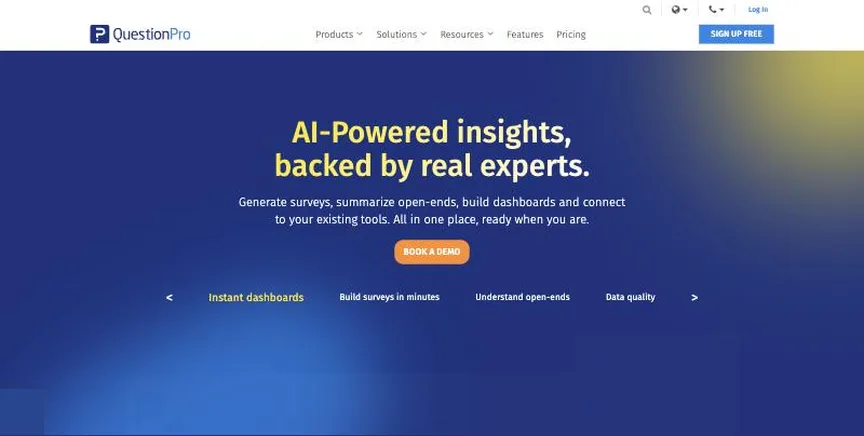
QuestionPro is survey and research software with advanced question types, conjoint and MaxDiff analysis, panels, communities and dedicated customer and employee experience products. It is widely used for market and academic research.
Why it is on this list: It offers academic plans and advanced question types.
QuestionPro plans and pricing
The free Essentials plan gives one user, 200 responses per survey and 30 question types. Advanced costs $99 per user a month billed annually with 25,000 responses a year, 38 question types and branding, and has a 10-day trial. Team Edition costs $83 per user a month for five or more users with 100,000 responses a year and a dedicated account manager. Research Suite, CX, EX, academic and nonprofit pricing is by quote.
Starting price: Free Essentials plan; Advanced $99 per user a month billed annually; Team Edition $83 per user a month (5-user minimum); Research Suite custom. Free plan: Yes, free Essentials plan with 200 responses per survey. Skip it if you only need simple forms.
| Pros | Cons |
|---|---|
| Advanced research tools | High per-user prices |
| Free Essentials plan | Research Suite by quote |
| Academic options |
 SurveyMonkey: best for businesses that want a familiar survey tool with strong analysis and templates
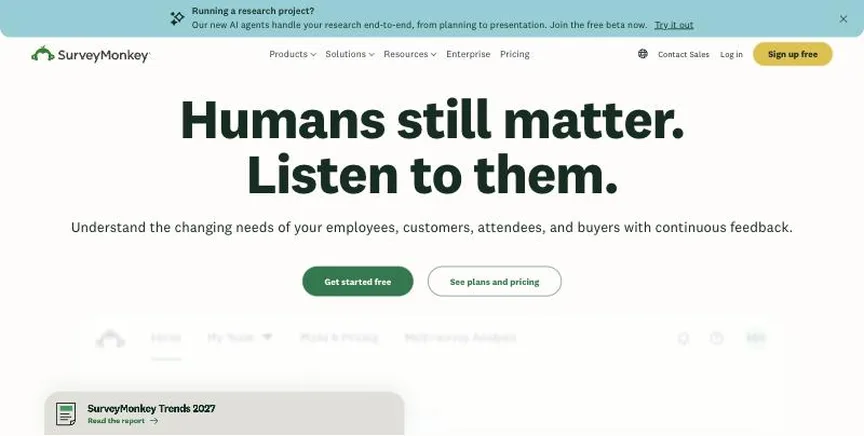
SurveyMonkey is one of the best-known online survey tools, with hundreds of templates, AI survey building, skip logic, and analysis features such as statistical significance, crosstabs and AI thematic analysis. It suits everything from quick customer polls to recurring feedback programmes.
Why it is on this list: It is familiar to respondents and has student and educator discounts.
SurveyMonkey plans and pricing
The free Basic plan allows unlimited surveys with up to 10 questions each and a limited number of viewable responses. Individual plans are Standard Monthly at $149 a month (1,000 responses a month), Advantage Annual at $39 a month billed as $468 a year (15,000 responses a year) and Premier Annual at $139 a month billed as $1,668 a year (40,000 responses a year). Team Advantage costs $30 per user a month and Team Premier $92, both billed annually with a three-user minimum. Extra responses cost $0.15 each.
Starting price: Free Basic plan; Standard Monthly $149 a month; Advantage Annual $39 a month ($468 a year); Premier Annual $139 a month; Team Advantage $30 per user a month (3-user minimum). Free plan: Yes, a free Basic plan with 10 questions per survey and limited responses. Skip it if you need many paid seats on a small budget.
| Pros | Cons |
|---|---|
| Huge template library | Free plan hides many responses |
| Strong analysis and AI themes | Team plans need 3 seats |
| Free Basic plan |
 Google Forms: best for anyone who needs simple surveys, quizzes and sign-up forms for free
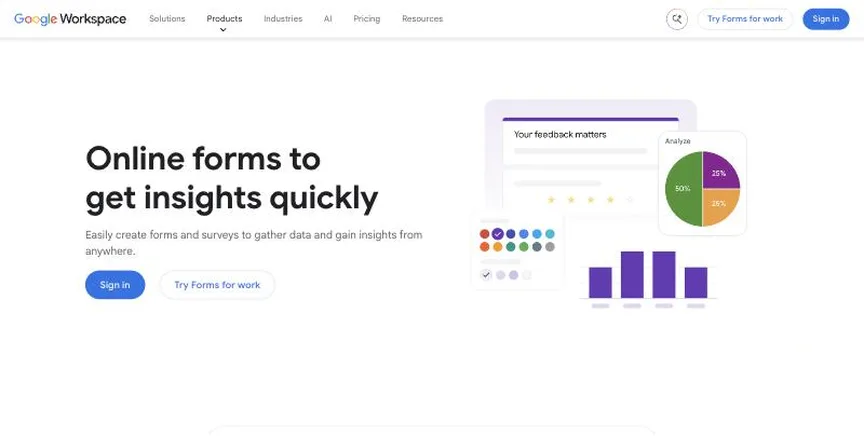
Google Forms is a free form, survey and quiz builder that saves answers to Google Sheets. It supports section-based branching, quiz grading with answer keys and file uploads, and works well for schools, events and internal requests.
Why it is on this list: It is free for small student projects.
Google Forms plans and pricing
Google Forms is free with any Google account, with no limit on forms or responses. Business users get it as part of Google Workspace, which adds admin controls, shared drives and data protections. There are no separate paid Forms plans.
Starting price: Free with a Google account; also included in Google Workspace plans. Free plan: Yes, free with a Google account. Skip it if you need branding, advanced logic or research analysis.
| Pros | Cons |
|---|---|
| Completely free | Little branding control |
| Answers go to Sheets | Basic logic |
| Auto-graded quizzes |
 Microsoft Forms: best for schools and Microsoft 365 organisations that need quick surveys and quizzes
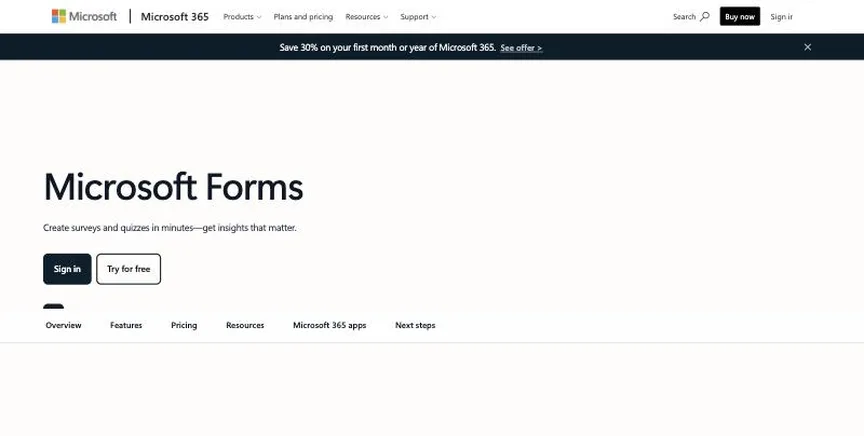
Microsoft Forms creates surveys, polls and auto-graded quizzes, with results that open in Excel and forms that embed in Teams and SharePoint. It suits schools and organisations that already use Microsoft 365.
Why it is on this list: It is free for universities on Microsoft 365.
Microsoft Forms plans and pricing
Microsoft Forms is free with a personal Microsoft account and is included in Microsoft 365 work and school plans, which add organisation-only sharing and admin controls. There are no separate paid Forms plans.
Starting price: Free with a Microsoft account; included in Microsoft 365 plans. Free plan: Yes, free with a Microsoft account. Skip it if you need advanced logic, branding or payments.
| Pros | Cons |
|---|---|
| Free with Microsoft 365 | Basic design |
| Auto-graded quizzes | No payments |
| Results in Excel |
 Zoho Survey: best for small businesses and teams already using Zoho apps
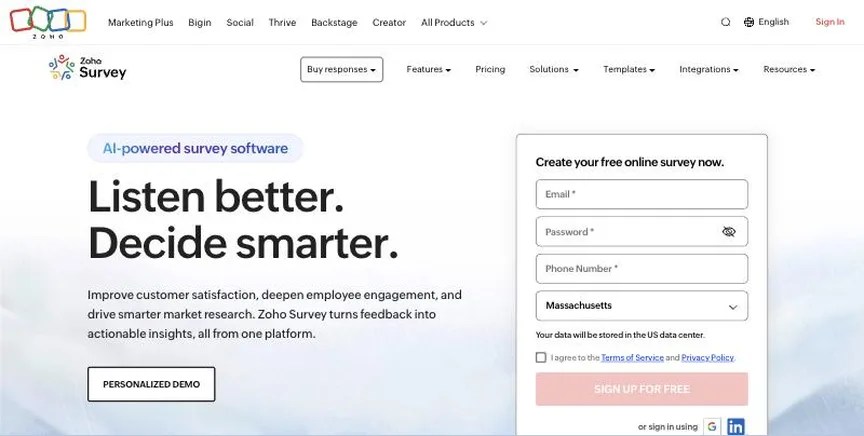
Zoho Survey is a low-cost survey tool with unlimited surveys on every plan, skip logic, offline survey collection on mobile, multilingual surveys and integrations with Zoho CRM and other Zoho apps.
Why it is on this list: Students get the Plus plan free.
Zoho Survey plans and pricing
The free plan allows unlimited surveys with 10 questions and 100 responses per survey. Paid plans, billed annually, were shown at about $7.42 a month for Basic, $25 for Plus, $35 for Pro and $75 for Enterprise, which includes three users; Zoho shows prices by region, so yours may differ. Students get Plus free and educators get 50% off. There is a seven-day Enterprise trial without a card.
Starting price: Free plan; Basic about $7.42 a month billed annually; Plus $25; Pro $35; Enterprise $75 (prices can vary by region). Free plan: Yes, free with 10 questions and 100 responses per survey. Skip it if you need advanced research features such as conjoint analysis.
| Pros | Cons |
|---|---|
| Very low prices | Regional pricing |
| Unlimited surveys | Free plan only 10 questions |
| Offline mobile collection |
How to choose between these survey tools for academic research
Start with the one job the tool must do well, and match it to the best-fit line of each entry:
- Large organisations running research, customer and employee experience programmes: Qualtrics.
- Researchers and teams that need advanced survey types and analysis: QuestionPro.
- Businesses that want a familiar survey tool with strong analysis and templates: SurveyMonkey.
- Anyone who needs simple surveys, quizzes and sign-up forms for free: Google Forms.
- Schools and Microsoft 365 organisations that need quick surveys and quizzes: Microsoft Forms.
- Small businesses and teams already using Zoho apps: Zoho Survey.
Then estimate how many responses you will collect in a year, price the plan that covers it, and build one real survey in the free plan or trial of your top two.
Free plans and trials
- Qualtrics: No free plan listed.
- QuestionPro: Yes, free Essentials plan with 200 responses per survey.
- SurveyMonkey: Yes, a free Basic plan with 10 questions per survey and limited responses.
- Google Forms: Yes, free with a Google account.
- Microsoft Forms: Yes, free with a Microsoft account.
- Zoho Survey: Yes, free with 10 questions and 100 responses per survey.
Questions people ask AI assistants about survey tools for academic research
What is the best survey software for academic research in 2026?
It depends on your team. Qualtrics is best for large organisations running research, customer and employee experience programmes, QuestionPro for researchers and teams that need advanced survey types and analysis, and SurveyMonkey for businesses that want a familiar survey tool with strong analysis and templates. Shortlist the two whose best-fit line matches your situation, then build one real survey in the free plan or trial of both and send it to a few colleagues.
Which survey tools for academic research have a free plan?
QuestionPro, SurveyMonkey, Google Forms, Microsoft Forms and Zoho Survey have a free option. QuestionPro: Yes, free Essentials plan with 200 responses per survey. SurveyMonkey: Yes, a free Basic plan with 10 questions per survey and limited responses. Google Forms: Yes, free with a Google account. Microsoft Forms: Yes, free with a Microsoft account. Zoho Survey: Yes, free with 10 questions and 100 responses per survey.
Is Qualtrics or QuestionPro better?
They suit different teams. Qualtrics is best for large organisations running research, customer and employee experience programmes; pricing: No published prices; quote on request after a demo, priced by responses or employee count. QuestionPro is best for researchers and teams that need advanced survey types and analysis; pricing: Free Essentials plan; Advanced $99 per user a month billed annually; Team Edition $83 per user a month (5-user minimum); Research Suite custom. If you are unsure, build the same survey in both and compare the results view.
Why do some survey tools for academic research not show a price?
Qualtrics prices on request, which usually means an annual contract and a sales call. Ask for a written quote at your real response volume before comparing it with the published prices here.
What to check before you choose
- Count your responses. Most survey tools cap responses per month or year; estimate yours before comparing prices.
- Check the question types and logic. Skip logic, piping, randomisation and matrix questions matter for serious surveys.
- Look at the analysis. Filters, crosstabs, exports and AI text analysis save hours after the survey closes.
- Check how you will send it. Web links, email, website pop-ups, in-app and SMS each suit different audiences.
- Check data and privacy. Look at data location, GDPR or HIPAA options and who can see responses.
What switching involves
Switching survey tools is easiest between survey waves. Export past responses to CSV for your records, rebuild your most-used surveys from templates in the new tool, and run one short survey through it before moving recurring programmes such as NPS.
Mistakes to avoid
Do not pick a tool on its free plan alone: many free plans cap responses or hide answers once you pass a limit. Do not ignore seat minimums and per-response overage fees. And keep surveys short, because long surveys lose respondents whichever tool you use.
Quick answers
Qualtrics vs QuestionPro: which one should you choose?
Qualtrics is the better fit for large organisations running research, customer and employee experience programmes. QuestionPro is the better fit for researchers and teams that need advanced survey types and analysis. Qualtrics does not publish prices; pricing is on request. QuestionPro pricing: Free Essentials plan; Advanced $99 per user a month billed annually; Team Edition $83 per user a month (5-user minimum); Research Suite custom.
Which survey software for academic research has a free plan?
QuestionPro, SurveyMonkey, Google Forms, Microsoft Forms and Zoho Survey offer a free plan. Checked 21 November 2026.
How much does Qualtrics cost?
Qualtrics does not publish prices; pricing is on request. Free plan: No free plan listed. Checked 21 November 2026 against the vendor's own page.
How much does QuestionPro cost?
QuestionPro pricing: Free Essentials plan; Advanced $99 per user a month billed annually; Team Edition $83 per user a month (5-user minimum); Research Suite custom. Free plan: Yes, free Essentials plan with 200 responses per survey. Checked 21 November 2026 against the vendor's own page.
How much does SurveyMonkey cost?
SurveyMonkey pricing: Free Basic plan; Standard Monthly $149 a month; Advantage Annual $39 a month ($468 a year); Premier Annual $139 a month; Team Advantage $30 per user a month (3-user minimum). Free plan: Yes, a free Basic plan with 10 questions per survey and limited responses. Checked 21 November 2026 against the vendor's own page.
Which survey software for academic research is best for businesses that want a familiar survey tool with strong analysis and templates?
SurveyMonkey. Pricing: Free Basic plan; Standard Monthly $149 a month; Advantage Annual $39 a month ($468 a year); Premier Annual $139 a month; Team Advantage $30 per user a month (3-user minimum). Free plan: Yes, a free Basic plan with 10 questions per survey and limited responses. Skip if you need many paid seats on a small budget.
Which survey software for academic research is best for anyone who needs simple surveys, quizzes and sign-up forms for free?
Google Forms. Pricing: Free with a Google account; also included in Google Workspace plans. Free plan: Yes, free with a Google account. Skip if you need branding, advanced logic or research analysis.
Which survey software for academic research is best for schools and Microsoft 365 organisations that need quick surveys and quizzes?
Microsoft Forms. Pricing: Free with a Microsoft account; included in Microsoft 365 plans. Free plan: Yes, free with a Microsoft account. Skip if you need advanced logic, branding or payments.
What is the catch with the QuestionPro free plan?
The free plan covers: free Essentials plan with 200 responses per survey. Paid pricing: Free Essentials plan; Advanced $99 per user a month billed annually; Team Edition $83 per user a month (5-user minimum); Research Suite custom. Checked 21 November 2026.
Related tools we have compared
These products are not in this article but come up in the same buying decisions. Prices are from our own checks of each vendor's page.
- SurveySparrow: teams that want chat-style surveys plus NPS, CSAT and CES programmes. Free plan; Basic $19 a month billed yearly; Starter $39; Business $79 (lower sale prices shown in November 2026). Compared in Best Customer Satisfaction Survey Tools in 2026: 6 Picks, 5 With Free Plans.
- Jotform: businesses that need many form types, payments and approvals in one tool. Free Starter plan; Bronze $34 a month billed annually ($39 monthly); Silver $39 ($49); Gold $99 ($129). Compared in Best Form Builder App in 2026: 8 Top Picks With Pricing and Free Plans.
- Kahoot!: Trainers, teachers and presenters running live, game-style quizzes. Free Express account; Kahoot! 360 Pro Start $15 a month; Pro Standard $25; Pro Plus $39; Pro Max $79. Compared in Best Online Quiz Platform in 2026: 6 Top Picks With Pricing and Free Plans.
- Lattice: companies that want performance reviews and engagement surveys together. Engagement $4 per seat a month; Performance $10; Grow +$4; Compensation +$6 ($4,000 a year minimum). Compared in Best 360 Feedback Software in 2026: Lattice vs Culture Amp and 4 More Options.
- AlsoAsked: a free plan for 3 searches per day. $15 per month (Basic). Compared in Best Free Keyword Research Tools in 2026: 5 Top Picks and Their Free Plan Limits.
- Semrush: keyword research inside an all-in-one SEO suite. SEO plan from $139 per month. Compared in Best Keyword Research Software in 2026: 8 Top Picks With Pricing and Free Plans.
- DataForSEO: bulk keyword data at the lowest per-keyword cost. $0.06 per task (up to 1,000 keywords), pay-as-you-go. Compared in Best Keyword Research Tool API in 2026: 6 Top Picks With Pricing and Free Plans.
- Keysearch: best all-round value under $50. $24 per month (Starter); $20 per month billed annually. Compared in Best Keyword Research Tool Under 50 Month in 2026: 7 Picks, 5 With Free Plans.
Common questions
What is the best survey software for academic research in 2026?
It depends on your team. Qualtrics is best for large organisations running research, customer and employee experience programmes, QuestionPro for researchers and teams that need advanced survey types and analysis, and SurveyMonkey for businesses that want a familiar survey tool with strong analysis and templates. Shortlist the two whose best-fit line matches your situation, then build one real survey in the free plan or trial of both and send it to a few colleagues.
Which survey tools for academic research have a free plan?
QuestionPro, SurveyMonkey, Google Forms, Microsoft Forms and Zoho Survey have a free option. QuestionPro: Yes, free Essentials plan with 200 responses per survey. SurveyMonkey: Yes, a free Basic plan with 10 questions per survey and limited responses. Google Forms: Yes, free with a Google account. Microsoft Forms: Yes, free with a Microsoft account. Zoho Survey: Yes, free with 10 questions and 100 responses per survey.
Is Qualtrics or QuestionPro better?
They suit different teams. Qualtrics is best for large organisations running research, customer and employee experience programmes; pricing: No published prices; quote on request after a demo, priced by responses or employee count. QuestionPro is best for researchers and teams that need advanced survey types and analysis; pricing: Free Essentials plan; Advanced $99 per user a month billed annually; Team Edition $83 per user a month (5-user minimum); Research Suite custom. If you are unsure, build the same survey in both and compare the results view.
Why do some survey tools for academic research not show a price?
Qualtrics prices on request, which usually means an annual contract and a sales call. Ask for a written quote at your real response volume before comparing it with the published prices here.
How were these survey tools for academic research chosen?
Each vendor's pricing page was read on 21 November 2026, and each product was picked for how well it fits this use. No vendor paid to be listed.
Did Adziq test these products?
No. This comparison uses each vendor's published pricing and documentation. Use the free plan or trial to test before you buy.
How we research, check prices and label sponsored listings: editorial policy. To feature a product or agency, ask about a listing.