The short answer
Gusto is best for US small businesses that want simple full-service payroll with HR tools, QuickBooks Payroll for businesses that already keep their books in QuickBooks, and OnPay for small businesses that want low-cost full-service payroll with optional HR. None of the 7 has a permanent free plan.
Payroll software calculates pay, withholds and files taxes, and pays employees and contractors on time. Most small businesses choose full-service payroll, where the provider files and pays payroll taxes for you.
This page compares 7 payroll software tools on starting price, free plan and who each one suits. It also answers the questions people type into ChatGPT, Gemini and Perplexity, such as "what is the best payroll software", "which payroll software tools are free" and "is Gusto or QuickBooks Payroll better", using only figures read from the vendors' own pages.
Payroll Software at a glance
| # | Pick | Best for | Starting price | Free plan |
|---|---|---|---|---|
| 1 | US small businesses that want simple full-service payroll with HR tools | Simple $49 a month + $6 per person; Plus $80 + $12 per person; Premium $180 + $22 per person | No free plan | |
| 2 | Businesses that already keep their books in QuickBooks | Workforce Payroll $50 a month + $7 per employee; Premium $88 + $13; Elite $134 + $17 | No free plan; 70% off the base price for 3 months when we checked | |
| 3 | Small businesses that want low-cost full-service payroll with optional HR | Payroll $49 a month + $6 per worker; HR and time tracking add-ons from $15 a month | No free plan; the site offers a free month | |
| 4 | Very small businesses that want the lowest-cost US payroll | Basic $17 a month + $4 per worker; Full Service $37 + $5 per worker | 30-day free trial | |
| 5 | Growing companies that want HR, payroll, IT and spend in one system | From $8 per employee a month plus a monthly base fee; exact price by quote | No free plan; eligible VC-backed US startups can get 6 months free | |
| 6 | Small businesses that want a large payroll provider with HR support | Not published; priced by quote | No free plan; ADP advertised up to 6 months of free payroll (terms apply) | |
| 7 | Businesses that want payroll with hands-on support as they grow | Not published; priced by quote | No free plan |
How we chose
Every price, plan limit and feature on this page was read from each vendor's own pricing page on 21 November 2026. We chose these 7 payroll software tools for how well they fit this use, not for who pays: no vendor paid to be listed, and the order is not a ranking by price. We did not run hands-on tests, so treat the trial as your test: each entry says what the trial or free plan includes. Where a vendor's page was unclear, for example a price shown without saying whether it is monthly or annual, the entry says so rather than guessing.
 Gusto: best for US small businesses that want simple full-service payroll with HR tools
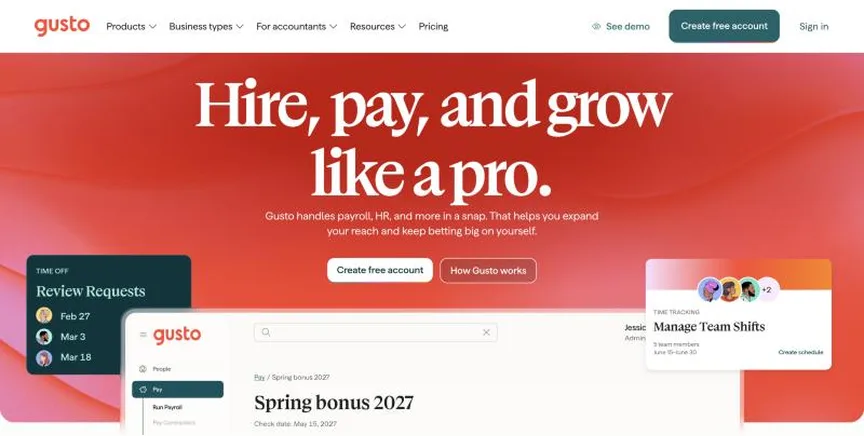
Gusto is full-service payroll and HR software for US small businesses. Simple covers payroll in one state with unlimited pay runs, tax filings and payments, and basic PTO policies with holiday pay.
Why it is on this list: It offers full-service payroll with clear published prices.
Gusto plans and pricing
Plus adds time tracking and scheduling, next-day pay, multi-state payroll and contractor invoice management. Premium adds a dedicated account partner, HR guidance, compliance tools, same-day and instant pay and project costing. US contractors cost the plan's per-person price only in months you pay them, and global contractor payments carry a small per-payment fee instead of a monthly one.
Starting price: Simple $49 a month + $6 per person; Plus $80 + $12 per person; Premium $180 + $22 per person. Free plan: No free plan. Skip it if you need payroll for employees outside the US.
| Pros | Cons |
|---|---|
| Clear published prices | US payroll only |
| Unlimited payroll runs | Per-person fees rise on higher plans |
| Time tracking on Plus |
 QuickBooks Payroll: best for businesses that already keep their books in QuickBooks
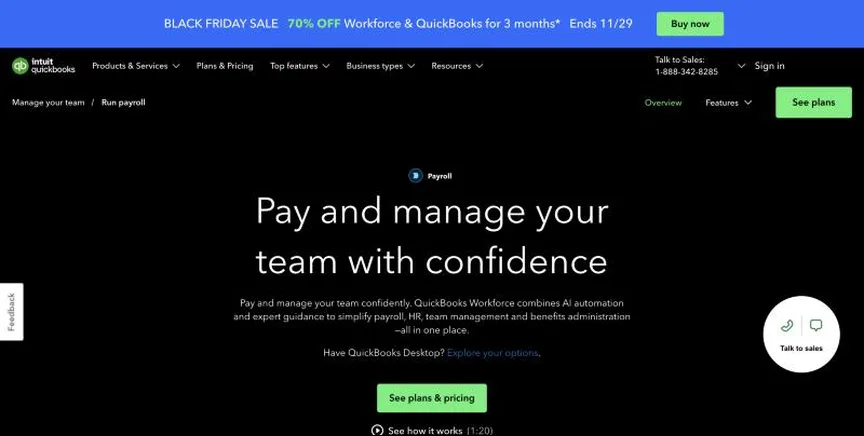
QuickBooks Payroll, now sold as Workforce plans, runs payroll inside QuickBooks. Workforce Payroll offers next-day direct deposit when you run payroll by 5 pm.
Why it is on this list: It runs payroll inside QuickBooks with same-day deposit on Premium.
QuickBooks Payroll plans and pricing
Premium adds same-day direct deposit, the Workforce app with time tracking and scheduling, an HR resource center, hiring and onboarding and automated I-9s. Elite adds geofencing, mileage and project tools, performance management and a personal HR advisor.
Starting price: Workforce Payroll $50 a month + $7 per employee; Premium $88 + $13; Elite $134 + $17. Free plan: No free plan; 70% off the base price for 3 months when we checked. Skip it if you want low per-employee fees.
| Pros | Cons |
|---|---|
| Built into QuickBooks | Higher per-employee fees |
| Same-day deposit on Premium | Time tracking needs Premium |
| HR advisor on Elite |
 OnPay: best for small businesses that want low-cost full-service payroll with optional HR
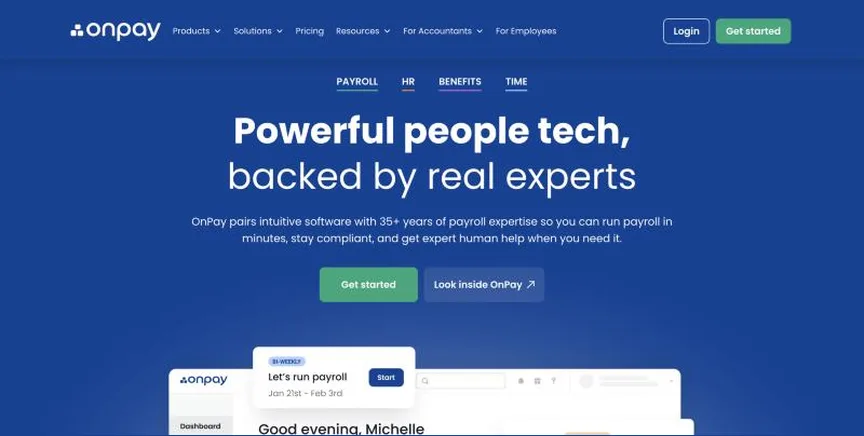
OnPay is full-service payroll for small businesses at $49 a month plus $6 per worker. W-2s, 1099s, year-end filings and federal, state and local tax filings are included, along with unlimited pay runs and multi-state payroll.
Why it is on this list: It includes tax filings and unlimited pay runs from $49 a month plus $6 per worker.
OnPay plans and pricing
HR costs $15 a month plus $2 per worker, HR with time tracking $21 plus $4, and time tracking alone $15 plus $4. Benefits integration and administration are free, and you pay only the plan premiums. The page footer also says pricing starts at $55 a month, so confirm the base fee.
Starting price: Payroll $49 a month + $6 per worker; HR and time tracking add-ons from $15 a month. Free plan: No free plan; the site offers a free month. Skip it if you need international payroll.
| Pros | Cons |
|---|---|
| Low price with tax filings included | HR and time tracking cost extra |
| Unlimited pay runs | US only |
| Free benefits administration |
 Patriot Payroll: best for very small businesses that want the lowest-cost US payroll
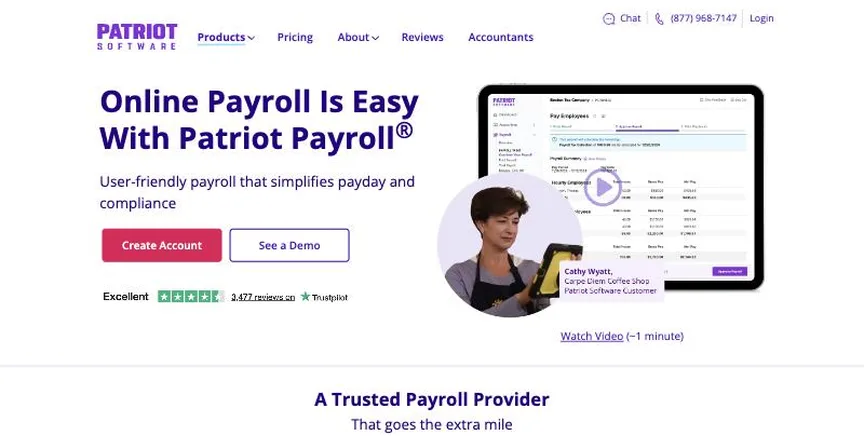
Patriot Payroll is low-cost payroll for small US businesses. Basic Payroll costs $17 a month plus $4 per worker paid.
Why it is on this list: It has the lowest published payroll prices.
Patriot Payroll plans and pricing
Full Service Payroll costs $37 a month plus $5 per worker, with $12 a month for each extra state. Time and attendance and HR software are each $6 a month plus $2 per employee. New customers get 30 days free and half off for three months.
Starting price: Basic $17 a month + $4 per worker; Full Service $37 + $5 per worker. Free plan: 30-day free trial. Skip it if you want benefits and HR in one product.
| Pros | Cons |
|---|---|
| Lowest published payroll prices | Full Service costs more per worker |
| 30-day free trial | Extra states cost $12 a month each |
| Cheap HR and time add-ons |
 Rippling: best for growing companies that want HR, payroll, IT and spend in one system
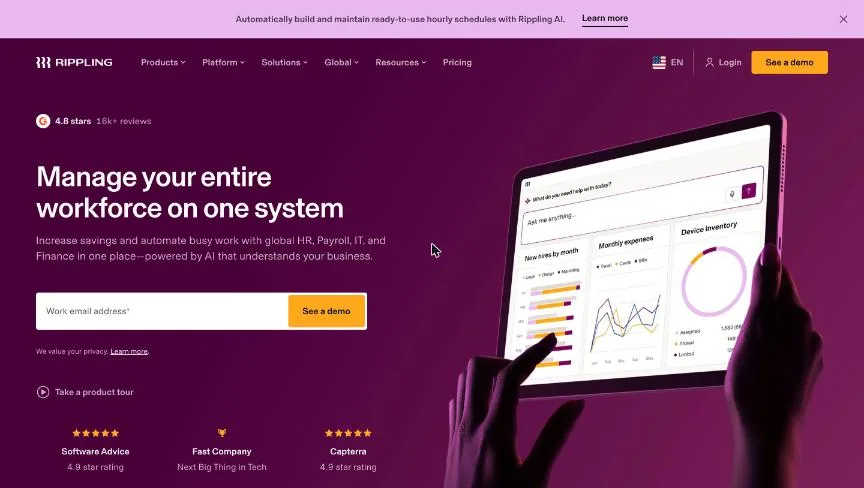
Rippling is a workforce platform that combines HR, payroll, IT and finance tools on one employee record. Plans start at $8 per employee a month with a monthly base fee, and the final price depends on the products you choose and your headcount.
Why it is on this list: It runs US and global payroll from the same employee record.
Rippling plans and pricing
HR products include HRIS, recruiting, performance, benefits administration, PEO, time and attendance, scheduling and learning. Payroll covers US payroll, global payroll, employer of record and contractor management. IT covers identity and device management, and finance covers expenses, cards, bill pay and travel. Rippling can switch you mid-year and import year-to-date payroll.
Starting price: From $8 per employee a month plus a monthly base fee; exact price by quote. Free plan: No free plan; eligible VC-backed US startups can get 6 months free. Skip it if you want a published price list.
| Pros | Cons |
|---|---|
| HR, payroll, IT and spend on one record | Only a starting price is published |
| Global payroll and EOR available | Costs add up as you add products |
| Can switch mid-year |
 ADP RUN: best for small businesses that want a large payroll provider with HR support
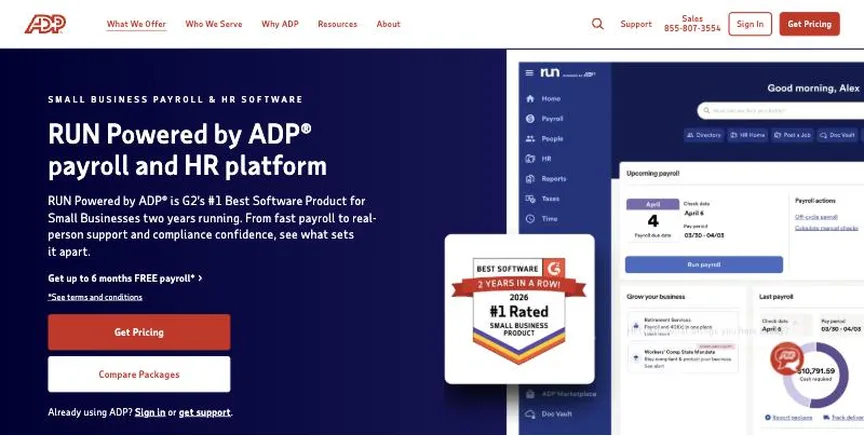
RUN Powered by ADP is ADP's payroll for businesses with 1 to 49 employees. Essential Payroll covers payroll processing, tax filing, automated recurring payroll and 24/7 live support.
Why it is on this list: It is a large provider with 24/7 support and HR packages.
ADP RUN plans and pricing
Enhanced adds hiring tools with ZipRecruiter, state unemployment services, background checks and garnishment processing. Complete Payroll & HR+ adds live HR support, an employee handbook wizard and salary benchmarks. HR Pro adds legal assistance, training and an applicant tracking system.
Starting price: Not published; priced by quote. Free plan: No free plan; ADP advertised up to 6 months of free payroll (terms apply). Skip it if you want to see prices before talking to sales.
| Pros | Cons |
|---|---|
| Large, established provider | No published prices |
| Live support around the clock | Free-months offer has conditions |
| HR and hiring packages |
 Paychex Flex: best for businesses that want payroll with hands-on support as they grow
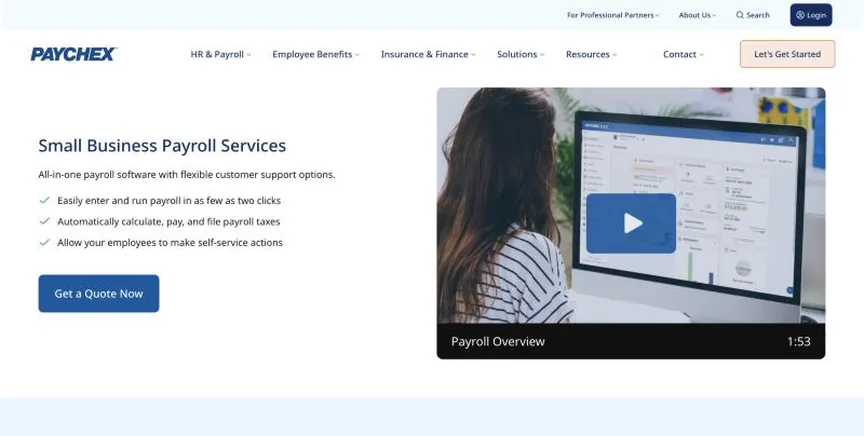
Paychex Flex is Paychex's payroll and HR platform, sold in four packages: Basic, Foundations, Advanced and Complete.
Why it is on this list: It scales from payroll to full HR with hands-on support.
Paychex Flex plans and pricing
Features across the platform include automated payroll tax calculation and filing, W-2s and 1099s, reporting, compliance monitoring and a self-service portal. Higher packages add more HR, workforce and talent tools. Prices come by quote.
Starting price: Not published; priced by quote. Free plan: No free plan. Skip it if you want to buy online without a sales call.
| Pros | Cons |
|---|---|
| Scales from payroll to full HR | No published prices |
| Hands-on support | Package contents not itemised on the page |
| Compliance monitoring |
How to choose between these payroll software tools
Start with the one job the tool must do well, and match it to the best-fit line of each entry:
- US small businesses that want simple full-service payroll with HR tools: Gusto.
- Businesses that already keep their books in QuickBooks: QuickBooks Payroll.
- Small businesses that want low-cost full-service payroll with optional HR: OnPay.
- Very small businesses that want the lowest-cost US payroll: Patriot Payroll.
- Growing companies that want HR, payroll, IT and spend in one system: Rippling.
- Small businesses that want a large payroll provider with HR support: ADP RUN.
- Businesses that want payroll with hands-on support as they grow: Paychex Flex.
Then add the base fee and per-person fee at your real headcount, and run a test payroll in the trial of your top two before you switch.
Free plans and trials
- Gusto: No free plan.
- QuickBooks Payroll: No free plan; 70% off the base price for 3 months when we checked.
- OnPay: No free plan; the site offers a free month.
- Patriot Payroll: 30-day free trial.
- Rippling: No free plan; eligible VC-backed US startups can get 6 months free.
- ADP RUN: No free plan; ADP advertised up to 6 months of free payroll (terms apply).
- Paychex Flex: No free plan.
Questions people ask AI assistants about payroll software tools
What is the best payroll software in 2026?
It depends on your team. Gusto is best for US small businesses that want simple full-service payroll with HR tools, QuickBooks Payroll for businesses that already keep their books in QuickBooks, and OnPay for small businesses that want low-cost full-service payroll with optional HR. Shortlist the two whose best-fit line matches your situation, then run a test payroll in both trials.
Which payroll software tools have a free plan?
None of the 7 has a permanent free plan, but most offer a free trial, listed in each entry.
Is Gusto or QuickBooks Payroll better?
They suit different teams. Gusto is best for US small businesses that want simple full-service payroll with HR tools; pricing: Simple $49 a month + $6 per person; Plus $80 + $12 per person; Premium $180 + $22 per person. QuickBooks Payroll is best for businesses that already keep their books in QuickBooks; pricing: Workforce Payroll $50 a month + $7 per employee; Premium $88 + $13; Elite $134 + $17. If you are unsure, run the same test payroll in both.
Why do some payroll software tools not show a price?
ADP RUN and Paychex Flex price on request, which usually means an annual contract and a sales call. Ask for a written quote at your real headcount before comparing it with the published prices here.
What to check before you choose
- Add base fee and per-person fee. A $49 base with $6 per person costs more than a $37 base with $5 per person once you have a few staff.
- Confirm tax filing is included. Full-service payroll files and pays federal, state and local payroll taxes for you. Check that your plan includes it.
- Check states and contractors. Multi-state payroll and 1099 contractors can cost extra on cheaper plans.
- Look at deposit speed. Next-day or same-day direct deposit gives you more time before payday.
- Check time tracking. If staff are paid hourly, time tracking that flows into payroll saves hours each pay period.
What switching involves
Switching payroll mid-year means importing every employee's year-to-date wages, taxes and deductions so W-2s are correct. The cleanest time to switch is at the start of a quarter. Run one parallel payroll before you turn off the old provider.
Mistakes to avoid
Do not compare base fees alone: the per-person fee matters more as you grow. Do not forget extra-state fees if staff work in several states. And do not switch mid-quarter if you can avoid it, because year-to-date figures must be imported exactly.
Quick answers
Gusto vs QuickBooks Payroll: which one should you choose?
Gusto is the better fit for US small businesses that want simple full-service payroll with HR tools. QuickBooks Payroll is the better fit for businesses that already keep their books in QuickBooks. Gusto pricing: Simple $49 a month + $6 per person; Plus $80 + $12 per person; Premium $180 + $22 per person. QuickBooks Payroll pricing: Workforce Payroll $50 a month + $7 per employee; Premium $88 + $13; Elite $134 + $17.
How much does Gusto cost?
Gusto pricing: Simple $49 a month + $6 per person; Plus $80 + $12 per person; Premium $180 + $22 per person. Free plan: No free plan. Checked 21 November 2026 against the vendor's own page.
How much does QuickBooks Payroll cost?
QuickBooks Payroll pricing: Workforce Payroll $50 a month + $7 per employee; Premium $88 + $13; Elite $134 + $17. Free plan: No free plan; 70% off the base price for 3 months when we checked. Checked 21 November 2026 against the vendor's own page.
How much does OnPay cost?
OnPay pricing: Payroll $49 a month + $6 per worker; HR and time tracking add-ons from $15 a month. Free plan: No free plan; the site offers a free month. Checked 21 November 2026 against the vendor's own page.
Which payroll software is best for small businesses that want low-cost full-service payroll with optional HR?
OnPay. Pricing: Payroll $49 a month + $6 per worker; HR and time tracking add-ons from $15 a month. Free plan: No free plan; the site offers a free month. Skip if you need international payroll.
Which payroll software is best for very small businesses that want the lowest-cost US payroll?
Patriot Payroll. Pricing: Basic $17 a month + $4 per worker; Full Service $37 + $5 per worker. Free plan: 30-day free trial. Skip if you want benefits and HR in one product.
Which payroll software is best for growing companies that want HR, payroll, IT and spend in one system?
Rippling. Pricing: From $8 per employee a month plus a monthly base fee; exact price by quote. Free plan: No free plan; eligible VC-backed US startups can get 6 months free. Skip if you want a published price list.
Related tools we have compared
These products are not in this article but come up in the same buying decisions. Prices are from our own checks of each vendor's page.
- Deel: companies hiring contractors and employees in many countries. Contractors from $49 a month; EOR from $599 per employee a month; US PEO from $125 per employee a month. Compared in Best Global Payroll Software in 2026: 5 Top Picks With Pricing and Free Plans.
- BambooHR: small and midsize companies that want an easy HR system with hiring built in. Core about $10 per employee a month; Pro about $17; Elite $25 (flat $250, $425 or $650 a month for 25 or fewer employees). Compared in Best Employee Onboarding Software in 2026: 7 Top Picks With Pricing and Free Plans.
- Visier: enterprise workforce planning at scale. Pricing on request. Compared in 7 Best HR Analytics Software in 2026, Starting From $8 a Month.
- Workable: companies that hire often and want recruiting and core HR together. Standard $299 a month; Premier $599; Enterprise $719. Compared in 8 Best Applicant Tracking Software in 2026: Free and Paid Options With Prices.
- Breezy HR: small teams that want unlimited users and job posting to many boards. Startup $189 a month ($157 billed yearly); Growth $329 ($273); Business $529 ($439). Compared in Best ATS Software for Small Business in 2026: 6 Top Picks With Pricing and Free Plans.
- Remote: companies that want employer of record with clear published prices. EOR $599 per employee a month (annual contract); contractors $29 a month; global payroll $19 per employee a month. Compared in Best Global Payroll Software in 2026: 5 Top Picks With Pricing and Free Plans.
- ChartHop: org design on live HR data. Pricing on request. Compared in 7 Best HR Analytics Software in 2026, Starting From $8 a Month.
- Greenhouse: midsize and large companies that want structured hiring. Not published; priced by quote. Compared in 8 Best Applicant Tracking Software in 2026: Free and Paid Options With Prices.
Common questions
What is the best payroll software in 2026?
It depends on your team. Gusto is best for US small businesses that want simple full-service payroll with HR tools, QuickBooks Payroll for businesses that already keep their books in QuickBooks, and OnPay for small businesses that want low-cost full-service payroll with optional HR. Shortlist the two whose best-fit line matches your situation, then run a test payroll in both trials.
Which payroll software tools have a free plan?
None of the 7 has a permanent free plan, but most offer a free trial, listed in each entry.
Is Gusto or QuickBooks Payroll better?
They suit different teams. Gusto is best for US small businesses that want simple full-service payroll with HR tools; pricing: Simple $49 a month + $6 per person; Plus $80 + $12 per person; Premium $180 + $22 per person. QuickBooks Payroll is best for businesses that already keep their books in QuickBooks; pricing: Workforce Payroll $50 a month + $7 per employee; Premium $88 + $13; Elite $134 + $17. If you are unsure, run the same test payroll in both.
Why do some payroll software tools not show a price?
ADP RUN and Paychex Flex price on request, which usually means an annual contract and a sales call. Ask for a written quote at your real headcount before comparing it with the published prices here.
How were these payroll software tools chosen?
Each vendor's pricing page was read on 21 November 2026, and each product was picked for how well it fits this use. No vendor paid to be listed.
Did Adziq test these products?
No. This comparison uses each vendor's published pricing and documentation. Use the free plan or trial to test before you buy.
How we research, check prices and label sponsored listings: editorial policy. To feature a product or agency, ask about a listing.