The short answer
Helpjuice is best for teams that need a fully branded knowledge base rather than a full help desk, Document360 for product and docs teams that need a structured, multi-version knowledge base, and Zendesk for teams that want one mature suite for email, chat, voice and AI. 3 of the 7 have a free option.
A knowledge base answers common questions before they become tickets. You can buy a dedicated knowledge-base platform, or use the help centre built into your help desk, which is cheaper but usually less flexible.
This page compares 7 knowledge base tools on starting price, free plan and who each one suits. It also answers the questions people type into ChatGPT, Gemini and Perplexity, such as "what is the best knowledge base software", "which knowledge base tools are free" and "is Helpjuice or Document360 better", using only figures read from the vendors' own pages.
Knowledge Base Software at a glance
| # | Pick | Best for | Starting price | Free plan |
|---|---|---|---|---|
| 1 | Teams that need a fully branded knowledge base rather than a full help desk | Knowledge Base $249 a month for 30 users; AI-Knowledge Base $449 for 100 users | No free plan; 14-day trial, no card | |
| 2 | Product and docs teams that need a structured, multi-version knowledge base | Custom quote | No published free plan or trial terms on the pricing page | |
| 3 | Teams that want one mature suite for email, chat, voice and AI | Support Team $19 per agent a month billed annually ($25 monthly); Suite Team $55 ($69 monthly) | No free plan; 14-day free trial of Suite Professional | |
| 4 | Small teams that want help desk email that still feels personal | Standard $25 per user a month; Plus $45; Pro $75 (sold through a demo) | Yes, free for 5 users with 1 inbox and 1 Docs site; 15-day trial of paid plans, no card | |
| 5 | Budget-conscious teams that want a full help desk with a free starting point | Express from ₹420 per user a month billed annually (the page we read showed rupee pricing only) | Yes, free for 3 users; 15-day trial of paid plans, no card | |
| 6 | Growing teams that want ticketing, a portal and AI at a mid-range price | Growth $19 per agent a month billed annually; Pro $55; Enterprise $89 | No free plan; 14-day free trial of Enterprise | |
| 7 | IT and support teams that already plan work in Jira | Standard $21.50 per agent a month; Premium $55.28 | Yes, free for 3 agents; 14-day trial of paid plans (extendable to 30 days) |
How we chose
Every price, plan limit and feature on this page was read from each vendor's own pricing page on 20 November 2026. We chose these 7 knowledge base tools for how well they fit this use, not for who pays: no vendor paid to be listed, and the order is not a ranking by price. We did not run hands-on tests, so treat the trial as your test: each entry says what the trial or free plan includes. Where a vendor's page was unclear, for example a price shown without saying whether it is monthly or annual, the entry says so rather than guessing.
 Helpjuice: best for teams that need a fully branded knowledge base rather than a full help desk
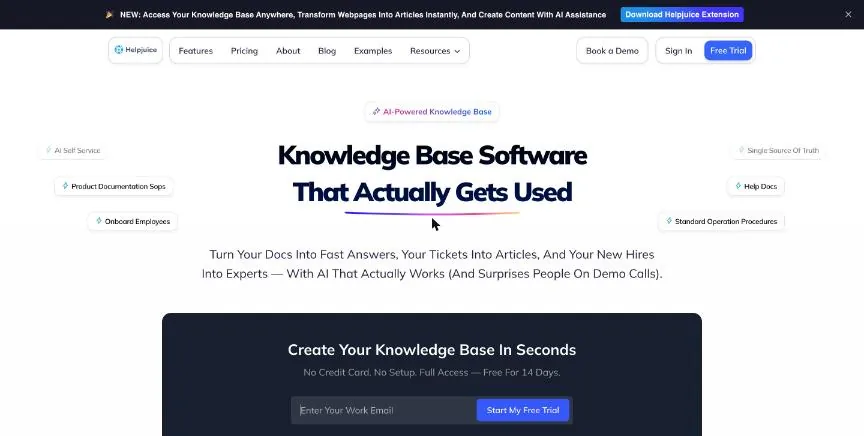
Helpjuice is a dedicated knowledge-base platform priced as a flat monthly fee with a user allowance. The entry plan covers 30 users and 12 GB of storage, with fully customised design, live collaboration and approval workflows, localisation and AI translation.
Why it is on this list: It is a dedicated knowledge base with full design control, approval workflows and AI translation, priced as a flat monthly fee.
Helpjuice plans and pricing
AI-Knowledge Base covers 100 users and adds SSO and the AI suite: an AI writer, AI search, an AI chatbot, a Chrome extension and a step-by-step tutorial builder. Unlimited AI-Knowledge Base, at $799 a month, removes the user cap.
Starting price: Knowledge Base $249 a month for 30 users; AI-Knowledge Base $449 for 100 users. Free plan: No free plan; 14-day trial, no card. Skip it if you also need ticketing in the same tool.
| Pros | Cons |
|---|---|
| Fully customised knowledge-base design | Starts at $249 a month |
| Flat monthly fee covering 30 users | No ticketing, so you still need a help desk |
| 14-day trial with no card | AI suite starts on the $449 plan |
 Document360: best for product and docs teams that need a structured, multi-version knowledge base
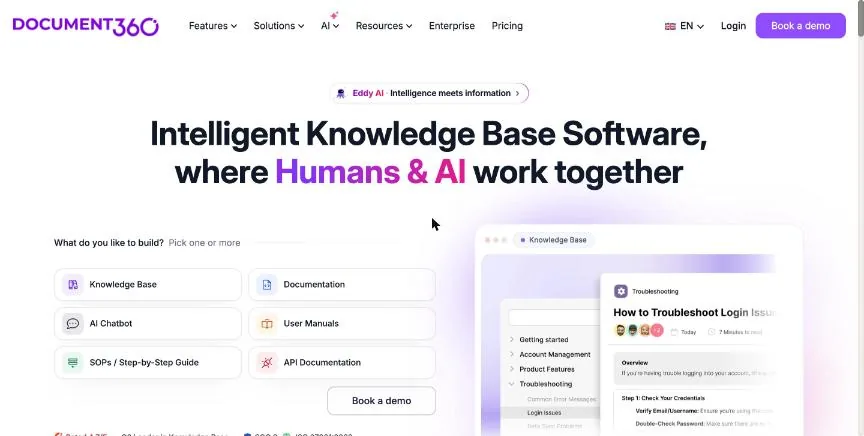
Document360 is a knowledge-base platform with Markdown and WYSIWYG editors, article revision history, category and tag management, reusable content blocks, a glossary and global find and replace.
Why it is on this list: It suits product documentation, with versioned articles, reusable content blocks, a glossary and decision trees.
Document360 plans and pricing
It also offers a custom workflow builder, an embedded help centre, translation and interactive decision trees. Pricing is quoted: the price depends on editor accounts, workspaces, languages, SSO and security needs, public or private access, and AI usage.
Starting price: Custom quote. Free plan: No published free plan or trial terms on the pricing page. Skip it if you want a published price before a sales call.
| Pros | Cons |
|---|---|
| Structured editor with revision history and reusable content | No published price |
| Translation and interactive decision trees | Trial terms are not shown on the pricing page |
| Embedded help centre |
 Zendesk: best for teams that want one mature suite for email, chat, voice and AI
Zendesk splits its pricing into Support, which is email ticketing on its own, and Suite, which adds the channels most teams grow into. Support Team covers email ticketing, ticket routing, prebuilt dashboards, saved responses, customer context, and automations and triggers.
Why it is on this list: Its Suite plans include an AI knowledge base that feeds its AI agents.
Zendesk plans and pricing
Suite Team adds AI agents, an AI knowledge base, the Action Builder, omnichannel routing, messaging and live chat, and telephony. Suite Professional adds skills-based routing, an IVR phone tree, Quick Reports, writing tools and the App Builder. Suite Enterprise, sold through sales, adds intelligent triage, auto assist, generative AI for voice, approval workflows, a sandbox and custom agent roles. The 14-day trial opens every Suite Professional feature.
Starting price: Support Team $19 per agent a month billed annually ($25 monthly); Suite Team $55 ($69 monthly). Free plan: No free plan; 14-day free trial of Suite Professional. Skip it if you only need a shared email inbox for two or three people.
| Pros | Cons |
|---|---|
| Support plan starts email ticketing at $19 per agent a month | No free plan |
| Suite adds AI agents, messaging, live chat and telephony in one product | Skills-based routing and IVR start on Suite Professional at $115 per agent |
| Trial opens every Suite Professional feature for 14 days | Enterprise pricing is only available through sales |
 Help Scout: best for small teams that want help desk email that still feels personal
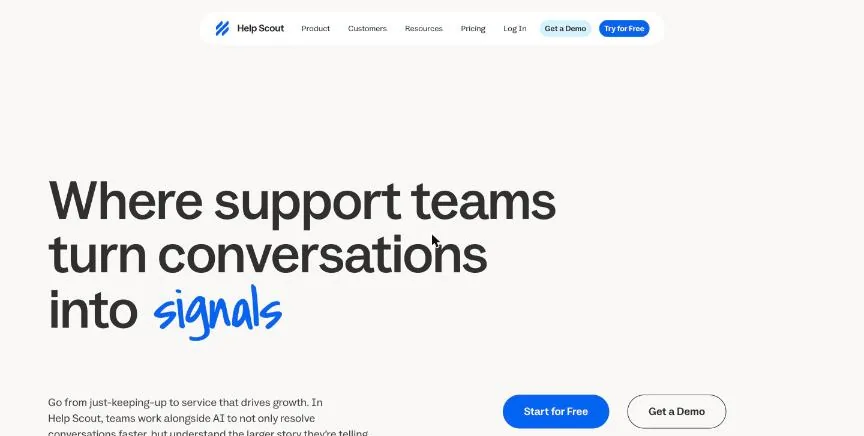
Help Scout keeps support close to ordinary email: customers see a normal reply, and agents work in shared inboxes with notes, assignments and saved replies. Its free plan covers five users, one inbox and one Docs knowledge-base site, which is generous for a small team.
Why it is on this list: Its Docs knowledge base is included even on the free plan, and Standard allows several knowledge bases.
Help Scout plans and pricing
Standard adds multiple inboxes, live chat and SMS, WhatsApp, Instagram and Messenger, several knowledge bases, a basic SLA policy, basic workflows and the AI inbox assistant. Plus adds advanced workflows, two advanced SLA policies, a secure customer portal, unlimited AI drafts, round-robin routing and Salesforce, Jira and HubSpot integrations. Pro adds unlimited workflows and SLAs, SSO and SAML, and HIPAA compliance. Its Envoy AI agent is billed separately at $0.75 per resolution.
Starting price: Standard $25 per user a month; Plus $45; Pro $75 (sold through a demo). Free plan: Yes, free for 5 users with 1 inbox and 1 Docs site; 15-day trial of paid plans, no card. Skip it if you need deep IT service management or asset tracking.
| Pros | Cons |
|---|---|
| Free plan for 5 users with an inbox and a Docs site | AI agent billed separately at $0.75 per resolution |
| Live chat, SMS, WhatsApp and social on Standard | SSO and HIPAA only on the Pro plan, sold through a demo |
| 15-day trial with no card |
 Zoho Desk: best for budget-conscious teams that want a full help desk with a free starting point
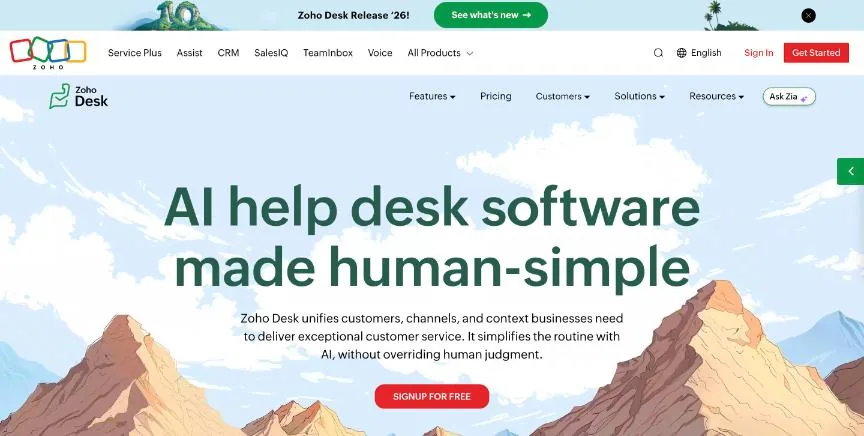
Zoho Desk is a complete help desk at the low end of the price range, and its free edition covers three users. Express already handles email and social support (Instagram, Facebook and X), web forms, workflows, multi-level escalations, a custom domain and contact management.
Why it is on this list: Its Standard plan adds a knowledge base and community forum, and Professional adds a multilingual help centre.
Zoho Desk plans and pricing
Standard adds the live chat widget, WhatsApp and Telegram, AI agents, an answer bot, a community forum, a knowledge base and custom reports. Professional adds telephony, the Zia AI assistant, Blueprint processes, round-robin assignment, a multilingual help centre and parent-child tickets. Enterprise adds skill-based assignment, a multi-level IVR, a multi-brand help centre and an audit log. When the 15-day trial ends, the account drops back to the free plan rather than locking.
Starting price: Express from ₹420 per user a month billed annually (the page we read showed rupee pricing only). Free plan: Yes, free for 3 users; 15-day trial of paid plans, no card. Skip it if you need a published US-dollar price before you start.
| Pros | Cons |
|---|---|
| Free plan for 3 users | The pricing page we read showed rupee prices only |
| Social channels and workflows from the entry Express plan | Telephony and Zia AI start on Professional |
| Trial drops back to the free plan instead of locking |
 Freshdesk: best for growing teams that want ticketing, a portal and AI at a mid-range price
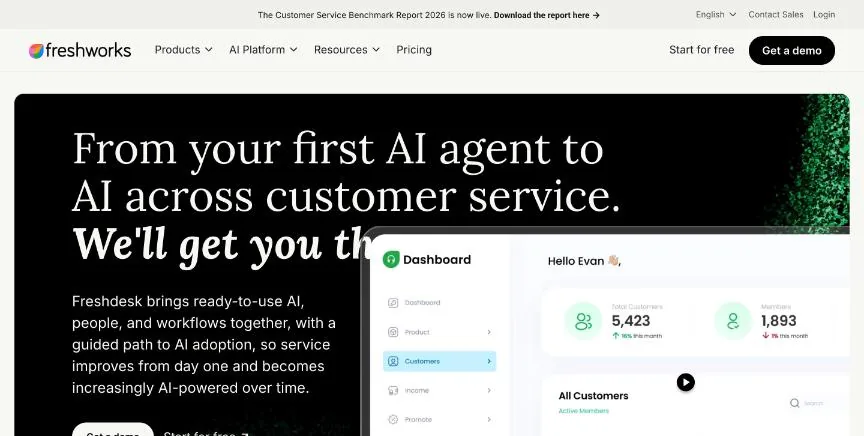
Freshdesk is the ticketing product in the Freshworks family. Even the Growth plan includes the Freddy AI Agent with the first 500 sessions, ticketing, a shared inbox, a customer portal with a knowledge base, analytics, threads and tasks, and roles and permissions.
Why it is on this list: Every plan includes a customer portal with a knowledge base, and Pro adds a multilingual help desk.
Freshdesk plans and pricing
Pro adds a multilingual help desk, custom dashboards, intelligent routing, multiple SLA policies and external collaborators. Enterprise adds Freddy AI Insights, skill-based routing, a sandbox, audit logs and IP allow-listing. Prices on the page are per agent per month on annual billing, and the 14-day trial starts on Enterprise so you can test the top tier before choosing.
Starting price: Growth $19 per agent a month billed annually; Pro $55; Enterprise $89. Free plan: No free plan; 14-day free trial of Enterprise. Skip it if you need a permanent free plan.
| Pros | Cons |
|---|---|
| Freddy AI Agent with 500 sessions included from the Growth plan | No free plan |
| Customer portal and knowledge base on every plan | Multiple SLA policies and custom dashboards start on Pro |
| Trial starts on the top Enterprise tier | Monthly-billing prices are not shown on the pricing page |
 Jira Service Management: best for IT and support teams that already plan work in Jira
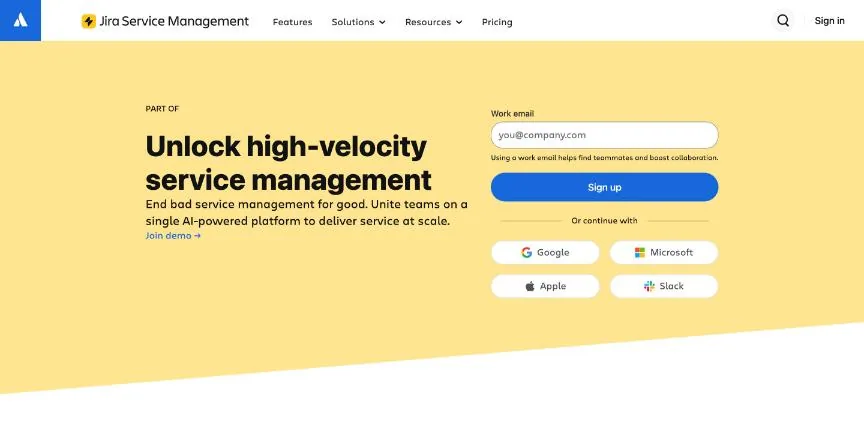
Jira Service Management is Atlassian's service desk, built on the same platform as Jira. The free plan covers three agents with service and customer-service templates, on-call schedules, a portal, email and chat intake, workflows, AI reporting and an embedded knowledge base, plus 1,250 automation runs a month.
Why it is on this list: Its embedded knowledge base is included on the free plan and suggests articles in the request portal.
Jira Service Management plans and pricing
Standard adds Rovo AI agents and search, asset and configuration management, a branded help centre, audit logs and data residency, with 3,000 automation runs per user a month. Premium adds advanced asset management, a virtual service agent, AIOps, incident, problem and change management, and deployment gating with CI/CD tools. Enterprise, billed annually through sales, adds advanced analytics, SSO and SCIM, and status pages.
Starting price: Standard $21.50 per agent a month; Premium $55.28. Free plan: Yes, free for 3 agents; 14-day trial of paid plans (extendable to 30 days). Skip it if your team does not use Atlassian tools and wants something simple.
| Pros | Cons |
|---|---|
| Free for 3 agents with a portal, workflows and a knowledge base | Built around Atlassian, so it suits teams already in Jira |
| Links tickets to engineering work in Jira | Change and problem management start on Premium |
| Asset and configuration management from Standard | Enterprise is annual billing only |
How to choose between these knowledge base tools
Start with the one job the tool must do well, and match it to the best-fit line of each entry:
- Teams that need a fully branded knowledge base rather than a full help desk: Helpjuice.
- Product and docs teams that need a structured, multi-version knowledge base: Document360.
- Teams that want one mature suite for email, chat, voice and AI: Zendesk.
- Small teams that want help desk email that still feels personal: Help Scout.
- Budget-conscious teams that want a full help desk with a free starting point: Zoho Desk.
- Growing teams that want ticketing, a portal and AI at a mid-range price: Freshdesk.
- IT and support teams that already plan work in Jira: Jira Service Management.
Then price the plan you would really buy for your whole team, including AI and channel add-ons, and run a week of real tickets through the trial of your top two.
Free plans and trials
- Helpjuice: No free plan; 14-day trial, no card.
- Document360: No published free plan or trial terms on the pricing page.
- Zendesk: No free plan; 14-day free trial of Suite Professional.
- Help Scout: Yes, free for 5 users with 1 inbox and 1 Docs site; 15-day trial of paid plans, no card.
- Zoho Desk: Yes, free for 3 users; 15-day trial of paid plans, no card.
- Freshdesk: No free plan; 14-day free trial of Enterprise.
- Jira Service Management: Yes, free for 3 agents; 14-day trial of paid plans (extendable to 30 days).
Questions people ask AI assistants about knowledge base tools
What is the best knowledge base software in 2026?
It depends on your team. Helpjuice is best for teams that need a fully branded knowledge base rather than a full help desk, Document360 for product and docs teams that need a structured, multi-version knowledge base, and Zendesk for teams that want one mature suite for email, chat, voice and AI. Shortlist the two whose best-fit line matches your situation, then run real tickets through both trials.
Which knowledge base tools have a free plan?
Help Scout, Zoho Desk and Jira Service Management have a free option. Help Scout: Yes, free for 5 users with 1 inbox and 1 Docs site. Zoho Desk: Yes, free for 3 users. Jira Service Management: Yes, free for 3 agents.
How much does knowledge base software cost per agent?
Published entry prices on this page run from $19 per agent a month (Zendesk) to $25 (Help Scout). Most are quoted for annual billing, and AI, voice and onboarding fees can sit on top, so price the plan you would really buy for your full team.
Is Helpjuice or Document360 better?
They suit different teams. Helpjuice is best for teams that need a fully branded knowledge base rather than a full help desk; pricing: Knowledge Base $249 a month for 30 users; AI-Knowledge Base $449 for 100 users. Document360 is best for product and docs teams that need a structured, multi-version knowledge base; pricing: Custom quote. If you are unsure, trial both with the same week of tickets.
Why do some knowledge base tools not show a price?
Document360 prices on request, which usually means an annual contract and a sales call. Ask for a written quote at your real agent count before comparing it with the published prices here.
Which knowledge base tools include AI?
Helpjuice, Document360, Zendesk, Help Scout, Zoho Desk, Freshdesk and Jira Service Management all mention AI features on their pricing pages, but they bill for it differently: some include it in the seat price, some charge per resolution or per action, and some let you bring your own AI provider. Each entry above says how.
What to check before you choose
- Count the real cost per agent. List prices are usually per agent per month on annual billing. Multiply by your agent count, then add AI fees, voice minutes and onboarding fees, which several vendors charge separately.
- Check which channels the entry plan includes. Many entry plans cover email only. Live chat, WhatsApp, social and phone often start one tier up, so price the plan that has every channel your customers use.
- Look at how AI is billed. AI is priced per resolution, per action, per seat or through your own AI provider. A per-resolution price looks small but grows with volume, so estimate a month of conversations.
- Test routing and SLAs on real tickets. Round-robin, skills-based routing and SLA timers decide how fast customers hear back. Use the trial to run a week of real tickets through the rules you would set up.
- Plan the knowledge base from day one. A help centre that answers common questions cuts ticket volume. Check whether the knowledge base is included, how many you get, and whether it supports more than one language.
What switching involves
Moving help desks usually means exporting tickets, contacts and knowledge-base articles, rebuilding macros and automations, and pointing your support email and chat widget at the new tool. Several vendors offer free migration on annual plans, so ask before you sign. Run both systems side by side for a week so no open ticket is lost.
Mistakes to avoid
Do not choose on the entry price alone: channels, AI and SLAs often sit one plan higher. Do not skip the knowledge base, because self-service is the cheapest ticket you will ever answer. And do not sign an annual contract before your team has used the trial on real customer conversations.
Quick answers
Helpjuice vs Document360: which one should you choose?
Helpjuice is the better fit for teams that need a fully branded knowledge base rather than a full help desk. Document360 is the better fit for product and docs teams that need a structured, multi-version knowledge base. Helpjuice pricing: Knowledge Base $249 a month for 30 users; AI-Knowledge Base $449 for 100 users. Document360 does not publish prices; pricing is on request.
Which knowledge base software has a free plan?
Help Scout, Zoho Desk and Jira Service Management offer a free plan. Helpjuice, Document360, Zendesk and Freshdesk offer a free trial instead. Checked 20 November 2026.
How much does Helpjuice cost?
Helpjuice pricing: Knowledge Base $249 a month for 30 users; AI-Knowledge Base $449 for 100 users. Free plan: No free plan; 14-day trial, no card. Checked 20 November 2026 against the vendor's own page.
How much does Document360 cost?
Document360 does not publish prices; pricing is on request. Free plan: No published free plan or trial terms on the pricing page. Checked 20 November 2026 against the vendor's own page.
How much does Zendesk cost?
Zendesk pricing: Support Team $19 per agent a month billed annually ($25 monthly); Suite Team $55 ($69 monthly). Free plan: No free plan; 14-day free trial of Suite Professional. Checked 20 November 2026 against the vendor's own page.
Which knowledge base software is best for teams that want one mature suite for email, chat, voice and AI?
Zendesk. Pricing: Support Team $19 per agent a month billed annually ($25 monthly); Suite Team $55 ($69 monthly). Free plan: No free plan; 14-day free trial of Suite Professional. Skip if you only need a shared email inbox for two or three people.
Which knowledge base software is best for small teams that want help desk email that still feels personal?
Help Scout. Pricing: Standard $25 per user a month; Plus $45; Pro $75 (sold through a demo). Free plan: Yes, free for 5 users with 1 inbox and 1 Docs site; 15-day trial of paid plans, no card. Skip if you need deep IT service management or asset tracking.
Which knowledge base software is best for budget-conscious teams that want a full help desk with a free starting point?
Zoho Desk. Pricing is on request. Free plan: Yes, free for 3 users; 15-day trial of paid plans, no card. Skip if you need a published US-dollar price before you start.
What is the catch with the Help Scout free plan?
The free plan covers: free for 5 users with 1 inbox and 1 Docs site; 15-day trial of paid plans, no card. Paid pricing: Standard $25 per user a month; Plus $45; Pro $75 (sold through a demo). Checked 20 November 2026.
Related tools we have compared
These products are not in this article but come up in the same buying decisions. Prices are from our own checks of each vendor's page.
- Intercom: SaaS products that want an AI agent in front of a modern help desk. Essential $19 per seat a month for new customers ($29 list); Fin AI from $0.99 per outcome. Compared in 7 Best Customer Support Automation Tools in 2026, Starting From $19 a Month.
- Freshservice: IT teams that want ITIL-style service management without a heavy rollout. Starter $19 per agent a month billed annually; Growth $49; Pro $99. Compared in Best IT Help Desk Software in 2026: 6 Top Picks With Pricing and Free Plans.
- osTicket: teams with their own server that want a free, proven ticketing system. Open source: free; cloud-hosted from $12 per agent a month. Compared in Best Open Source Help Desk Software in 2026: 5 Top Picks With Pricing and Free Plans.
- Crisp: flat workspace pricing. Free; Mini $45 a month per workspace. Compared in Best Chatwoot Alternatives in 2026: 6 Options From $19 a Month.
- Tidio: high conversation volumes. Free; Starter $24.17 a month. Compared in Best Crisp Alternatives in 2026: Tidio, Chatwoot and 5 More.
- Zammad: european teams that want open source with an optional hosted version. Hosted Starter €7 or €9 per agent a month (up to 5 agents); Professional €16 or €18. Compared in Best Open Source Help Desk Software in 2026: 5 Top Picks With Pricing and Free Plans.
- Freshchat: a published enterprise rate. Free; Growth $19 per agent a month billed annually. Compared in Best Chatwoot Alternatives in 2026: 6 Options From $19 a Month.
- Chatwoot: self-hosting for data control. Free; Startups $19 per agent a month. Compared in Best Crisp Alternatives in 2026: Tidio, Chatwoot and 5 More.
Common questions
What is the best knowledge base software in 2026?
It depends on your team. Helpjuice is best for teams that need a fully branded knowledge base rather than a full help desk, Document360 for product and docs teams that need a structured, multi-version knowledge base, and Zendesk for teams that want one mature suite for email, chat, voice and AI. Shortlist the two whose best-fit line matches your situation, then run real tickets through both trials.
Which knowledge base tools have a free plan?
Help Scout, Zoho Desk and Jira Service Management have a free option. Help Scout: Yes, free for 5 users with 1 inbox and 1 Docs site. Zoho Desk: Yes, free for 3 users. Jira Service Management: Yes, free for 3 agents.
How much does knowledge base software cost per agent?
Published entry prices on this page run from $19 per agent a month (Zendesk) to $25 (Help Scout). Most are quoted for annual billing, and AI, voice and onboarding fees can sit on top, so price the plan you would really buy for your full team.
Is Helpjuice or Document360 better?
They suit different teams. Helpjuice is best for teams that need a fully branded knowledge base rather than a full help desk; pricing: Knowledge Base $249 a month for 30 users; AI-Knowledge Base $449 for 100 users. Document360 is best for product and docs teams that need a structured, multi-version knowledge base; pricing: Custom quote. If you are unsure, trial both with the same week of tickets.
Why do some knowledge base tools not show a price?
Document360 prices on request, which usually means an annual contract and a sales call. Ask for a written quote at your real agent count before comparing it with the published prices here.
How were these knowledge base tools chosen?
Each vendor's pricing page was read on 20 November 2026, and each product was picked for how well it fits this use. No vendor paid to be listed.
Did Adziq test these products?
No. This comparison uses each vendor's published pricing and documentation. Use the free plan or trial to test before you buy.
How we research, check prices and label sponsored listings: editorial policy. To feature a product or agency, ask about a listing.