The short answer
BoldSign is best for small businesses that want a generous free plan and cheap paid seats, SignWell for freelancers and small businesses that want cheap, simple e-signatures, and Zoho Sign for small businesses that want low-cost e-signatures, especially Zoho users. 6 of the 6 have a free option.
Free e-signature plans let you get documents signed without paying, but each one limits how many documents you can send. The right choice depends on how many you send each month.
This page compares 6 free e-signature tools on starting price, free plan and who each one suits. It also answers the questions people type into ChatGPT, Gemini and Perplexity, such as "what is the best free esignature software", "which free e-signature tools are free" and "is BoldSign or SignWell better", using only figures read from the vendors' own pages.
Free E-Signature Software at a glance
| # | Pick | Best for | Starting price | Free plan |
|---|---|---|---|---|
| 1 | Small businesses that want a generous free plan and cheap paid seats | Free Essential plan; Growth $5 per user a month billed yearly ($15 monthly); Business $15 ($25); Premium $99 a month ($138) | Yes, free with 25 envelopes a month (5 until business details are verified) | |
| 2 | Freelancers and small businesses that want cheap, simple e-signatures | Free plan; Light $10 a month billed yearly ($12 monthly); Business $30 ($36) | Yes, free with 3 documents a month and 1 template | |
| 3 | Small businesses that want low-cost e-signatures, especially Zoho users | Free plan; Standard $10, Professional $16, Enterprise $22 per user a month billed annually (prices can vary by region) | Yes, free for 1 user with 5 envelopes a month | |
| 4 | Sales teams that want proposals, quotes and e-signatures in one tool | Free plan; Starter $19 per seat a month billed annually ($35 monthly); Business $49 ($65); Enterprise custom | Yes, free with 5 documents a month and e-signatures | |
| 5 | Small teams that want simple, unlimited e-signature requests | Essentials $15 a month ($180 a year); Standard $25 per user a month (from $600 a year); Premium custom | Yes, a free plan is linked from the pricing page (limits not listed there); 30-day trial of paid plans | |
| 6 | People who want simple online PDF tools in the browser | Free plan; Pro $12 a month billed yearly; Team $10 per seat a month (2+ seats) | Yes, free with limited downloads and 2 Sign.com documents a month |
How we chose
Every price, plan limit and feature on this page was read from each vendor's own pricing page on 21 November 2026. We chose these 6 free e-signature tools for how well they fit this use, not for who pays: no vendor paid to be listed, and the order is not a ranking by price. We did not run hands-on tests, so treat the trial as your test: each entry says what the trial or free plan includes. Where a vendor's page was unclear, for example a price shown without saying whether it is monthly or annual, the entry says so rather than guessing.
 BoldSign: best for small businesses that want a generous free plan and cheap paid seats
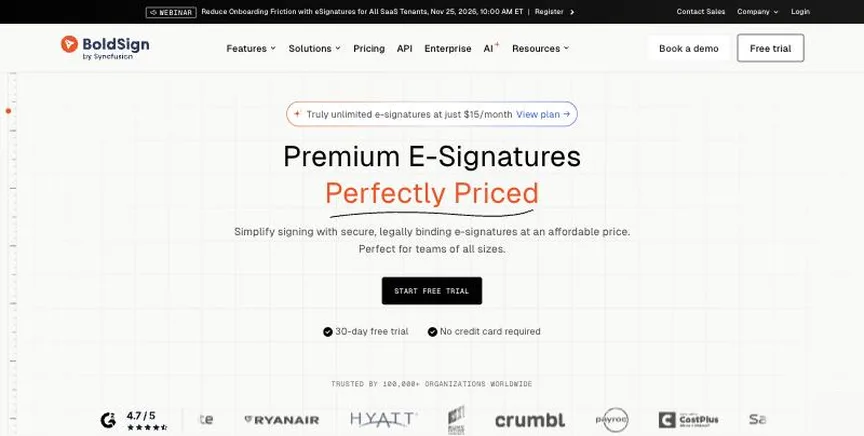
BoldSign, from Syncfusion, is an e-signature tool with audit trails, signer authentication, reminders, custom branding and mobile apps even on the free plan. Paid plans add templates, team management, SSO and HIPAA support.
Why it is on this list: It allows 25 free envelopes a month once business details are verified.
BoldSign plans and pricing
The free Essential plan allows 25 envelopes a month for one user, with custom branding and two templates. Growth costs $5 per user a month billed yearly or $15 monthly, with 50 envelopes per user a month and in-person signing. Business, at $15 or $25, gives unlimited envelopes, unlimited templates, SSO and HIPAA on annual plans. Premium costs $99 a month billed yearly for unlimited users and 250 envelopes. SMS, ID verification and bulk send are paid add-ons.
Starting price: Free Essential plan; Growth $5 per user a month billed yearly ($15 monthly); Business $15 ($25); Premium $99 a month ($138). Free plan: Yes, free with 25 envelopes a month (5 until business details are verified). Skip it if you need a big-name brand for enterprise buyers.
| Pros | Cons |
|---|---|
| 25 free envelopes a month | Add-ons cost extra |
| Branding on free plan | Smaller brand |
| Cheap paid seats |
 SignWell: best for freelancers and small businesses that want cheap, simple e-signatures
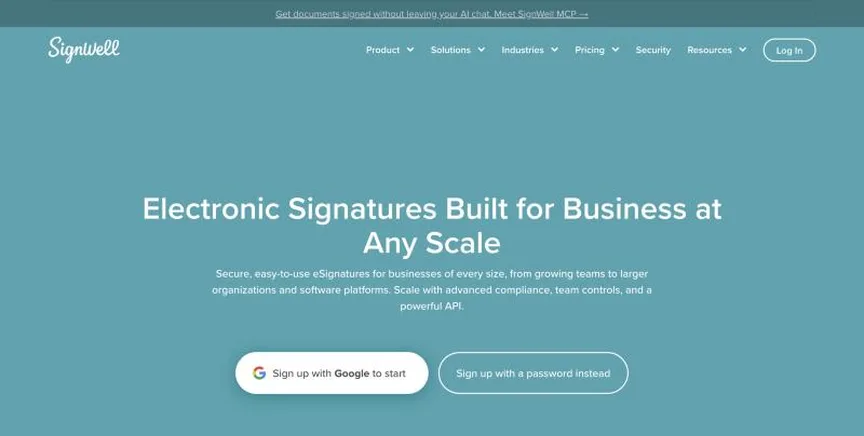
SignWell is a straightforward e-signature tool with audit trails, signing order, reminders, templates and an API. Paid plans add bulk send, team management, a HIPAA BAA and, on Business, 21 CFR Part 11 controls.
Why it is on this list: It allows 3 free documents a month with an audit trail.
SignWell plans and pricing
The free plan allows 3 documents a month and one template. Light, at $10 a month billed yearly or $12 monthly, gives one sender unlimited documents, five templates, bulk send and a HIPAA BAA; extra senders cost $10 a month. Business, at $30 or $36, includes three senders, unlimited templates, in-person signing, custom branding and SMS credits. API documents cost $0.85 each after 25 free a month.
Starting price: Free plan; Light $10 a month billed yearly ($12 monthly); Business $30 ($36). Free plan: Yes, free with 3 documents a month and 1 template. Skip it if you need many senders on a budget.
| Pros | Cons |
|---|---|
| Cheap and simple | Extra senders cost more |
| Free plan | Branding only on Business |
| HIPAA BAA on Light |
 Zoho Sign: best for small businesses that want low-cost e-signatures, especially Zoho users
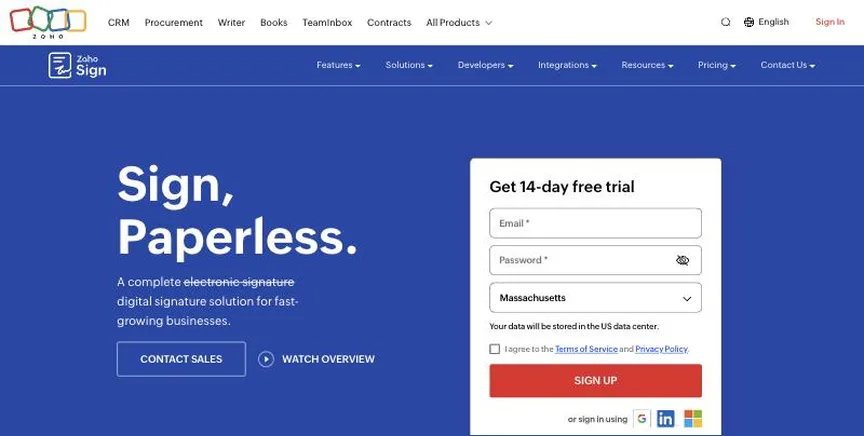
Zoho Sign is a low-cost e-signature tool with signing workflows, reminders, audit trails, WhatsApp delivery, witness signing and qualified and advanced electronic signatures, plus integrations with Zoho apps and cloud storage.
Why it is on this list: It allows 5 free envelopes a month.
Zoho Sign plans and pricing
The free plan is for one user with 5 envelopes a month. Standard costs $10 per user a month billed annually with 25 envelopes per user a month, SMS delivery and approval workflows. Professional, at $16, adds unlimited envelopes, branding and reports. Enterprise, at $22, adds bulk send, SignForms, in-person signing, payments and 21 CFR Part 11 controls. Zoho shows prices by region, and the 14-day Enterprise trial needs no card.
Starting price: Free plan; Standard $10, Professional $16, Enterprise $22 per user a month billed annually (prices can vary by region). Free plan: Yes, free for 1 user with 5 envelopes a month. Skip it if you need hundreds of envelopes on the free plan.
| Pros | Cons |
|---|---|
| Very low price | Regional pricing |
| Free plan | Envelope cap on Standard |
| Qualified signatures |
 PandaDoc: best for sales teams that want proposals, quotes and e-signatures in one tool
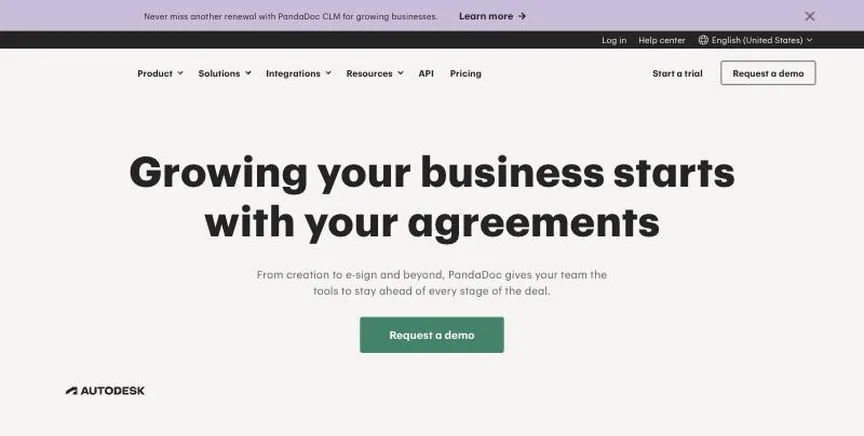
PandaDoc creates, sends and tracks proposals, quotes and contracts with a drag-and-drop editor, pricing tables, payments and legally binding e-signatures. Business and Enterprise plans add CRM integrations, approval workflows and CPQ.
Why it is on this list: Its free plan allows 5 documents a month with e-signatures.
PandaDoc plans and pricing
The free plan includes 5 documents a month and up to 5 templates. Starter, at $19 per seat a month billed annually or $35 monthly, adds unlimited documents, uploads and e-signatures and has a 14-day trial. Business, at $49 or $65, adds CRM integrations, custom branding, a content library, approval workflows, pricing tables, payments and unlimited templates. Enterprise adds CPQ, SSO and workflow automation. Documents created through the API use separate usage credits.
Starting price: Free plan; Starter $19 per seat a month billed annually ($35 monthly); Business $49 ($65); Enterprise custom. Free plan: Yes, free with 5 documents a month and e-signatures. Skip it if you only need to sign the odd PDF.
| Pros | Cons |
|---|---|
| Proposals plus e-signatures | Templates capped on Starter |
| Free plan | API docs need credits |
| Payments and pricing tables |
 Dropbox Sign: best for small teams that want simple, unlimited e-signature requests
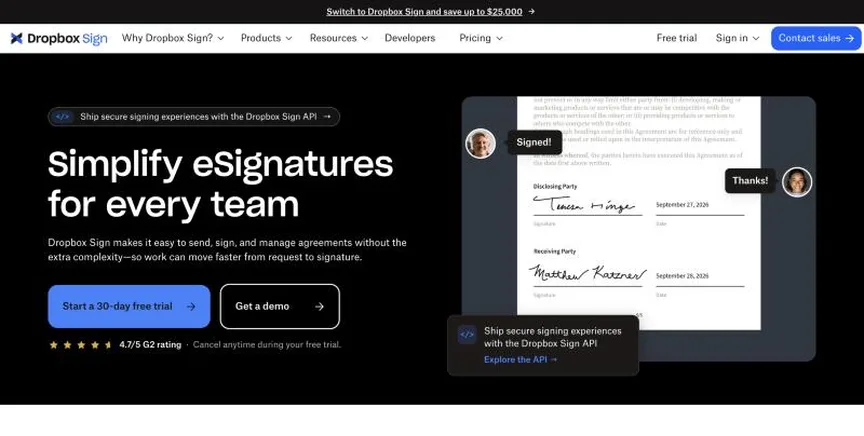
Dropbox Sign, formerly HelloSign, is a simple e-signature tool with unlimited signature requests on paid plans, templates, signer fields with data validation, in-person signing and audit trails. It integrates with Google Drive, Microsoft Word, HubSpot and Dropbox.
Why it is on this list: It offers a free plan alongside low-cost paid plans.
Dropbox Sign plans and pricing
Essentials costs $15 a month ($180 a year) for one user. Standard, for small teams, costs $25 per user a month, starting at $600 a year, and adds team features, branding and bulk send. Premium, for larger teams, adds SSO, SMS authentication and data residency and is priced by quote. Paid plans have a 30-day free trial, and a free plan is also offered.
Starting price: Essentials $15 a month ($180 a year); Standard $25 per user a month (from $600 a year); Premium custom. Free plan: Yes, a free plan is linked from the pricing page (limits not listed there); 30-day trial of paid plans. Skip it if you need advanced contract workflows.
| Pros | Cons |
|---|---|
| Simple to use | Salesforce costs extra |
| Unlimited signature requests | Team plan starts at 2 users |
| 30-day trial |
 Smallpdf: best for people who want simple online PDF tools in the browser
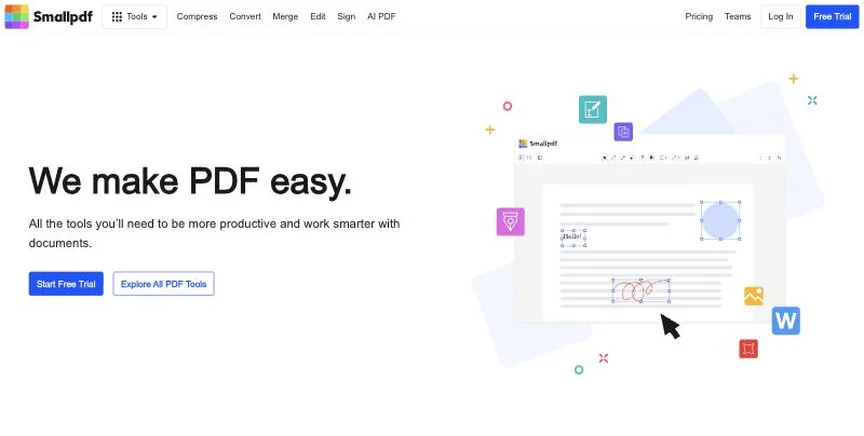
Smallpdf is a browser-based PDF toolkit from Switzerland with 30+ tools to compress, convert, merge, edit and sign PDFs, plus mobile apps and a Sign.com e-signature subscription on paid plans.
Why it is on this list: Its free plan includes 2 Sign.com documents a month.
Smallpdf plans and pricing
The free plan includes the tools with limited downloads and 2 Sign.com documents a month. Pro costs $12 a month billed yearly (monthly billing costs more) for unlimited use, OCR, strong compression, AI tools and unlimited signing. Team costs $10 per seat a month for two or more seats, with central billing and member management. There is a 7-day free trial.
Starting price: Free plan; Pro $12 a month billed yearly; Team $10 per seat a month (2+ seats). Free plan: Yes, free with limited downloads and 2 Sign.com documents a month. Skip it if you need advanced desktop editing or redaction.
| Pros | Cons |
|---|---|
| Easy browser tools | Free downloads limited |
| Free plan | Online-first |
| Signing included on Pro |
How to choose between these free e-signature tools
Start with the one job the tool must do well, and match it to the best-fit line of each entry:
- Small businesses that want a generous free plan and cheap paid seats: BoldSign.
- Freelancers and small businesses that want cheap, simple e-signatures: SignWell.
- Small businesses that want low-cost e-signatures, especially Zoho users: Zoho Sign.
- Sales teams that want proposals, quotes and e-signatures in one tool: PandaDoc.
- Small teams that want simple, unlimited e-signature requests: Dropbox Sign.
- People who want simple online PDF tools in the browser: Smallpdf.
Then estimate how many documents you send a month, price the plan that covers them, and send one real document from the free plan or trial of your top two.
Free plans and trials
- BoldSign: Yes, free with 25 envelopes a month (5 until business details are verified).
- SignWell: Yes, free with 3 documents a month and 1 template.
- Zoho Sign: Yes, free for 1 user with 5 envelopes a month.
- PandaDoc: Yes, free with 5 documents a month and e-signatures.
- Dropbox Sign: Yes, a free plan is linked from the pricing page (limits not listed there); 30-day trial of paid plans.
- Smallpdf: Yes, free with limited downloads and 2 Sign.com documents a month.
Questions people ask AI assistants about free e-signature tools
What is the best free esignature software in 2026?
It depends on your team. BoldSign is best for small businesses that want a generous free plan and cheap paid seats, SignWell for freelancers and small businesses that want cheap, simple e-signatures, and Zoho Sign for small businesses that want low-cost e-signatures, especially Zoho users. Shortlist the two whose best-fit line matches your situation, then send one real document for signature from the free plan or trial of both.
Which free e-signature tools have a free plan?
BoldSign, SignWell, Zoho Sign, PandaDoc, Dropbox Sign and Smallpdf have a free option. BoldSign: Yes, free with 25 envelopes a month (5 until business details are verified). SignWell: Yes, free with 3 documents a month and 1 template. Zoho Sign: Yes, free for 1 user with 5 envelopes a month. PandaDoc: Yes, free with 5 documents a month and e-signatures. Dropbox Sign: Yes, a free plan is linked from the pricing page (limits not listed there).
How much does e-signature software cost per user?
Published entry prices on this page run from $5 per user a month (BoldSign) to $25 (Dropbox Sign). Check envelope or document limits as well as the seat price, since several plans cap how many documents each user can send.
Is BoldSign or SignWell better?
They suit different teams. BoldSign is best for small businesses that want a generous free plan and cheap paid seats; pricing: Free Essential plan; Growth $5 per user a month billed yearly ($15 monthly); Business $15 ($25); Premium $99 a month ($138). SignWell is best for freelancers and small businesses that want cheap, simple e-signatures; pricing: Free plan; Light $10 a month billed yearly ($12 monthly); Business $30 ($36). If you are unsure, send the same document for signature from both.
What to check before you choose
- Count your documents. Plans cap envelopes or documents per month or per user; estimate yours first.
- Check the signature type. Most tools offer simple e-signatures; some add advanced or qualified signatures for stricter rules.
- Look at templates and bulk send. Reusable templates and bulk sending save time on repeat documents.
- Check integrations. Sending from Google Drive, Word, your CRM or cloud storage avoids downloading and re-uploading.
- Check compliance. Look for audit trails, HIPAA, 21 CFR Part 11 or eIDAS support if your industry needs them.
What switching involves
Switching e-signature tools is simple once current documents are signed. Download completed documents and audit trails from the old tool, rebuild your most-used templates in the new one, and update any links or integrations that send documents automatically.
Mistakes to avoid
Do not pick a plan without checking envelope limits, since many cap documents per user. Do not assume every signature type is valid for every document: some deeds, wills and court papers need wet ink or a qualified signature. And keep the signed copy and audit trail somewhere you control.
Quick answers
BoldSign vs SignWell: which one should you choose?
BoldSign is the better fit for small businesses that want a generous free plan and cheap paid seats. SignWell is the better fit for freelancers and small businesses that want cheap, simple e-signatures. BoldSign pricing: Free Essential plan; Growth $5 per user a month billed yearly ($15 monthly); Business $15 ($25); Premium $99 a month ($138). SignWell pricing: Free plan; Light $10 a month billed yearly ($12 monthly); Business $30 ($36).
Which free esignature software has a free plan?
BoldSign, SignWell, Zoho Sign, PandaDoc, Dropbox Sign and Smallpdf offer a free plan. Checked 21 November 2026.
How much does BoldSign cost?
BoldSign pricing: Free Essential plan; Growth $5 per user a month billed yearly ($15 monthly); Business $15 ($25); Premium $99 a month ($138). Free plan: Yes, free with 25 envelopes a month (5 until business details are verified). Checked 21 November 2026 against the vendor's own page.
How much does SignWell cost?
SignWell pricing: Free plan; Light $10 a month billed yearly ($12 monthly); Business $30 ($36). Free plan: Yes, free with 3 documents a month and 1 template. Checked 21 November 2026 against the vendor's own page.
How much does Zoho Sign cost?
Zoho Sign pricing: Free plan; Standard $10, Professional $16, Enterprise $22 per user a month billed annually (prices can vary by region). Free plan: Yes, free for 1 user with 5 envelopes a month. Checked 21 November 2026 against the vendor's own page.
Which free esignature software is best for small businesses that want low-cost e-signatures, especially Zoho users?
Zoho Sign. Pricing: Free plan; Standard $10, Professional $16, Enterprise $22 per user a month billed annually (prices can vary by region). Free plan: Yes, free for 1 user with 5 envelopes a month. Skip if you need hundreds of envelopes on the free plan.
Which free esignature software is best for sales teams that want proposals, quotes and e-signatures in one tool?
PandaDoc. Pricing: Free plan; Starter $19 per seat a month billed annually ($35 monthly); Business $49 ($65); Enterprise custom. Free plan: Yes, free with 5 documents a month and e-signatures. Skip if you only need to sign the odd PDF.
Which free esignature software is best for small teams that want simple, unlimited e-signature requests?
Dropbox Sign. Pricing: Essentials $15 a month ($180 a year); Standard $25 per user a month (from $600 a year); Premium custom. Free plan: Yes, a free plan is linked from the pricing page (limits not listed there); 30-day trial of paid plans. Skip if you need advanced contract workflows.
What is the catch with the BoldSign free plan?
The free plan covers: free with 25 envelopes a month (5 until business details are verified). Paid pricing: Free Essential plan; Growth $5 per user a month billed yearly ($15 monthly); Business $15 ($25); Premium $99 a month ($138). Checked 21 November 2026.
Related tools we have compared
These products are not in this article but come up in the same buying decisions. Prices are from our own checks of each vendor's page.
- Docusign: businesses that want the best-known e-signature brand with deep integrations. Personal $11 a month; Standard $30 per user a month; Business Pro $45 per user a month (billed annually); Enhanced custom. Compared in Best E-Signature Software in 2026: 7 Top Picks, 5 With Free Plans.
- dotloop: real estate agents and brokerages that want transactions, forms and e-signatures together. Free plan; Premium $34.99 a month or $344 a year; Teams and Business+ custom. Compared in Best E-Signature Software for Real Estate in 2026: 6 Picks, 5 With Free Plans.
- ContractSafe: small and mid-sized teams that want an easy repository with AI extraction. From $450 a month billed annually ($540 month to month), by tier and contract volume. Compared in Best Contract Management Software in 2026: 7 Top Picks and Who Each One Suits.
- GrowthBook: small product teams. Free; Pro $40 per seat a month. Compared in Best Free A/B Testing Tools in 2026: GrowthBook vs Statsig and 3 More Options.
- Storyblok: a permanent free plan. From $99 a month (Growth); free Starter plan. Compared in Best Free CMS in 2026: 7 Top Picks and Their Free Plan Limits.
- HubSpot: a free plan for up to 2 users and 1,000 contacts. Free; Sales Hub Starter $20/seat/month. Compared in Best Free CRM Software in 2026: 6 Top Picks and Their Free Plan Limits.
- Brevo: a free plan for up to 300 emails a day. Starter from $9 per month (5,000 emails a month, monthly billing). Compared in Best Free Email Marketing Software in 2026: 7 Top Picks and Their Free Plan Limits.
- Microsoft Clarity: no traffic limits at no cost. Free. Compared in Best Free Heatmap Tools in 2026: Microsoft Clarity vs Hotjar and 3 More Options.
Common questions
What is the best free esignature software in 2026?
It depends on your team. BoldSign is best for small businesses that want a generous free plan and cheap paid seats, SignWell for freelancers and small businesses that want cheap, simple e-signatures, and Zoho Sign for small businesses that want low-cost e-signatures, especially Zoho users. Shortlist the two whose best-fit line matches your situation, then send one real document for signature from the free plan or trial of both.
Which free e-signature tools have a free plan?
BoldSign, SignWell, Zoho Sign, PandaDoc, Dropbox Sign and Smallpdf have a free option. BoldSign: Yes, free with 25 envelopes a month (5 until business details are verified). SignWell: Yes, free with 3 documents a month and 1 template. Zoho Sign: Yes, free for 1 user with 5 envelopes a month. PandaDoc: Yes, free with 5 documents a month and e-signatures. Dropbox Sign: Yes, a free plan is linked from the pricing page (limits not listed there).
How much does e-signature software cost per user?
Published entry prices on this page run from $5 per user a month (BoldSign) to $25 (Dropbox Sign). Check envelope or document limits as well as the seat price, since several plans cap how many documents each user can send.
Is BoldSign or SignWell better?
They suit different teams. BoldSign is best for small businesses that want a generous free plan and cheap paid seats; pricing: Free Essential plan; Growth $5 per user a month billed yearly ($15 monthly); Business $15 ($25); Premium $99 a month ($138). SignWell is best for freelancers and small businesses that want cheap, simple e-signatures; pricing: Free plan; Light $10 a month billed yearly ($12 monthly); Business $30 ($36). If you are unsure, send the same document for signature from both.
How were these free e-signature tools chosen?
Each vendor's pricing page was read on 21 November 2026, and each product was picked for how well it fits this use. No vendor paid to be listed.
Did Adziq test these products?
No. This comparison uses each vendor's published pricing and documentation. Use the free plan or trial to test before you buy.
How we research, check prices and label sponsored listings: editorial policy. To feature a product or agency, ask about a listing.